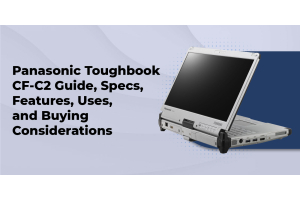
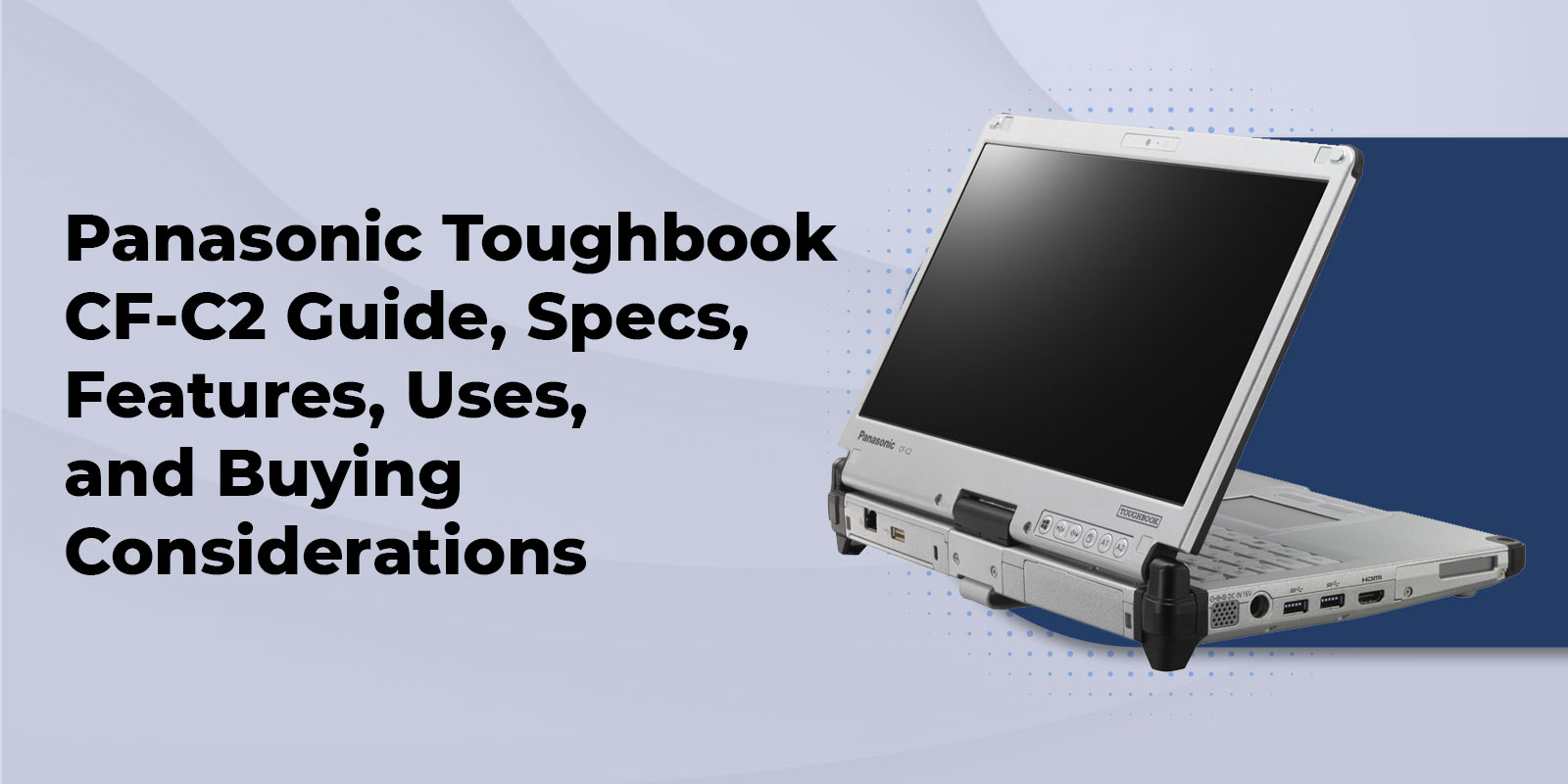
Panasonic Toughbook CF-C2 Guide, Specs, Features, Uses, and Buying Considerations
What Is the Panasonic Toughbook CF-C2?
The Panasonic Toughbook CF-C2 is a semi-rugged convertible tablet PC. Panasonic launched it in late 2012 as one of its most durable business convertibles, aimed at field engineers, healthcare workers, and sales teams who needed more than one way to enter data. Panasonic later announced end of life for the line in October 2016, according to the Toughbook overview on Wikipedia.
Semi-rugged sits in the middle of the durability range. It is tougher than a standard business laptop, with a magnesium alloy chassis and certified drop protection, but it is not sealed against dust and water the way a fully rugged machine is. Our breakdown of semi-rugged vs fully rugged laptops shows where that line falls, and our explanation of what military grade actually means helps you read any durability claim with confidence.
Panasonic Toughbook CF-C2 Specs
The table below reflects the configurations on our refurbished listing. Exact specs vary by mark, so confirm your build before you order.
|
Spec |
Panasonic Toughbook CF-C2 |
|
Display |
12.5 inch HD (1366 x 768) IPS, 500 nits, direct bonded, 5 point multi touch |
|
Digitizer |
Included on Mk2 models |
|
Processor |
Intel Core i5 3427U (Mk1), i5 4300U (Mk2), i5 4310U on later builds |
|
Memory |
4GB DDR3L standard, 8GB upgrade available |
|
Storage |
256GB SSD configurations, upgrades to 512GB or 1TB |
|
Operating System |
Windows 10 Pro or Windows 7 Professional |
|
Battery |
Up to 11 hours standard, 15 hour long life battery available, hot swap bridge battery |
|
Weight |
As little as 3.6 pounds |
|
Drop Rating |
2.5 foot drop certification |
|
Wireless |
Wi-Fi 802.11 a/b/g/n, Bluetooth, optional 4G LTE with GPS |
|
Ports |
2 USB 3.0, 1 USB 2.0, HDMI, Gigabit Ethernet, ExpressCard 34, SDXC, RS232 serial (upgradable) |
|
Camera |
720p webcam with microphone |
|
Warranty |
180 day warranty included |
The marks matter more than most buyers expect. The Mk1 is a touch model with the Core i5 3427U. The Mk2 steps up to the Core i5 4300U and adds the digitizer, which is the one you want if your crew signs forms or sketches with a stylus. Our listing also includes operating instructions and spec sheets for each mark, so your IT team can check details before deployment.
CF-C2 Features That Matter in the Field
Triple Hinge Design
Convertible laptops tend to fail where the screen twists. The triple hinge design on the CF-C2 takes on the part of a convertible most likely to fail, the screen rotation point, and it keeps the motion smooth when you flip between laptop and tablet mode all day.
Hot Swap Bridge Battery
The CF-C2 includes a bridge battery that keeps the system alive while you swap the main pack. Your session, your open forms, and your connection stay put. If you run long shifts, pair it with a spare. Our listing offers a standard 11 hour battery and a long life 15 hour battery as add ons.
Bright IPS Touch Display With Digitizer
A 500 nit IPS display with direct bonding gives you wide viewing angles and a lighter build. The 5 point capacitive touchscreen handles quick taps and gestures, and Mk2 models add digitizer input for precise stylus work such as signatures, markups, and inspection sketches.
Hand Strap and Field Ready Options
An ergonomic hand strap lets you hold the CF-C2 in any orientation without worrying about a slip. Integrated options include a SmartCard reader, NFC, a 3MP rear camera, and a serial port, so the same device can handle ID checks, photo documentation, and connections to older equipment.
Who Uses the Toughbook CF-C2
- Field inspectors and engineers use tablet mode for walk around assessments and switch to laptop mode to finish reports. Our roundup of the best rugged laptops for construction workers shows how this kind of work breaks down by role.
- Healthcare and clinic staff rely on the light weight, the hand strap, and the touchscreen for rounds and charting.
- Sales and service teams carry one device that handles presentations, signatures, and order entry.
- Diagnostic and workshop technicians value the serial port and the ability to connect to legacy equipment that newer laptops no longer support.
If you are still deciding between a laptop and a tablet-style device, our comparison of rugged laptop vs rugged tablet covers that fork in the road.
Where the CF-C2 Reaches Its Limits
We would rather tell you now than hear about it after a deployment. The CF-C2 is a strong semi-rugged tool, and it has boundaries.
- It is not fully sealed. A 2.5 foot drop rating and semi-rugged protection suit office to field work. Crews who spend all day in rain, mud, or heavy dust should look at a fully rugged model. Our guide to IP65 laptops explains what that higher rating protects against.
- It runs older software environments. The CF-C2 is built for Windows 10 Pro or Windows 7 Professional, and its processors do not meet the official hardware requirements for Windows 11. If your software requires Windows 11, a current model is the better match.
- It is a refurbished purchase. Panasonic ended production, so you are choosing among tested units rather than factory new stock.
CF-C2 Buying Considerations
Pick the Right Mark
Choose the Mk2 with the digitizer if stylus input matters. Choose the Mk1 if you only need touch and want to keep the budget tight.
Understand Refurbished Grades
A refurbished Toughbook only makes sense when someone tests it, grades it, and stands behind it with a warranty. Our listing offers Grade B and Grade A condition, with Grade A available for $50 more. Every unit includes a 180 day warranty, and you can extend coverage to one, two, or three years. Read our warranty information and returns policy before you order.
Choose Upgrades With Your Workload in Mind
- 8GB RAM for $49 gives multitasking room for forms, maps, and field apps.
- A 512GB or 1TB SSD for $89 or $129 adds fast, new storage for large files and offline data.
- 4G LTE with GPS for $59.99 keeps crews connected and locatable without a separate hotspot.
- A spare battery for $119.99 (11 hour) or $189.99 (15 hour) covers the longest shifts.
- Windows 10 Pro with updated drivers for $19.99 gets your unit ready for modern business software.
Prices on our site can change, so confirm the current figures on the CF-C2 product page or build your own setup in our Panasonic Configurator.
Accessories Worth Planning For
Buyers who stop at the laptop often call us a few weeks later about power and mounting. Plan for these early.
- Chargers and adapters. Our CF-C2 charger and adapter selection includes a 65W AC adaptor, and our Panasonic Toughbook charger guide helps you match the right one to your model.
- Stylus pens. Pick up a CF-C2 stylus for touch or digitizer models.
- Docking. A port replicator or office docking station turns the CF-C2 into a desk workstation.
- Screen protection and carry gear. A 12.5 inch protective film and an InfoCase Toughmate shoulder strap keep the display clean and the tablet easy to carry.
- Vehicle setups. Our mounts and docks cover trucks and service vans.
Browse the full Panasonic CF-C2 accessories catalog for batteries, hard drives, and replacement parts. If something ever needs attention, our Toughbook repair service is ready to help.
Other Toughbooks to Consider
The CF-C2 fits a specific job well. If your needs have grown, these Toughbooks may fit better.
- The Panasonic Toughbook CF-33 is a fully rugged 12 inch 2 in 1 built to MIL-STD-810H and IP65 standards, with 4 foot drop survival. It suits crews that need convertible flexibility with far more sealing.
- The Panasonic Toughbook FZ-55 is a current semi-rugged 14 inch laptop with modular xPAK expansion. Read our FZ-55 buying guide for specs and configurations.
- The Panasonic Toughbook 40 is a fully rugged option for all day outdoor exposure.
For a wider look at how to match a model to your environment, start with our rugged laptop buying guide, or watch for deals in our Special Buys section.
FAQs
1. Is the Panasonic Toughbook CF-C2 fully rugged or semi-rugged?
The CF-C2 is semi-rugged. It has a magnesium alloy build and a 2.5 foot drop certification, but it is not sealed like a fully rugged Toughbook.
2. How long does the CF-C2 battery last?
Our listing shows up to 11 hours on the standard battery and 15 hours on the long life option. The bridge battery lets you swap packs without powering down.
3. Is the CF-C2 still made?
No. Panasonic announced end of life for the CF-C2 in October 2016, so we carry certified refurbished units backed by our 180 day warranty.
4. What is the difference between the CF-C2 Mk1 and Mk2?
The Mk1 is a touch model with a Core i5 3427U. The Mk2 uses a Core i5 4300U and adds a digitizer for stylus input.
5. Which Windows versions work on the CF-C2?
Our configurations offer Windows 10 Pro and Windows 7 Professional. Teams that need Windows 11 should look at a newer Toughbook.
6. Can the CF-C2 connect over cellular?
Yes. You can add 4G LTE multi carrier broadband with GPS to your configuration for $59.99.
7. What charger does the CF-C2 use?
It uses a Panasonic 65W AC adaptor. Our charger guide explains compatible models in detail, and you can add a second adaptor or a 120 watt vehicle adapter to your order.
8. Do you offer warranty coverage on refurbished CF-C2 units?
Yes. Every unit includes a 180 day warranty, with one, two, and three year extensions available.
Get a CF-C2 Configured for Your Crew
The Panasonic Toughbook CF-C2 gives field teams a bright display, a tough hinge, and a battery that never makes them stop. For the right job, a refurbished unit delivers that at a price new gear rarely matches. Our specialists have configured Toughbooks for field teams for more than 25 years, and we are happy to match a CF-C2 to the software and shifts your people actually run.
Shop the refurbished Panasonic CF-C2, browse our full range of refurbished Panasonic Toughbooks, or compare current new Toughbooks. Need volume pricing or a second opinion on configuration? Request a quote, check our frequently asked questions, or call to talk with a rugged laptop specialist.