Rugged Laptop vs Rugged Tablet- Which Should You Choose?
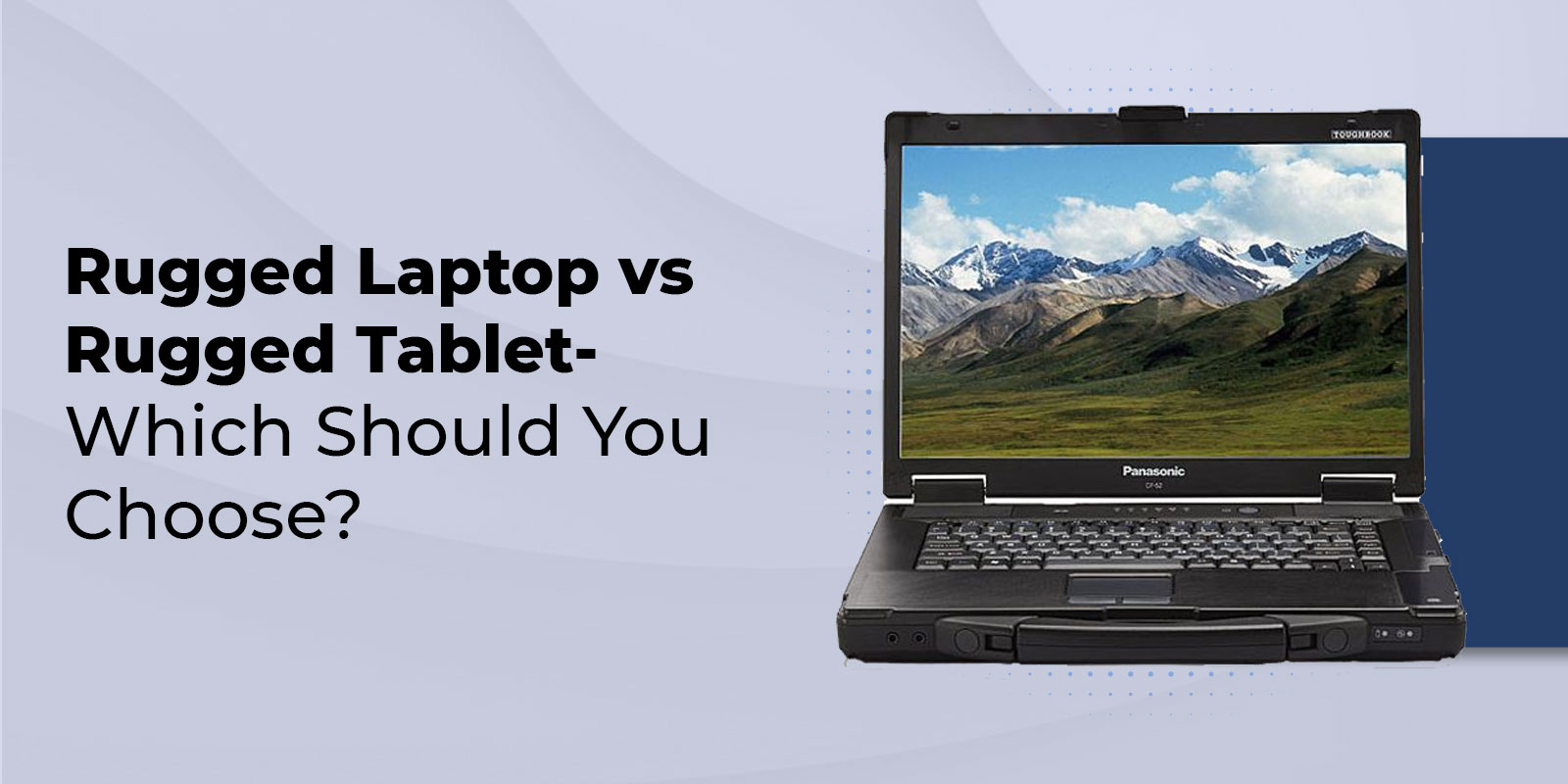
Rugged Laptop vs Rugged Tablet: Which Should You Choose?
For outdoor and vehicle-based use, a rugged laptop is the better choice when your team is primarily mounted in a vehicle, requires a physical keyboard for extended data entry, or depends on legacy I/O ports for diagnostic or industrial software. A rugged tablet is the better choice when professionals are constantly mobile on foot, need a built-in camera for photo documentation and barcode or RFID scanning, or where keeping weight under 2 pounds is operationally necessary. When your team genuinely needs both, a rugged 2-in-1 like the Toughbook CF-33 handles both roles without deploying two separate devices.
This guide covers every meaningful difference — weight, failure points, camera, I/O, OS, battery — with a job-role recommendation table mapping specific Panasonic Toughbook models to specific field professions. ToughRuggedLaptops.com has placed both form factors across law enforcement, EMS, construction, utilities, and military organizations since 1999. For a broader buying framework, start with our rugged laptop buying guide.
The global rugged electronics market was valued at USD 10.3 billion in 2023 and is projected to reach USD 14.8 billion by 2030 at a 5.3% CAGR, with the rugged tablet segment growing at 8.9% — faster than the laptop segment — reflecting expanding adoption of handheld rugged devices across industries that previously relied exclusively on laptop form factors.
What Makes a Device Rugged — Both Form Factors Qualify
A rugged device — whether laptop or tablet — must pass MIL-STD-810G or MIL-STD-810H testing across all 28 environmental test methods covering shock, vibration, altitude, humidity, temperature extremes, salt fog, and solar radiation. It must carry an IP rating for dust and water resistance: IP65 is standard on fully rugged Panasonic Toughbook laptops, while many fully rugged tablets reach IP65 to IP67. The higher IP rating on tablets is not accidental — fewer sealing challenges exist on a device without hinges, keyboard mechanisms, or cooling fan vents.
Both form factors also require a reinforced chassis (magnesium alloy on Panasonic Toughbooks), shock-mounted internal drives, chemically-hardened displays that resist cracks and scratches, and wide operating temperature ranges. For a detailed breakdown of what MIL-STD testing actually covers, read our MIL-STD-810 explained guide, and for what 'military grade' really certifies, see what military grade means on a laptop.
Rugged Laptop vs Rugged Tablet: Full Specification Comparison
This table compares the specifications that drive procurement decisions, using current Panasonic Toughbook models as reference points:
|
Specification |
Rugged Laptop |
Rugged Tablet |
|---|---|---|
|
Weight |
6–9 lbs fully rugged (CF-31: ~8.7 lbs) |
1–3 lbs fully rugged (FZ-G2: ~1.1 lbs) |
|
Form Factor |
Clamshell design — fixed keyboard |
Slate — touchscreen primary input |
|
Keyboard |
Built-in sealed keyboard always present |
Optional external / attachable |
|
Failure Points |
Hinge + keyboard mechanism + cooling fan |
Minimal — no hinges, fans, or keyboard mech. |
|
IP Rating |
IP65 (typical for fully rugged laptop) |
IP65–IP67 (often higher — fewer sealing gaps) |
|
MIL-STD |
Full 810G/H — all 28 test methods |
Full 810G/H — all 28 test methods |
|
Display |
12–14 inches typical |
8–12 inches typical |
|
Camera |
Low-res webcam / optional rear |
High-res rear camera — standard built-in |
|
Barcode/RFID |
External device required |
Built-in scanner option on most models |
|
I/O Ports |
Full suite: USB, HDMI, Ethernet, Serial |
USB-A, USB-C, Ethernet — serial rare |
|
Hot-Swap Battery |
Yes — all fully rugged Toughbook models |
Yes — all fully rugged Toughpad models |
|
Upgrade Paths |
RAM, storage, GPU options available |
Limited upgrade paths |
|
OS |
Windows (primary) — full desktop suite |
Windows or Android |
|
Vehicle Mount |
RAM No-Drill / docking station |
RAM Tab-Lock / tablet docking cradle |
|
TRL Models |
CF-31, Toughbook 40, FZ-55, CF-54 |
FZ-G2 | CF-33 (2-in-1 hybrid) |
Key Differences Explained
Weight and Portability — The Most Immediate Difference
The weight gap between a fully rugged laptop and a fully rugged tablet is substantial and operationally significant. The Panasonic Toughbook CF-31 — the most widely deployed fully rugged laptop in law enforcement — weighs approximately 8.7 pounds. The Panasonic FZ-G2 fully rugged tablet weighs approximately 1.1 pounds. A technician or officer carrying their device on foot for several hours registers that 7.6-pound difference immediately.
For vehicle installations — the police officer's cruiser, the utility technician's truck, the construction superintendent's site vehicle — the weight difference is largely irrelevant. The device sits in a RAM No-Drill mount or docking station, accessed from the driver's seat. In that context, the laptop's larger display, built-in keyboard, and expanded I/O ports deliver more operational value than the tablet's lighter weight. But for roles where the professional walks a factory floor, inspects infrastructure on foot, or responds to scenes away from a vehicle, a rugged tablet with a handstrap is meaningfully more practical than an 8-pound laptop.
Failure Points — Why Tablets Are More Mechanically Reliable
This is the most underserved comparison point in the industry. Rugged laptops have three mechanical components that rugged tablets do not, and all three are failure points in harsh field environments:
- Hinges: The mechanical hinge connecting the screen to the keyboard is the most common physical failure point on any laptop deployed in high-vibration environments. Sustained vehicle vibration, repeated open-close cycles, and impacts can fatigue or fracture a hinge over time. A broken hinge renders the laptop display unusable.
- Keyboard mechanism: The keyboard — despite sealing — is a complex mechanical assembly. Sustained exposure to vibration, shock, and field particulate accumulates stress on key mechanisms over years of use. A keyboard that fails eliminates the primary input method.
- Cooling fans: Laptops with active cooling draw ambient air through vents — along with any dust, moisture, or particulate present in the environment. Even on sealed models, fan systems require maintenance intervals. Fanless tablets eliminate this ingress path entirely.
Rugged tablets have no hinges, no keyboard mechanism, and most use passive cooling through the magnesium chassis rather than active fans. This mechanical simplicity is why tablets frequently achieve higher IP ratings than laptops, and why their field failure rates in sustained high-particulate environments tend to be lower over multi-year deployments. For roles where long-term field reliability is the primary TCO driver, the tablet's reduced moving-part count is a meaningful advantage.
I/O Ports — Laptop Advantage for Legacy Industrial Systems
Rugged laptops carry a full complement of physical connectivity: multiple USB-A, HDMI or DisplayPort, Ethernet, and serial (RS-232) ports on legacy models like the CF-31. This makes them the correct specification for any deployment requiring connection to SCADA systems, PLC programming via EtherNet/IP or Modbus TCP, HMI configuration, or diagnostic equipment that communicates over serial.
Rugged tablets have closed the port gap significantly. The FZ-G2 includes USB-A, USB-C, and Ethernet, and paired with a docking station, can function as a portable programming workstation for most modern industrial workflows. However, RS-232 serial connectivity remains rare on tablets — and for utilities or manufacturers running legacy diagnostic hardware that requires it, a laptop remains the only viable choice. Always confirm port requirements against your existing equipment before specifying a tablet for an industrial deployment.
For a deeper comparison of rugged categories and the I/O implications of semi-rugged vs fully rugged laptops, read our guide on semi-rugged vs fully rugged laptops.
Camera — The Tablet's Built-In Advantage for Field Documentation
Rugged tablets ship with high-resolution rear-facing cameras as standard — typically 8MP to 13MP. Rugged laptops include low-resolution front-facing webcams suitable for video calls, not field documentation. For any role where visual documentation is part of the workflow, a tablet eliminates the need for a separate device.
The FZ-G2's rear camera enables barcode scanning, QR code reading, RFID integration, equipment photo documentation, and site condition recording — all from a single device. In warehouse and logistics deployments, this consolidation is directly measurable: a worker can scan a shipment label, pull up inventory data, and update status in seconds using the tablet's built-in scanner, eliminating the separate handheld scanner device that laptops require for the same workflow.
Operating System and Software Compatibility
Most rugged laptops run Windows — providing full compatibility with enterprise desktop software, SCADA platforms, PLC and HMI configuration tools, CAD applications, and legacy diagnostic systems. This is the primary reason law enforcement and utilities continue to specify laptops over tablets: operational software requires Windows desktop compatibility and often full I/O port access.
Windows tablets like the FZ-G2 (Windows 11 Pro) eliminate most of this gap — the same software that runs on a Windows rugged laptop runs on a Windows rugged tablet. The practical differences are fewer physical ports and less processing headroom for simultaneously running multiple resource-intensive applications. Android tablets offer a broader modern app ecosystem for field-first workflows but are not compatible with legacy Windows enterprise software — confirm OS compatibility with your IT team before specifying an Android tablet for an enterprise deployment.
One advantage Android tablets carry is instant-on operation — no extended boot sequence when power is cycled. For emergency response scenarios where seconds matter when powering a device, this is a genuine operational consideration.
Battery Life — Both Are Strong, Context Determines the Better Fit
Rugged tablets generally deliver longer runtime per charge than rugged laptops at equivalent specifications — fewer internal components consume less power. The FZ-G2 delivers approximately 11 to 14 hours. The Toughbook 40 laptop, however, supports dual hot-swap batteries enabling up to 36 hours of continuous operation — far beyond any tablet's single-charge runtime.
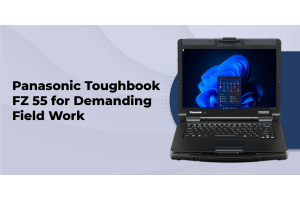
Both form factors in the fully rugged Toughbook and Toughpad lineup support hot-swap batteries — replacing a depleted battery without powering down the device. For shift-length deployments where downtime is unacceptable, hot-swap capability matters more than absolute runtime. The FZ-55 semi-rugged laptop adds a second battery via its modular expansion bay, providing extended runtime without a docking station.
|
Not sure which form factor fits your team's actual workflow? TRL specialists have configured Toughbook and Toughpad deployments for law enforcement, EMS, construction, utilities, and military organizations for 25+ years. Call 800-441-9165 for a free recommendation based on your deployment environment. |
Which Should You Choose? Recommendations by Job Role and Toughbook Model
Generic comparisons break down at the job-role level. The table below maps eight professional roles to the recommended form factor and the specific Panasonic Toughbook or Toughpad model that best fits each deployment. No competitor provides this level of model-to-role specificity — because most don't sell both form factors from the same brand:
|
Job Role |
Recommended |
Toughbook Model |
Key Reason |
|---|---|---|---|
|
Law Enforcement |
Laptop |
CF-31 / Toughbook 40 |
Vehicle-mounted, report writing, MDC, full shift with hot-swap |
|
EMS / Fire |
Tablet / 2-in-1 |
FZ-G2 / CF-33 |
Quick-release dock in vehicle, carried to patient, glove-touch |
|
Construction Super |
Laptop |
FZ-55 / CF-31 |
Site drawings, multi-app, vehicle-based, SCADA/diagnostic software |
|
Field Inspector |
Tablet / 2-in-1 |
CF-33 / FZ-G2 |
Handheld form entry, photo documentation, barcode/RFID scanning |
|
Military / Gov |
Laptop or 2-in-1 |
Toughbook 40 / CF-33 |
TAA compliance, MIL-STD-461G, mission-specific configuration |
|
Utility Technician |
Laptop |
CF-31 / FZ-55 |
Truck-based, diagnostic software, serial port, SCADA connectivity |
|
Warehouse/Logistics |
Tablet |
FZ-G2 |
Built-in RFID/barcode, lightweight, glove-touch, constant movement |
|
Healthcare |
Tablet / 2-in-1 |
CF-33 / FZ-G2 |
EHR access, disinfectant-resistant, patient-side portability |
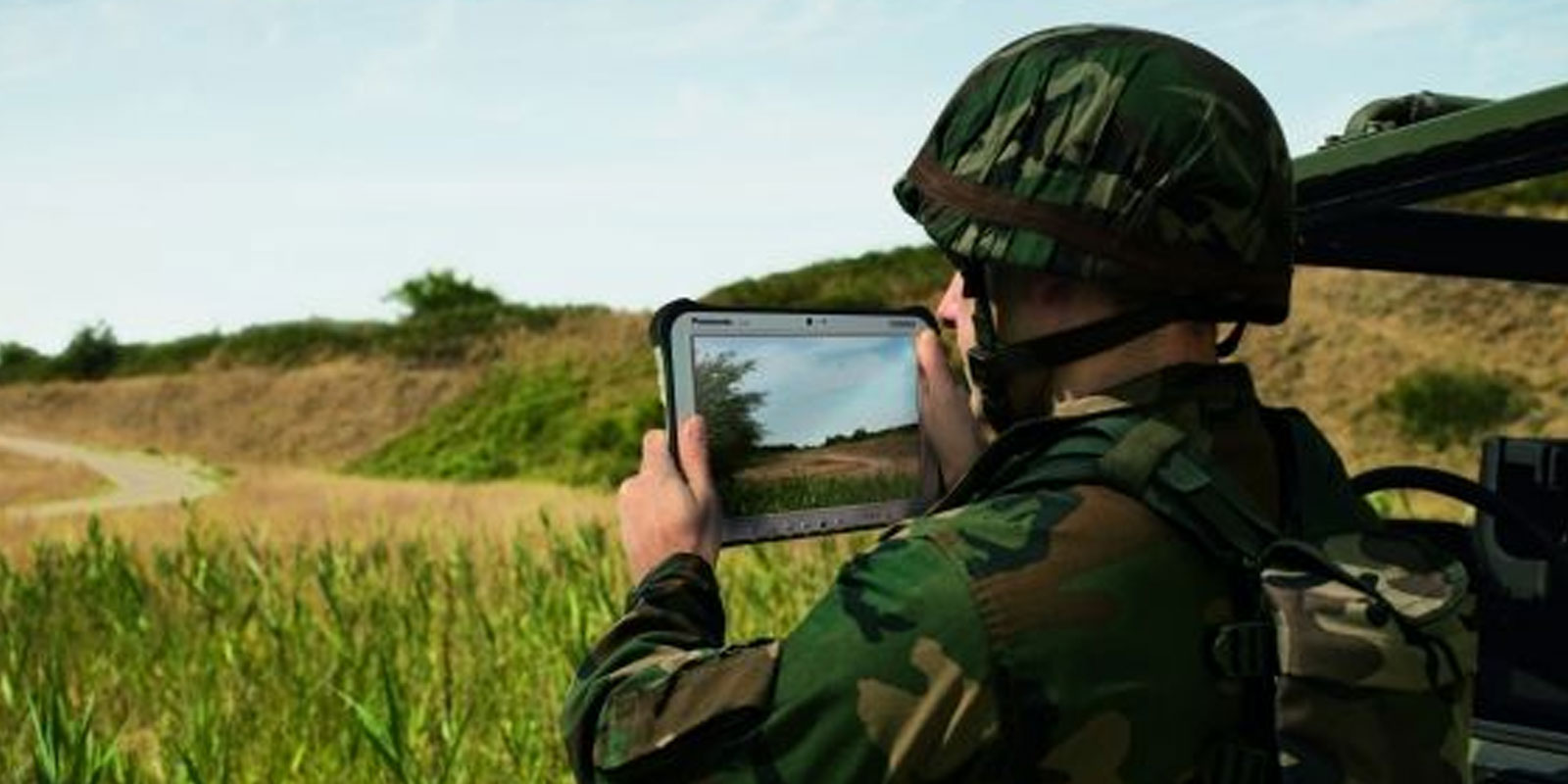
Browse product pages: CF-31 | Toughbook 40 | CF-33 (2-in-1) | FZ-G2 (tablet) | FZ-55 | vehicle mounts.
|
Configuring a fleet or department deployment? TRL works with procurement teams to configure complete Toughbook deployments — device, mount, docking station, and battery. Call 800-441-9165 or browse our new rugged laptop and tablet inventory. |
The Rugged 2-in-1: When Your Team Needs Both Form Factors
For teams whose workflow genuinely spans both environments — officers who use the device in a cruiser and carry it to a scene, EMS personnel who dock in the ambulance and detach at the patient, field engineers who review drawings in the vehicle and conduct handheld inspections on-site — a rugged 2-in-1 removes the need to choose.
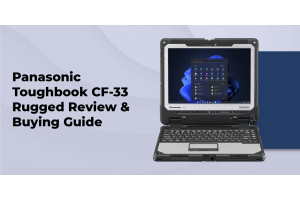
Panasonic Toughbook CF-33
The CF-33 is Panasonic's fully rugged 2-in-1 convertible. The 12-inch display detaches from the chiclet keyboard dock in a single motion, converting from a full Windows laptop to a standalone tablet. Both configurations maintain MIL-STD-810H and IP65 certification.
The CF-33 features a dual-battery design: one battery in the keyboard dock, one in the tablet itself. When used as a laptop with the keyboard attached, both batteries power the device in sequence, extending total runtime. When detached as a tablet, the tablet battery operates independently. The keyboard dock also adds I/O ports when functioning as a laptop — USB, Ethernet, and additional connectivity that the standalone tablet does not provide.
The CF-33 is deployed across EMS, fire apparatus, field inspection, and law enforcement roles where the same officer or technician moves between a vehicle-mounted and a handheld working posture multiple times per shift.
Panasonic FZ-G2 with Keyboard Accessory
The FZ-G2 is primarily a fully rugged tablet but supports optional keyboard accessories for roles where keyboard input is occasional rather than primary. At approximately 1.1 pounds, it is significantly lighter than the CF-33 — making it the preferred choice for roles where the tablet form factor is the daily driver and the keyboard is an occasional supplement. Commonly deployed in warehouse, logistics, and EMS roles. It is also compatible with vehicle mounting solutions for vehicle-based secondary use.
Five Questions to Make the Right Decision
Answer these in order. The correct form factor typically becomes clear by question three. For law enforcement and EMS procurement specifically, see our guide on why police departments choose rugged laptops and our overview of rugged laptops for field work.
- Is the device primarily vehicle-mounted or primarily carried on foot? Vehicle-mounted = laptop. Constant foot-mobile carry = tablet.
- Does workflow require extended keyboard input — reports, data entry, programming? Yes = laptop or 2-in-1. Touch entry sufficient = tablet.
- Does software require serial ports, SCADA, PLC, or HMI connectivity? Yes = laptop. Modern wireless-first workflows = Windows tablet is viable.
- Does role require high-resolution photo documentation, barcode scanning, or RFID? Yes = tablet strongly preferred. Camera is built-in; laptops require a separate scanning device.
- Does the team need one device for both vehicle and handheld roles? Yes = rugged 2-in-1 (CF-33). No = specify the primary form factor.
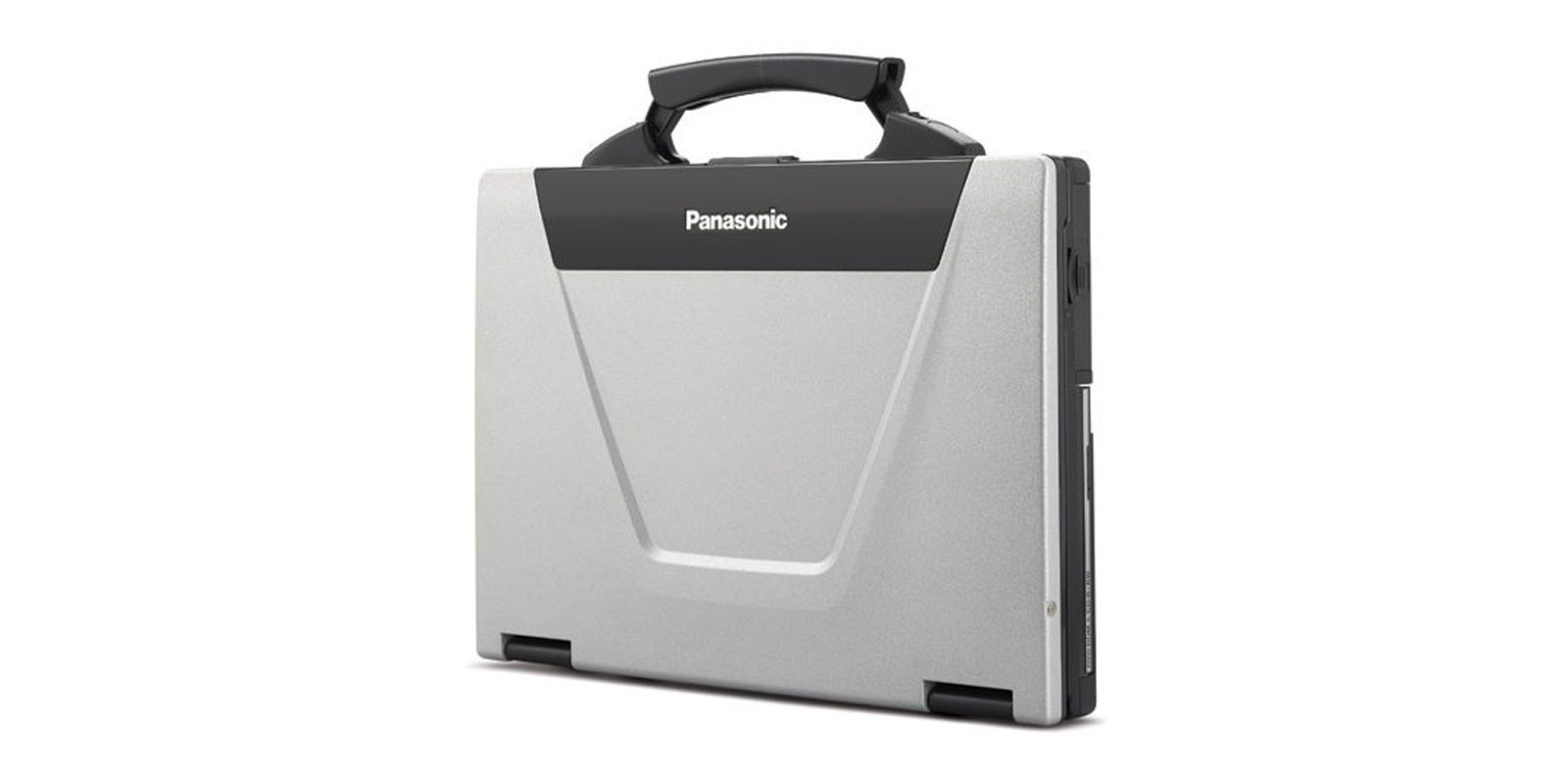
Total Cost of Ownership: How the Math Works Over Five Years
Rugged laptops typically cost more upfront than rugged tablets at equivalent specifications — the CF-31 versus the FZ-G2 is a representative comparison. The laptop provides more processing power, a larger display, more I/O ports, and greater upgrade paths for RAM, storage, and optional expansion modules. The tablet provides lighter weight, built-in camera, higher IP rating, and fewer mechanical failure points.
Over a five-year deployment horizon, TCO converges or reverses depending on repair history. Tablets with fewer mechanical failure points may accumulate lower repair costs in sustained high-vibration environments — fewer hinges to fatigue, no fan assemblies to service, no keyboard mechanisms to fail. Panasonic's own field data shows rugged notebooks deliver a 36% lower 5-year TCO than non-rugged alternatives — this advantage holds for both form factors versus consumer-grade devices. For detailed TCO analysis across rugged categories, read our semi-rugged vs fully rugged comparison.
Summary
Rugged laptops and rugged tablets solve different operational problems. Laptops are the correct specification for vehicle-mounted deployments, keyboard-intensive workflows, legacy I/O requirements, and complex multi-application processing. Tablets are the correct specification for constant foot-mobile use, built-in camera documentation, barcode and RFID scanning, and roles where weight is a primary constraint. For teams that genuinely need both, the CF-33 2-in-1 is the most efficient solution — one device, both form factors, full rugged certification in each configuration.
ToughRuggedLaptops.com has carried both Panasonic Toughbook laptops and Toughpad tablets since 1999. Browse our new rugged laptops and tablet options, or call 800-441-9165 to talk through which form factor and model fits your specific deployment environment.
|
ToughRuggedLaptops.com — Toughbook and Toughpad Specialists Since 1999 Same-day shipping on in-stock items. Lifetime technical support. Certified refurbished Toughbooks with full warranty. Call 800-441-9165 to configure a laptop, tablet, or 2-in-1 deployment for your organization. |
Frequently Asked Questions
1. Which is better for outdoor use — a rugged laptop or a rugged tablet?
It depends on how outdoor use is structured. Vehicle-mounted outdoor use favors a rugged laptop — larger screen, full keyboard, full I/O. Foot-mobile outdoor use favors a rugged tablet — 1 to 3 pounds, one-hand operation, built-in camera. If your team does both, a rugged 2-in-1 like the Toughbook CF-33 serves both environments without deploying two separate devices.
2. What makes a laptop rugged?
A rugged laptop must pass MIL-STD-810G or 810H testing across all 28 environmental test methods, carry an IP65 or higher rating, use a magnesium alloy chassis, include a sealed spill-resistant keyboard, shock-mounted internal drives, and a wide operating temperature range. Both rugged laptops and rugged tablets achieve the same certification levels — the difference is form factor, not durability standard. Read our full guide on MIL-STD-810 explained.
3. Is a rugged tablet as good as a rugged laptop?
For mobility, camera documentation, and barcode or RFID scanning, yes — a tablet is purpose-built for these tasks. For extended keyboard input, serial port connectivity, multi-application Windows workloads, and SCADA or PLC software, a rugged laptop has the edge. Windows tablets like the FZ-G2 (Windows 11 Pro) close the software gap substantially.
4. Does battery life last longer on a rugged tablet than a rugged laptop?
Generally yes — tablets power fewer internal components. The FZ-G2 delivers approximately 11 to 14 hours. However, the Toughbook 40 laptop supports up to 36 hours with dual hot-swap batteries. Both fully rugged Toughbook and Toughpad models support hot-swap, allowing continuous operation without shutdown.
5. Can rugged tablets run the same software as rugged laptops?
Windows tablets like the FZ-G2 (Windows 11 Pro) can run the same software as Windows rugged laptops — including SCADA interfaces, PLC configuration tools, HMI software, and diagnostic applications. Android tablets cannot run Windows-only software. Always confirm OS compatibility before specifying a tablet for a deployment requiring legacy enterprise or industrial automation software.
6. Do rugged tablets have USB ports?
Yes. The FZ-G2 includes USB-A and USB-C ports, and supports Ethernet via docking station. For serial (RS-232) connectivity to legacy industrial equipment, a rugged laptop remains the more reliable choice — serial ports are rare on tablets.
7. What is a rugged 2-in-1 laptop?
A rugged 2-in-1 functions as both a rugged laptop and a rugged tablet. The Toughbook CF-33 features a detachable chiclet keyboard that converts the 12-inch display into a standalone tablet in a single motion. Both configurations maintain MIL-STD-810H and IP65 certification. The CF-33 includes dual batteries — one in the keyboard dock, one in the tablet — providing extended runtime in both modes.
8. When should I choose a rugged laptop vs a rugged tablet?
Choose a rugged laptop when: the device is primarily vehicle-mounted, the role requires extended keyboard input, legacy serial or multi-port I/O is needed, or software requires full Windows desktop performance. Choose a rugged tablet when: the professional is constantly mobile on foot, the role requires photo documentation or barcode and RFID scanning, or weight is a primary constraint. Choose a rugged 2-in-1 when the same device must serve both vehicle-based and handheld field roles. For more on field-specific device requirements, read our guide on best rugged laptops for construction workers.