Panasonic Single Battery Charger: Compatibility, Features, and Buying Guide
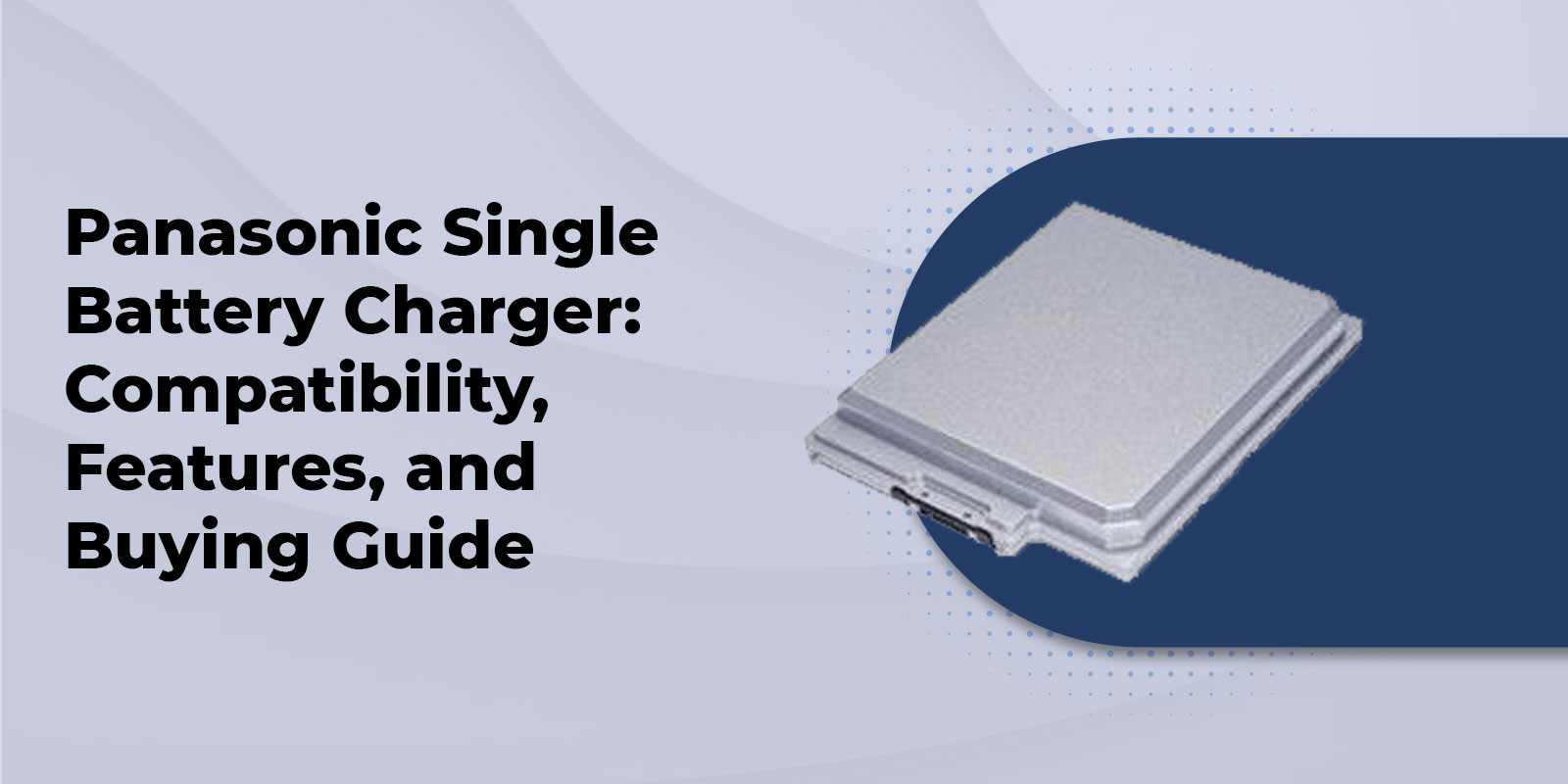
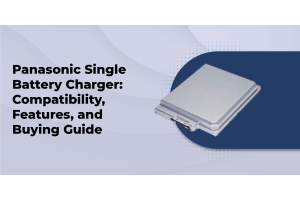
When your team relies on a Panasonic Toughbook throughout the workday, keeping a spare battery charged can help reduce interruptions. A Panasonic single battery charger lets you charge a compatible spare battery outside your device, so it's ready when you need it.
At Tough Rugged Laptops, we help you find accessories that match your equipment and working requirements. The most important step is checking compatibility. Not every Panasonic charger supports every Toughbook battery, even when the accessories look similar.
In this guide, we'll explain how to identify the right charger, what to check before ordering, and how to choose a charging setup that suits your team's routine.
You can start by browsing our FZ-G1 and FZ-G2 accessories or our complete Toughbook accessories catalog.
Key Highlights
- Charge a compatible spare battery outside your Toughbook.
- Check the battery and charger part numbers before ordering.
- Confirm whether the power adapter and cord are included.
- Consider a multi-bay charger if your team needs to charge several batteries.
- Contact Tough Rugged Laptops for help identifying compatible accessories.
What Is a Panasonic Single Battery Charger?
A Panasonic single battery charger is an external accessory designed to charge one compatible battery at a time. Instead of charging the battery inside your Toughbook, you can charge a spare separately while continuing to use your device with another battery, where supported.
This setup can be useful for field technicians, warehouse staff, maintenance teams, and other professionals who depend on their devices throughout the day.
Charging times, indicator lights, power requirements, and supported batteries vary by charger model. Always follow the instructions for the specific accessory you choose.
Who Can Benefit From a Single Battery Charger?
If your team uses Toughbooks throughout the day, an external battery charger can help you manage battery changes and equipment availability.
It may be useful for:
- Field technicians who need a charged spare between site visits.
- Maintenance teams that share equipment across shifts.
- Warehouse staff who use compatible Toughbooks away from a desk.
- IT teams managing multiple devices and spare batteries.
- Businesses that want a consistent battery-charging routine.
The right setup depends on how many batteries you use, how often you need to recharge them, and where charging takes place.
How to Check Panasonic Toughbook Charger Compatibility
Before ordering, we recommend checking these details to help you avoid choosing the wrong accessory.
Identify your Toughbook model.
Note the complete model number and generation. Accessories can differ between device revisions, so the family name alone may not be enough.
Check the battery part number.
Look at the label on your battery or consult your device documentation. Make sure the charger explicitly supports that battery.
Confirm the charger part number.
If the product listing doesn't provide a full accessory SKU, ask us to help verify it before ordering.
Check the power requirements.
Confirm whether the charger requires a separate AC adapter and power cord. Check the input requirements for your location.
Verify what's included.
Review the product listing to see whether it includes the charger alone or additional power accessories. Don't assume an adapter or cord is included unless stated.
Ask us if you're unsure.
If your exact battery or Toughbook model isn't listed, contact Tough Rugged Laptops with the model and battery part numbers. We'll help you identify the compatibility details you need to check.
For additional guidance, consult Panasonic's TOUGHBOOK manuals and support resources or review Panasonic's TOUGHBOOK accessories overview.
Single Battery Charger vs. Multi-Bay Charger
Not sure which charging setup your team needs? Start with the number of batteries you typically charge and how quickly you need them ready.
- Single battery charger: A practical option when you usually charge one spare battery at a time.
- Multi-bay charger: Worth considering when your team regularly rotates several batteries and needs to charge multiple compatible batteries in parallel.
For example, Panasonic lists the CF-VCB331M as a four-bay charger for the TOUGHBOOK 33 and specified compatible batteries. This is a model-specific example, not a claim that it works with FZ-G1, FZ-G2, or other Toughbook batteries.
Before choosing either option, verify the exact battery compatibility and charging requirements.
Other Toughbook Accessories to Consider
A battery charger is one part of keeping your equipment ready for work. Depending on your setup, these accessories may also be worth considering.
Replacement batteries: Keep a compatible spare ready while another battery charges. Always match the battery to your exact Toughbook model and generation.
AC adapters: Power your Toughbook directly using a compatible adapter. Remember that a computer power adapter isn't automatically interchangeable with an external battery charger.
Vehicle power adapters: If you work from a vehicle, a compatible vehicle adapter may help you power your device while on the move. Check model compatibility and power requirements.
Multi-bay chargers: If your team manages several spare batteries, a compatible multi-bay charger may simplify your charging routine.
Explore our Tough Rugged Laptops accessories catalog, FZ-55 accessories, or FZ-G1 and FZ-G2 accessories to review available options.
Safe Charging and Everyday Care
Proper charging habits help you look after your batteries and charging equipment.
- Use a charger confirmed as compatible with your battery.
- Check the battery, cable, and charger for visible damage before use.
- Keep charging equipment dry and use it within the conditions specified by the manufacturer.
- Place the charger on a stable, ventilated surface away from excessive heat.
- Follow the manufacturer's instructions for charging, storage, and handling.
- Stop using a battery if it becomes swollen, unusually hot, damaged, or emits an unusual odor, and follow the manufacturer's safety guidance.
Always follow the instructions supplied with your specific battery and charger.
FAQs
1. Is the Panasonic Single Battery Charger compatible with every Toughbook?
No. Compatibility depends on the charger part number, battery model, and Toughbook generation. Check these details before ordering to ensure the charger supports your battery.
2. Can I charge a spare battery outside my Toughbook?
Yes, provided you use an external charger designed for that battery. Check the charger's compatibility information before use.
3. Does the charger include an AC adapter?
That depends on the product listing. Check the included accessories or contact Tough Rugged Laptops to confirm whether you need to purchase an adapter or power cord separately.
4. How long does a single battery charger take to charge a battery?
Charging time depends on the battery's capacity and condition, as well as the charger's specifications. Refer to the documentation for your exact charger and battery for an appropriate estimate.
5. Should I choose a single or multi-bay battery charger?
Choose a single charger if you typically charge one spare battery at a time. If your team needs several batteries ready for shift changes, a compatible multi-bay charger may be more practical.
6. How can I find the right charger for my Toughbook?
Start with your Toughbook model number and battery part number. Browse our accessories catalog or contact our team for help checking the relevant compatibility details.
Keep Your Toughbook Ready for the Next Task
The right charging setup can help you manage spare batteries and prepare for busy shifts without unnecessary interruptions. Before choosing a Panasonic single battery charger, confirm the battery and charger part numbers, check the power requirements, and verify what's included.
At Tough Rugged Laptops, we want to help you find accessories that fit your equipment and everyday workflow.
Need help finding the right charger?
Start with our FZ-G1 and FZ-G2 accessories page or browse our complete accessories catalog.
Have your Toughbook model and battery part number ready when contacting us. This will help us narrow down the compatibility requirements and guide you toward a suitable option.
Visit Tough Rugged Laptops to explore our rugged computing equipment and accessories.