Panasonic Toughbook Charger Guide for Compatible Models, Specs & Where to Buy
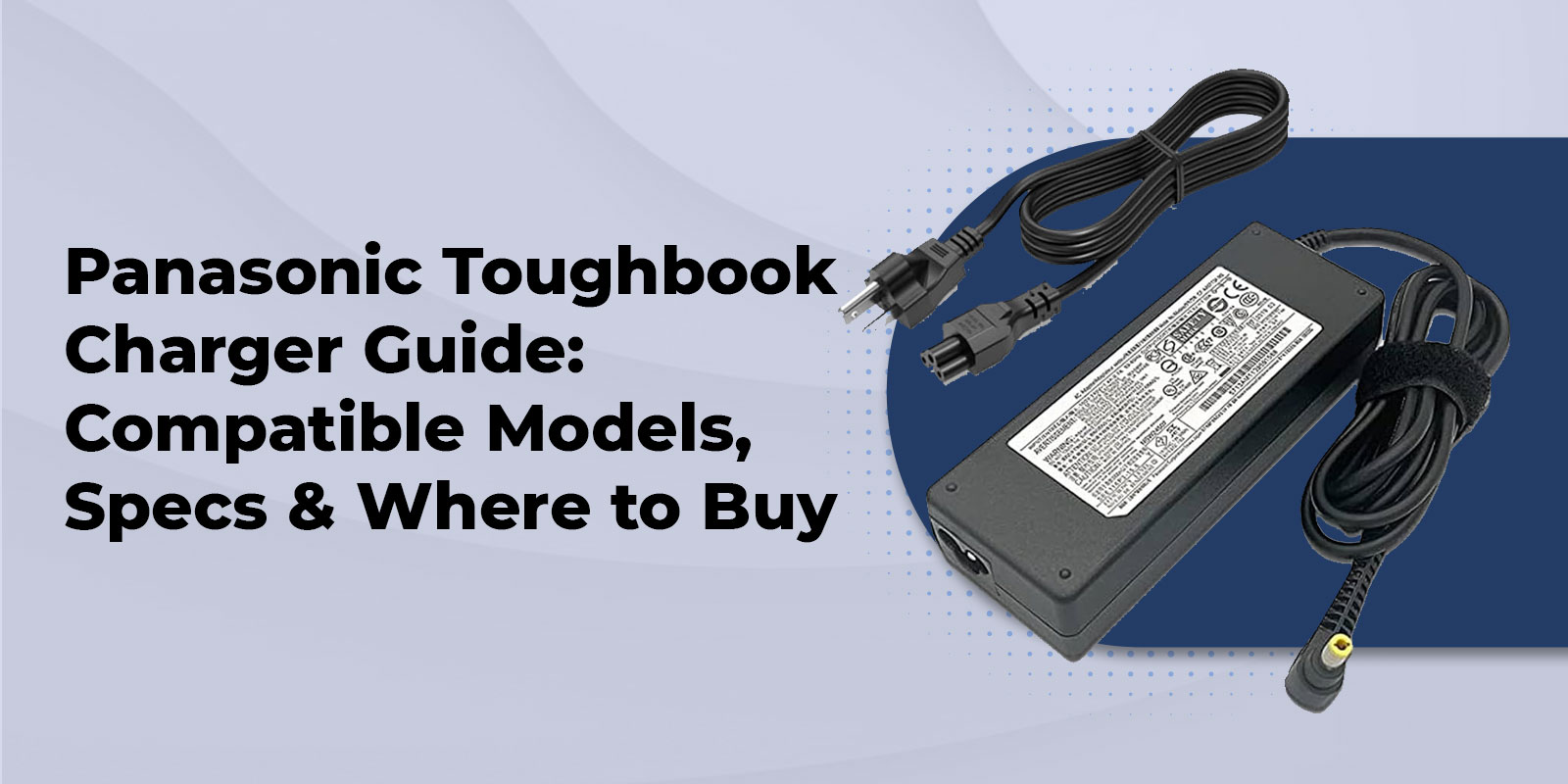
The right Panasonic Toughbook charger depends on the exact model and generation. Panasonic uses different AC adapters and mobile charging solutions across its Toughbook lineup, so you should match the computer to the adapter part number, output voltage, current and wattage before ordering. Vehicle and docking solutions also need to be matched to the specific system.
Key Highlights
- Panasonic lists the 110 watt CF AA5713A2M AC adapter for Toughbook 55, 40, 33 and G2 systems.
- Panasonic lists the 110 watt CF AA5713A4M for newer generations including Toughbook 55 Mk3, 40 Mk2 and Mk3, 33 Mk4 and G2 Mk3.
- The 120 watt LIND vehicle adapter is listed by Panasonic for Toughbook 55, 54, 40, 33, 31 and G2.
- A USB C port should not be treated as proof that USB C Power Delivery can replace the standard AC adapter.
- TAA status should be checked for the exact charger SKU when government procurement requirements apply.
- MIL STD and IP claims for the Toughbook chassis should not automatically be applied to an external charger.
Panasonic Toughbook Charger Types Explained
AC Power Adapters
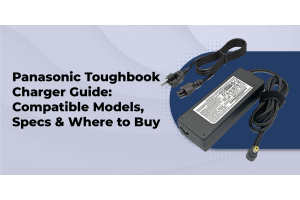
An AC adapter is the standard wall power solution for a Toughbook. The adapter converts household AC power into the DC power the computer is designed to accept. The correct adapter is determined by the Toughbook model and generation, not simply by the fact that the plug fits.
Panasonic lists the CF AA5713A2M 110 watt AC adapter with 100V to 240V AC input and 15.6V DC output at 7.05A. Panasonic identifies it as compatible with Toughbook 55, 40, 33 and G2.
Vehicle and DC Chargers
If your Toughbook spends most of its time in a patrol car, service truck, utility vehicle or fleet vehicle, a dedicated DC power adapter can provide a better fit than relying on an AC inverter. Panasonic lists the 120 watt LIND CF LNDDC120 vehicle adapter for Toughbook 55, 54, 40, 33, 31 and G2.
Pair vehicle power with a properly fitted vehicle mount or dock when the Toughbook is used as a fixed in vehicle workstation.
Docking Station Charging
A docking station can combine charging with access to displays, Ethernet, USB peripherals and other equipment. Panasonic's Toughbook 40 accessory guide lists a desktop dock with USB A, USB C, HDMI, serial and LAN connections. Vehicle docks are also available with optional power supplies.
See the Toughbook 40 accessories and configuration options when planning a desk or vehicle deployment.
Which Charger Fits Which Toughbook Model
Use this table as a purchasing starting point, not as a substitute for checking the exact model and generation. Panasonic has changed adapter part numbers as Toughbook generations have changed. Where Panasonic documentation does not provide a single current part number for every generation, the table deliberately avoids guessing.
|
Toughbook model |
Charging solution |
Power |
Connector information |
Verification note |
|
CF 31 |
AC adapter or 120 watt vehicle adapter |
100 watt AC option listed by TRL |
Model specific DC connector |
Verify the exact CF 31 generation and adapter part number |
|
CF 33 |
Panasonic AC adapter or vehicle adapter |
110 watt CF AA5713A2M |
Model specific DC connector |
Panasonic lists CF AA5713A2M for Toughbook 33 |
|
CF 54 |
AC adapter or 120 watt vehicle adapter |
100 watt AC option listed by TRL |
Model specific DC connector |
Verify the exact CF 54 generation and adapter part number |
|
FZ 55 |
Panasonic AC adapter or vehicle adapter |
110 watt CF AA5713A2M for applicable generations |
Model specific DC connector |
Newer generations require generation specific verification |
|
FZ G2 |
Panasonic AC adapter or vehicle adapter |
110 watt CF AA5713A2M for applicable generation |
Model specific DC connector |
Check the exact G2 Mark generation before ordering |
|
Toughbook 40 |
Panasonic AC adapter or vehicle adapter |
110 watt CF AA5713A2M for Mk1 |
Model specific DC connector |
Newer Marks use generation specific adapter documentation |
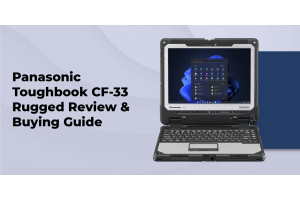
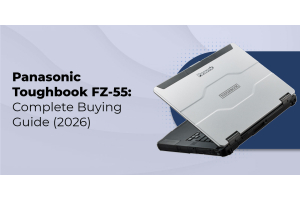
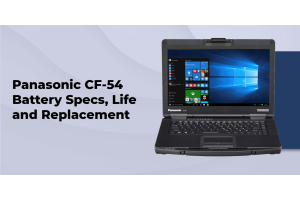
You can verify the computer itself through the Panasonic Toughbook CF 31 page, Toughbook CF 33 page, Toughbook CF 54 page, FZ 55 page, FZ G2 page and Toughbook 40 page.
Important purchasing note Do not select a charger solely because the connector appears to fit. The adapter's voltage, current, wattage and model compatibility all matter. Connector dimensions should be verified against the exact adapter and Toughbook documentation.
Charger Specs That Matter
Voltage and Wattage
Voltage is a critical compatibility specification. The adapter must provide the voltage specified for the Toughbook. Wattage also matters because the adapter needs enough capacity for the computer's power requirements and battery charging needs.
For example, Panasonic specifies 15.6V DC at 7.05A for its 110 watt CF AA5713A2M and CF AA5713A4M adapters. That is a useful reference for current Toughbook generations that Panasonic identifies as compatible with those adapters.
Barrel Connector and USB C Charging
Many newer Toughbooks include USB C ports, but the presence of a USB C port does not by itself establish that USB C Power Delivery is the primary charging method. A USB C port may support data, display or peripheral functions. Confirm the exact Toughbook generation and its power specifications before buying a USB C charger as a replacement.
For current model and accessory information, start with the TRL accessories category and then verify the exact adapter part number.
OEM and Third Party Chargers
A genuine Panasonic adapter is the most straightforward option when you need manufacturer documented compatibility. A third party replacement can also be suitable when it is specifically designed for the exact Toughbook and matches the required electrical specifications. A similar connector alone is not enough evidence of compatibility.
Certifications and Procurement Considerations
TAA Compliance
Government and federal procurement can include Trade Agreements Act requirements. Do not assume that an accessory has the same TAA status as the Toughbook computer. Confirm the compliance status of the exact charger or accessory SKU before submitting it against a procurement requirement.
TRL's government procurement content should also be checked at the time of purchase because product availability and compliance documentation can change.
MIL STD and IP Ratings
MIL STD environmental testing and IP ingress ratings describe the product for which those specifications are provided. A Toughbook chassis can have a rugged rating without the external AC adapter having the same rating. Buyers should review the accessory's own specifications when environmental protection is part of the requirement.
For additional background, see TRL's MIL STD 810G standards guide.
Choosing the Right Charger for Your Use Case
Field Service and Construction
Field teams often need more than one charging option. An AC adapter can cover office and shop use while a vehicle charger keeps the Toughbook powered between job sites. A spare battery can reduce dependence on vehicle or wall power during long shifts.
For model selection, see best rugged laptops for construction and rugged laptops for field work.
Law Enforcement and Government Fleets
Vehicle based teams need a charging setup that works with the way the computer is deployed. A vehicle adapter can supply power, while a model specific dock can add stable mounting and peripheral connectivity. Procurement teams should verify the exact accessory SKU and any applicable compliance requirements.
See why police departments choose rugged laptops and police laptops for related deployment considerations.
The government laptops URL supplied in the original content brief currently returns a 404 response. We have intentionally not inserted a broken internal link. TRL should replace that destination with the current government procurement page before publication.
Office and Multi User Environments
A desktop dock can simplify shared workstation setups. Instead of reconnecting power, displays, network and USB devices individually, users can return the Toughbook to a compatible dock. This is particularly useful when the same device moves between field and office environments.
New vs Refurbished Chargers
A failed charger does not automatically mean the Toughbook itself needs to be replaced. If the computer still meets the team's performance and software requirements, a compatible replacement charger may be all that is needed.
When replacing an older system, compare the cost and remaining service value against a refurbished Toughbook or use the rugged laptop buying guide to evaluate the broader purchase.
If you are buying a refurbished Toughbook, confirm whether an AC adapter is included. If it is not, budget for a compatible replacement and verify the adapter part number before deployment.
Where to Buy Genuine Panasonic Toughbook Chargers
The safest way to buy a replacement Toughbook charger is to start with the exact computer model and then confirm the adapter part number and electrical specifications. This is more reliable than shopping by connector appearance or a generic charger description.
TRL maintains an extensive Panasonic Toughbook accessories selection and states that additional accessories may be available even when they are not listed online.
If you cannot identify the correct adapter, call ToughRuggedLaptops and provide the Toughbook model number and the information printed on the existing charger.
FAQs
1. What charger does my Panasonic Toughbook use?
The answer depends on the exact Toughbook model and generation. Check the model number on the computer and the part number and electrical specifications on the existing adapter. Then match those details against Panasonic documentation or confirm them with a Toughbook specialist.
2. Can I use a third party charger with my Toughbook?
A third party replacement can be suitable if it is specifically designed for the Toughbook and matches the required voltage, current, wattage and connector specifications. Do not select one based only on physical fit.
3. Do older and newer Toughbook models use the same charger?
Not necessarily. Some adapters serve several models, but Panasonic has also introduced different adapter part numbers for newer generations. Verify the exact model and generation before ordering.
4. What is the difference between an AC adapter and a docking station charger?
An AC adapter supplies power directly to the Toughbook. A docking station can provide charging while also connecting the computer to external displays, Ethernet, USB devices and other peripherals.
5. Are Toughbook vehicle chargers TAA compliant?
Do not assume that every vehicle charger is TAA compliant. Government buyers should confirm TAA status for the specific charger SKU and the requirements of the applicable procurement.
6. How do I know if my charger is genuine Panasonic OEM?
Check the Panasonic branding, exact part number and electrical specifications. Compare the part number with Panasonic documentation or ask the supplier to verify it before purchase.
7. Can a Toughbook charger work with Getac or Durabook devices?
Not automatically. Charger compatibility is model specific and depends on electrical requirements as well as the physical connector. Use the charger specified for the device manufacturer and exact model.
8. Where can I buy a replacement Toughbook charger?
ToughRuggedLaptops.com carries Panasonic Toughbook accessories. If the correct adapter is not obvious, call 800 441 9165 with the Toughbook model number and existing adapter information.
Get the Right Charger for Your Toughbook
Start with the exact model and generation. Then verify the adapter part number, voltage, current, and wattage. If the Toughbook spends most of its time in a vehicle, consider a dedicated DC charging solution and a compatible dock. For office deployments, a desktop dock can simplify charging and peripheral connections.
When you are ready to compare charging accessories, start with ToughRuggedLaptops accessories.
Need help identifying your replacement Toughbook charger? Call ToughRuggedLaptops with the model number and the information printed on your existing adapter. We can help you narrow the options before you place the order.