Rugged Tablets for Extreme Environments: 2 in1 Convertibles & Detachable Models
When a device fails in the field, work does not pause. It stacks up.
Inputs stop registering. Screens struggle in harsh conditions. Batteries drain before the job is done. Small issues quickly turn into delays, rework, and lost productivity.
We cannot afford devices that slow teams down.
Rugged tablets are built to handle these environments, but not all rugged devices are the same.
We walk through what defines a rugged tablet, the difference between 2 in 1 and detachable models, and how to choose the right option for your workflow so you can invest in devices that actually perform where it matters.
Key Highlights
- Rugged tablets are built for extreme environments where consumer devices fail
- Rugged tablets are engineered for real-world conditions where standard devices fail
- MIL-STD-810H testing validates resistance to drops, shock, vibration, and temperature extremes
- IP65 and IP66 ratings protect against dust and water exposure, not submersion
- Available in 2-in-1 and detachable designs based on mobility and workflow needs
- Dual-mode touch supports gloves, wet screens, and precise pen input
- Hot-swappable batteries enable continuous use across long or multi-shift operations
- Built-in tools like barcode scanners, GPS, and LTE simplify field workflows
- Widely used across logistics, healthcare, utilities, and public safety teams
- Device choice should match how your team works, not just technical specs
What Are Rugged Tablets?
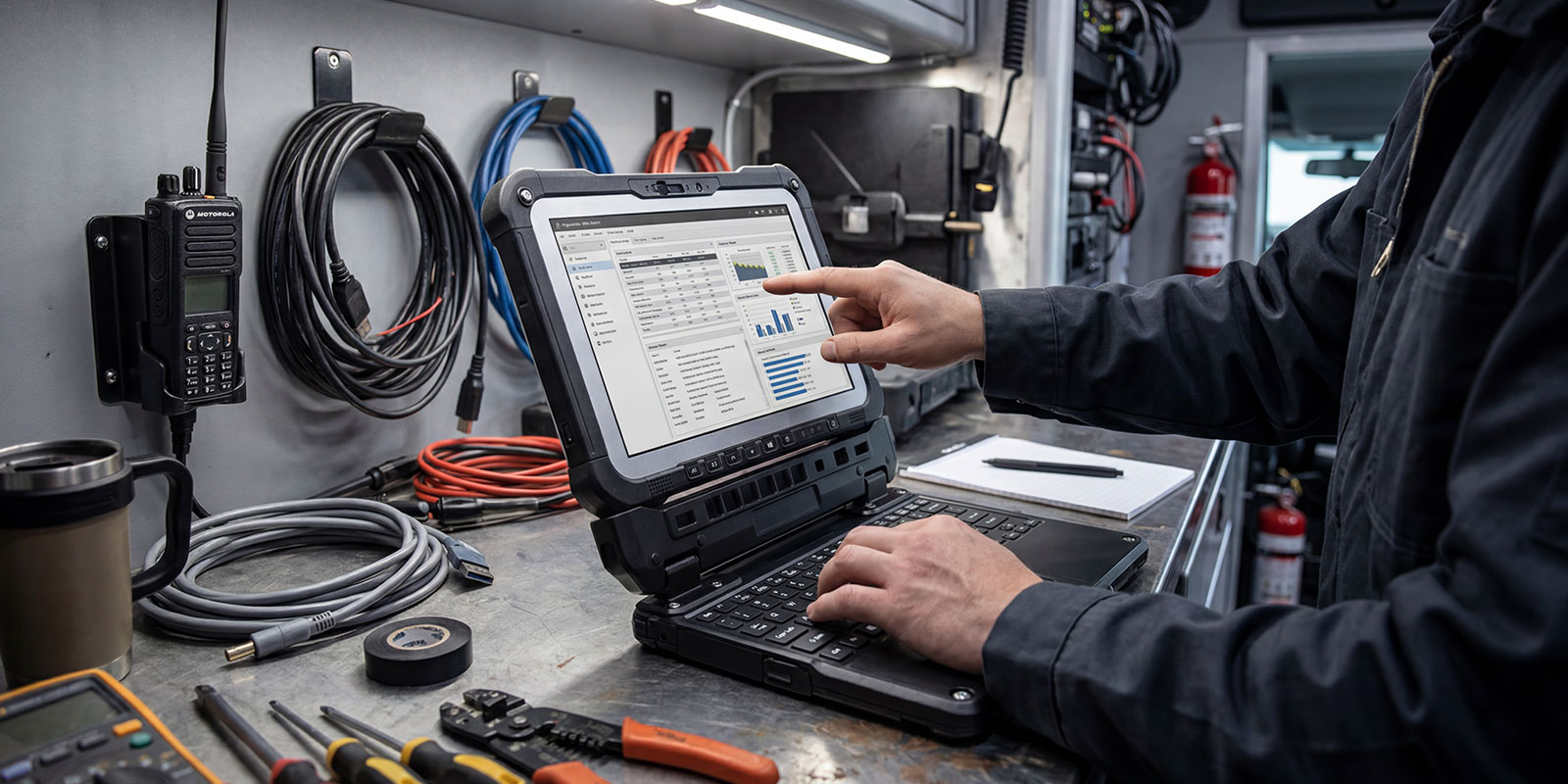
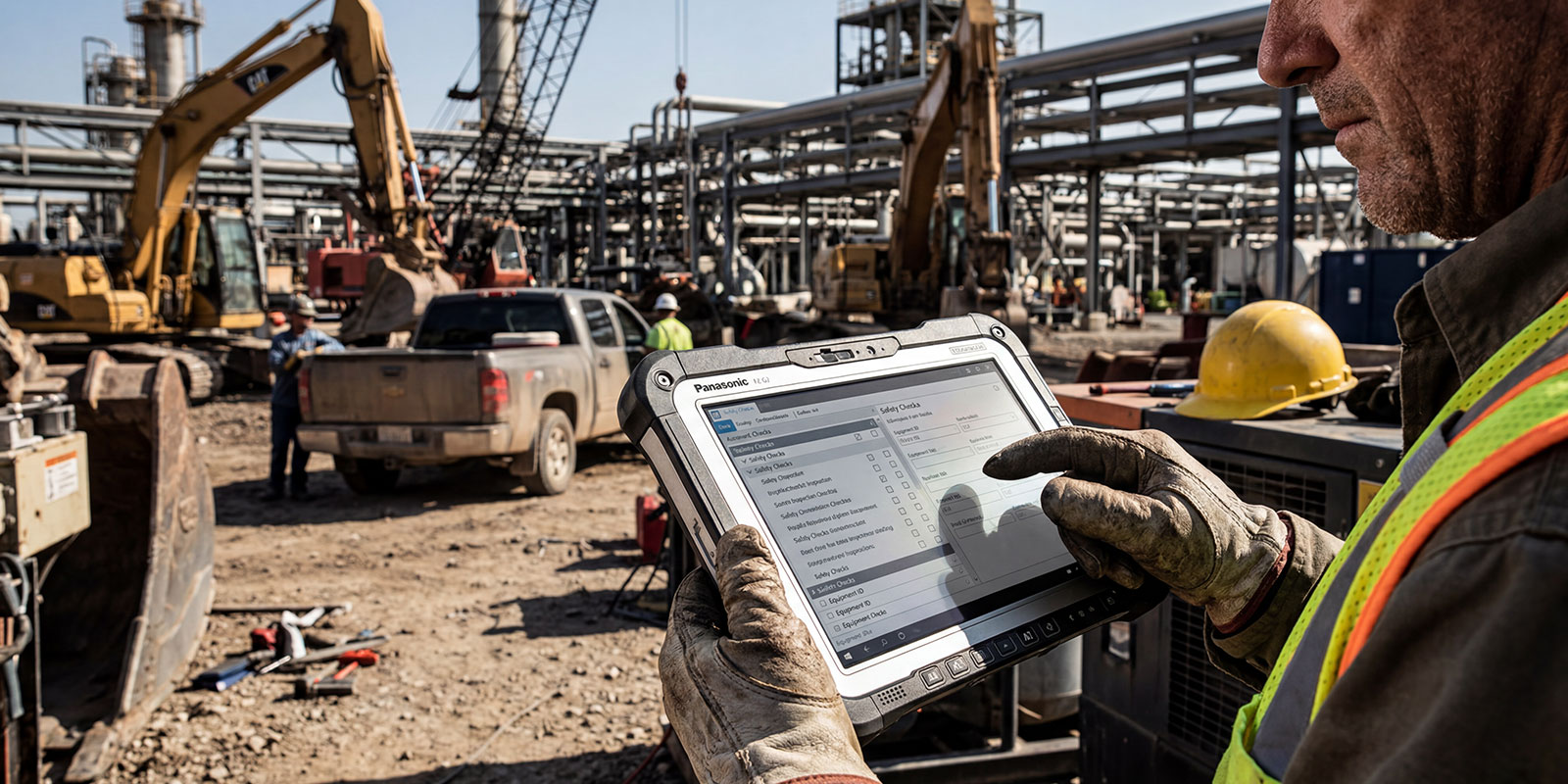
A rugged tablet is a purpose-built, field-ready computing device engineered to operate reliably in environments where consumer tablets fail. Unlike standard iPads or Android tablets designed for controlled indoor use, rugged tablets are tested against military and industrial standards to ensure durability, reliability, and consistent performance under stress.
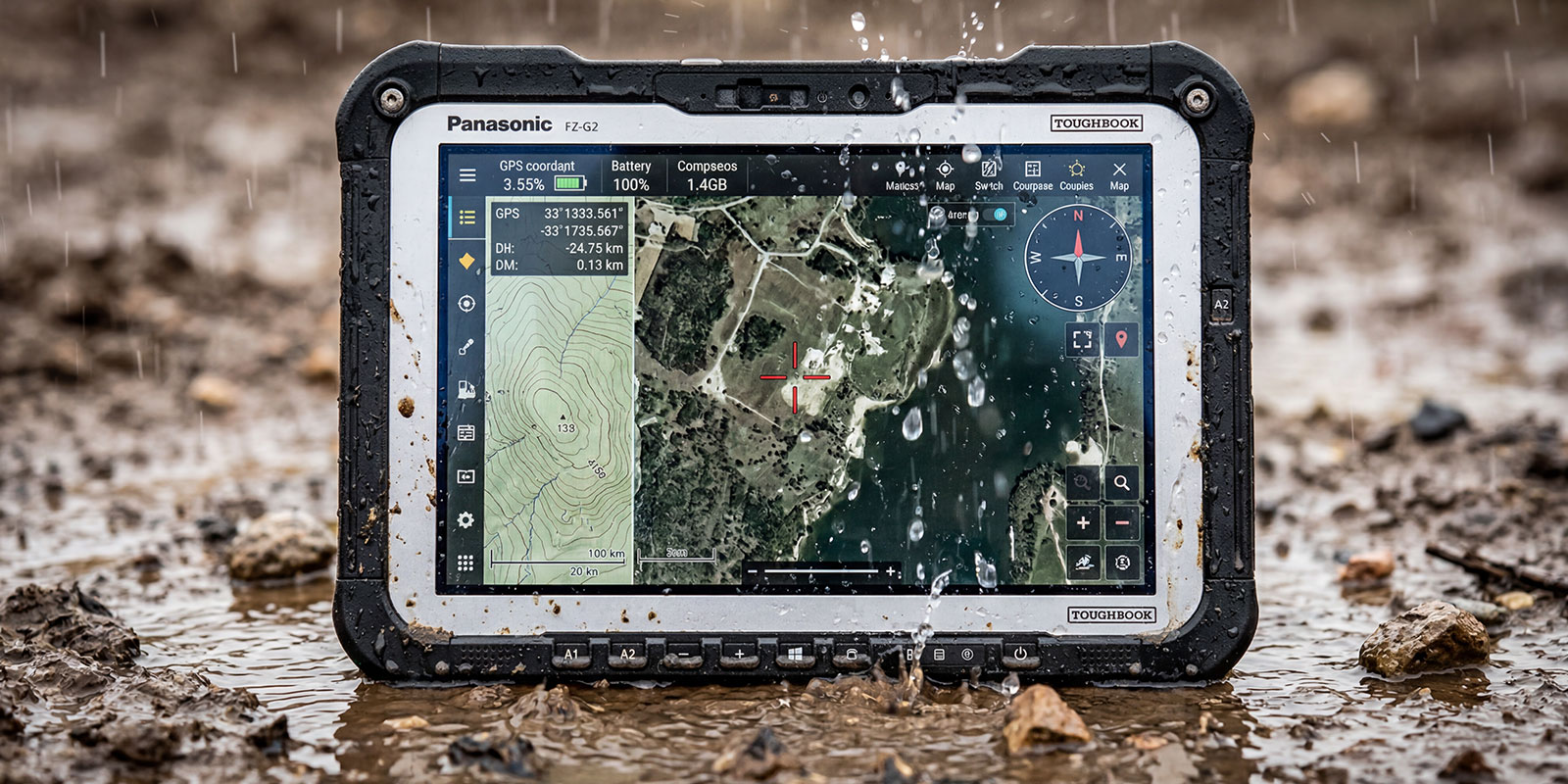
Most professional rugged tablets carry MIL-STD-810H certification, which validates resistance to drops (typically 4–6 feet, depending on configuration), extreme temperatures (commonly around -20°F to 140°F / -29°C to 60°C), vibration, and shock. They also feature IP65 or IP66 ratings, meaning full dust protection and resistance to water jets (not submersion).
Critically, rugged tablets are designed for real-world usability, not just durability. This includes:
- Touchscreen operation in the rain
- Compatibility with gloves
- Support for digitizer pens for precision input
These capabilities make them essential tools for industries such as field service, logistics, healthcare, utilities, and public safety.
Rugged tablets are available in two primary form factors:
2 in 1 Convertible (Hybrid Laptop/Tablet)
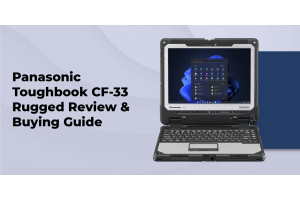
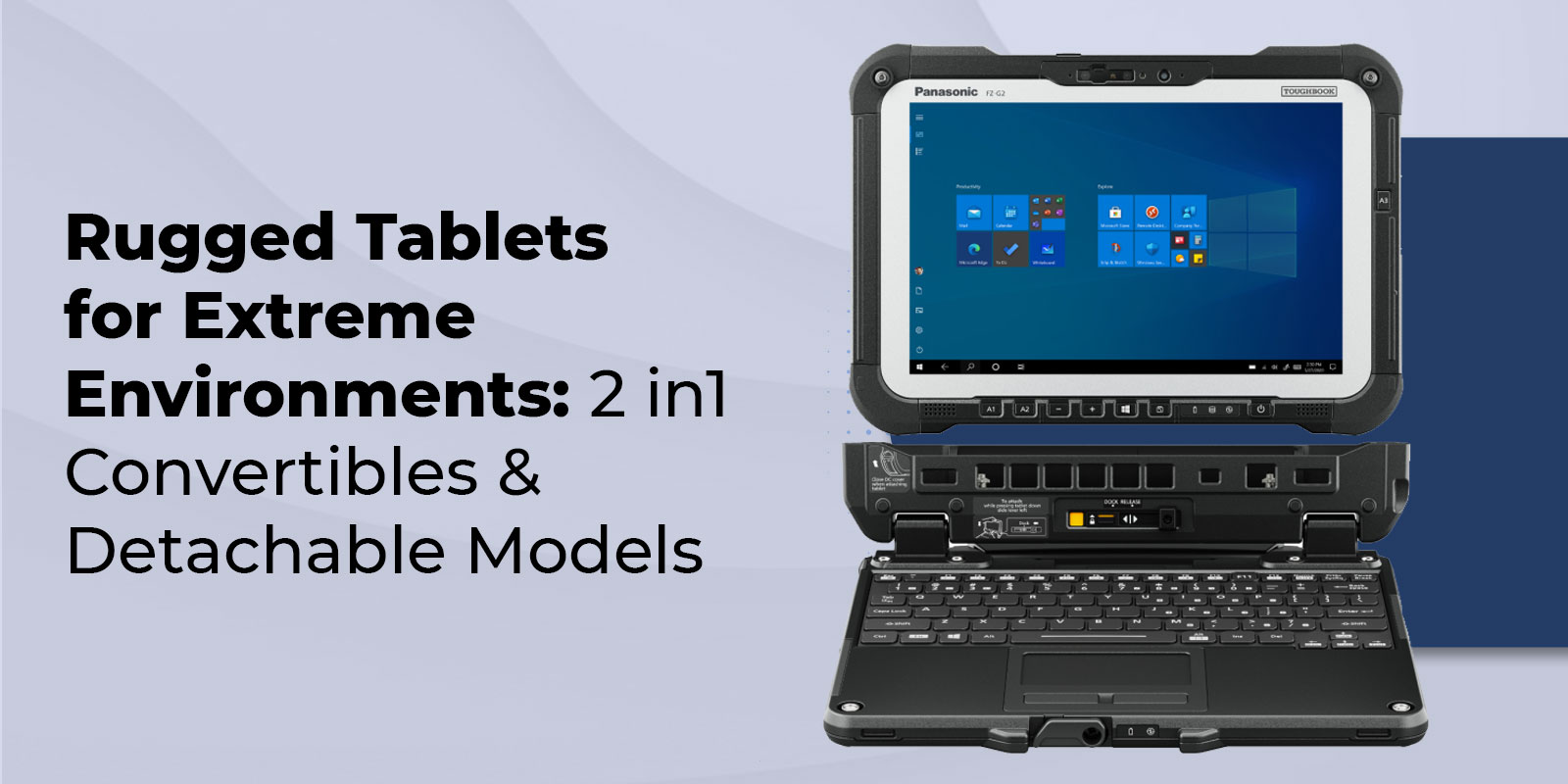
Devices like the Panasonic Toughbook CF-33 2-in-1 combine laptop and tablet functionality. The screen can detach or fold (depending on design) while retaining a full keyboard system. This is ideal for workflows that alternate between:
- Heavy typing (reports, documentation)
- Touch-based interaction (inspections, field data capture)
Detachable Tablets (Pure Mobility Focus)
Devices such as the Panasonic FZ-G2 are standalone tablets optimized for:
- One-handed operation
- Scanning and field input
- Maximum portability
Optional keyboard docks can be added when needed, but the core design prioritizes mobility.
Industries Deploying Rugged Tablets
Rugged tablets are widely adopted across operational environments:
- Healthcare: EMR access, medication verification, disinfectant-safe hardware
- Warehousing & Logistics: Barcode scanning, inventory tracking, order picking
- Field Service: Work orders, diagnostics, photo documentation
- Utilities: Asset inspection, GIS mapping, compliance reporting
- Public Safety: Patrol vehicle computing, reporting, and evidence capture
Rugged Tablet vs Rugged Laptop: Which Should You Choose?
Choosing between a rugged tablet and a rugged laptop depends on workflow intensity, mobility requirements, and input methods.
|
Decision Factor |
Choose Rugged Tablet |
Choose Rugged Laptop |
|
Primary Data Entry |
Touchscreen taps, checkboxes, signature capture, barcode scanning, photo documentation |
Extensive text entry, report writing, spreadsheet work, and email composition |
|
Mobility Pattern |
Standing, walking routes, one-handed operation, frequent location changes |
Vehicle-based, office/field mix, lap/desk usage, extended stationary sessions |
|
Device Weight |
2.9–3.5 lbs (one-handed carry priority) |
6–8 lbs acceptable (keyboard productivity priority) |
|
Screen Size |
8–12 inches sufficient (forms, checklists, scanning) |
13–14 inches needed (CAD, multiple windows, detailed spreadsheets) |
|
Typical Use Cases |
Warehouse inventory, delivery verification, medical rounds, field inspections |
Patrol vehicle computing, construction office, engineering field work, dispatching |
|
Example Models |
FZ-G2 (10.1”), CF-33 tablet mode (12”) |
CF-31 (13.1”), FZ-55 (14”), CF-54 (14”) |
Many organizations resolve the tablet-versus-laptop question by choosing the Panasonic CF-33 2-in-1 convertible as a unified solution, combining laptop keyboard productivity with tablet touchscreen mobility in a single device. This eliminates the device-switching friction that arises when teams maintain separate tablet and laptop inventories. However, the CF-33’s combined weight (5.7 lbs with keyboard attached) significantly exceeds that of the dedicated FZ-G2 tablet (3.1 lbs), making sustained one-handed operation more fatiguing during extended standing shifts.
For detailed comparison guidance, see our complete rugged tablet vs. rugged laptop decision guide.
Essential Features in Rugged Tablets
i. Touchscreen Technology: Capacitive vs Digitizer
Rugged tablets deploy two primary touchscreen technologies addressing different field conditions.
- Capacitive touch (multi-touch, consumer-style)
- Digitizer input (electromagnetic resonance stylus)
Digitizer support is critical because it:
- Works with wet screens
- Functions with thick gloves
- Enables precision input (signatures, annotations)
This dual-mode capability eliminates operational friction in changing field conditions.
Both the Panasonic CF-33 and FZ-G2 feature dual-mode touchscreens supporting 10-finger capacitive multitouch and EMR digitizer pen input, allowing finger operation when convenient and stylus precision when conditions demand it. This versatility eliminates the friction that less capable tablets create when field conditions change mid-shift.
ii. Keyboard Dock & Ergonomics
Detachable tablets support optional keyboard docks that provide:
- Full-size keys with proper travel
- Additional ports
- Extended battery capacity
However, docks increase weight and are often used only when needed, not during mobile workflows.
2-in-1 systems integrate keyboards permanently, improving convenience but reducing portability.
iii. Battery Life & Hot-Swap Capability
Battery architecture directly impacts uptime:
- Single battery systems: ~8–10 hours typical usage
- Dual hot-swappable systems: Continuous operation without shutdown
Hot-swapping is critical for:
- 24/7 operations
- Multi-shift environments
- Mission-critical workflows
A common deployment model is 3-battery rotation (in-use, charging, spare).
iv. Integrated Peripherals
Enterprise rugged tablets can include:
- Barcode scanners (1D/2D)
- GPS modules
- 4G LTE / 5G connectivity
While these increase upfront cost, they reduce:
- Device clutter
- Integration complexity
- Battery management issues
These integrated configurations command premium pricing: a baseFZ-G2 starts around $2,800, while fully configured models with barcode scanner, GPS, and 4G LTE range from $3,500 to $3,800. Even so, this consolidated cost typically undercuts buying a base tablet plus external scanner (~$400), a standalone GPS device (~$200), and a cellular hotspot (~$150) while also eliminating the complexity of managing multiple devices, separate chargers, and connection troubleshooting.
Top Panasonic Rugged Tablets for 2026
Panasonic FZ-G2: Fully Rugged Detachable Tablet
The FZ-G2 is a flagship fully rugged tablet designed for high-mobility workflows.
Key Specs:
- 10.1-inch display (~800 nits brightness)
- Intel Core i5/i7 (11th Gen platform)
- Up to 16GB RAM, 1TB SSD
- Optional barcode scanner, GPS, LTE
- Hot-swappable battery (~8–10 hours)
- Windows 11 Pro
Best for:
- Warehousing
- Field inspections
- Healthcare mobility
- Delivery verification
Panasonic CF-33: 2-in-1 Rugged Convertible
The CF-33 provides true hybrid functionality, usable as both a laptop and tablet.
Key Advantages:
- 12-inch display
- Dual hot-swappable batteries
- Detachable keyboard system
- Increased versatility across workflows
Best for:
- Law enforcement
- Utilities
- Construction management
- Mixed mobile + desk workflows
For detailed selection guidance between FZ-G2 and CF-33, see our rugged devices for field work guide.
FAQs
1. Can rugged tablets completely replace laptops?
For certain use cases, yes, but not all. Rugged tablets excel at touchscreen-driven workflows (forms, checklists, barcode scanning) and mobile operations requiring one-handed use. However, extensive typing, multi-window workflows, CAD work, or detailed spreadsheet management remain more productive on rugged laptops with full keyboards and larger screens. Many organizations deploy tablets for field crews and laptops for supervisory or office-based roles.
2. What is the difference between a standalone tablet and a 2-in-1?
A standalone tablet (like the FZ-G2) is a self-contained touchscreen device with an optional keyboard dock that connects and disconnects as needed. A 2-in-1 (like the CF-33) allows the display to fully detach from the keyboard base and function as an independent tablet, or reattach for integrated laptop-style use. 2-in-1s weigh more due to the permanent keyboard integration, but they eliminate the friction of managing a separate dock.
3. Do rugged tablets support stylus or pen input?
Yes. Professional rugged tablets like the FZ-G2 and CF-33 feature dual-mode touchscreens supporting both finger touch (capacitive) and digitizer pen input via electromagnetic resonance (EMR) technology. The pen functions reliably on wet screens, with heavy gloves, and for precise annotation work, making it essential for signature capture, form markup, and field operation in the rain. Consumer tablets generally support only capacitive touch, which becomes unreliable when wet or used with gloves.
4. Can I add a keyboard to a rugged tablet?
Yes. Detachable tablets like the FZ-G2 support optional rugged keyboard docks that connect via pogo pins, providing a full-size keyboard, additional battery capacity, and extra connectivity ports. Field workers typically keep the dock in the vehicle or at a workstation for typing-intensive tasks while carrying only the tablet during mobile operations. 2-in-1 models such as the CF-33 have integrated keyboards that remain attached to the base unit.
5. How does rugged tablet battery life compare to rugged laptops?
Single-battery rugged tablets (like the FZ-G2) deliver 8–10 hours of runtime comparable to semi-rugged laptops such as the FZ-55. The CF-33 2-in-1 features dual hot-swappable batteries for effectively unlimited runtime, matching the hot-swap capability of the CF-31 laptop. For 24/7 operations, a three-battery rotation strategy, one in use, one charging, one in reserve, ensures continuous availability across multiple shifts.
6. Are rugged tablets waterproof?
Rugged tablets are water-resistant, not waterproof. IP65 and IP66 ratings confirm complete dust protection and resistance to water jets from any angle, covering rain, hose spray, and incidental liquid exposure. They are not rated for submersion, which requires IP67 or IP68 certification. The sealed construction protects internal components and maintains touchscreen operation when wet. Specialized IP68-rated models are available for applications such as underwater inspection.
7. Do rugged tablets support barcode scanning?
Yes. Rugged tablets support barcode scanning through factory-integrated 1D/2D scanners (no external hardware required) or via Bluetooth accessory scanners. Integrated scanners cost more upfront but eliminate the battery management, connectivity troubleshooting, and loss risk associated with separate devices. Both the FZ-G2 and CF-33 offer optional factory-integrated barcode scanning optimized for warehouse and inventory workflows.
8. Are rugged tablets readable in bright sunlight?
Yes. Professional rugged tablets feature sunlight-readable displays with 800–1,200 nits of brightness, engineered specifically for outdoor legibility, compared to 300–500 nits typical on consumer tablets. This brightness level maintains clear screen visibility in direct sunlight without requiring shade or a screen hood. Rugged tablet displays also incorporate anti-glare coatings and optically bonded glass construction, eliminating the internal air gap that causes reflections and washed-out images on conventional tablets outdoors.
Find Your Rugged Tablet Solution
Browse our complete rugged tablet inventory below, or contact our mobility specialists for personalized recommendations based on your specific workflow, integration requirements, and deployment timeline. Not sure whether a tablet or a laptop is the right fit? Read our complete rugged tablet vs. rugged laptop comparison guide.