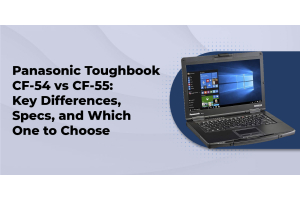
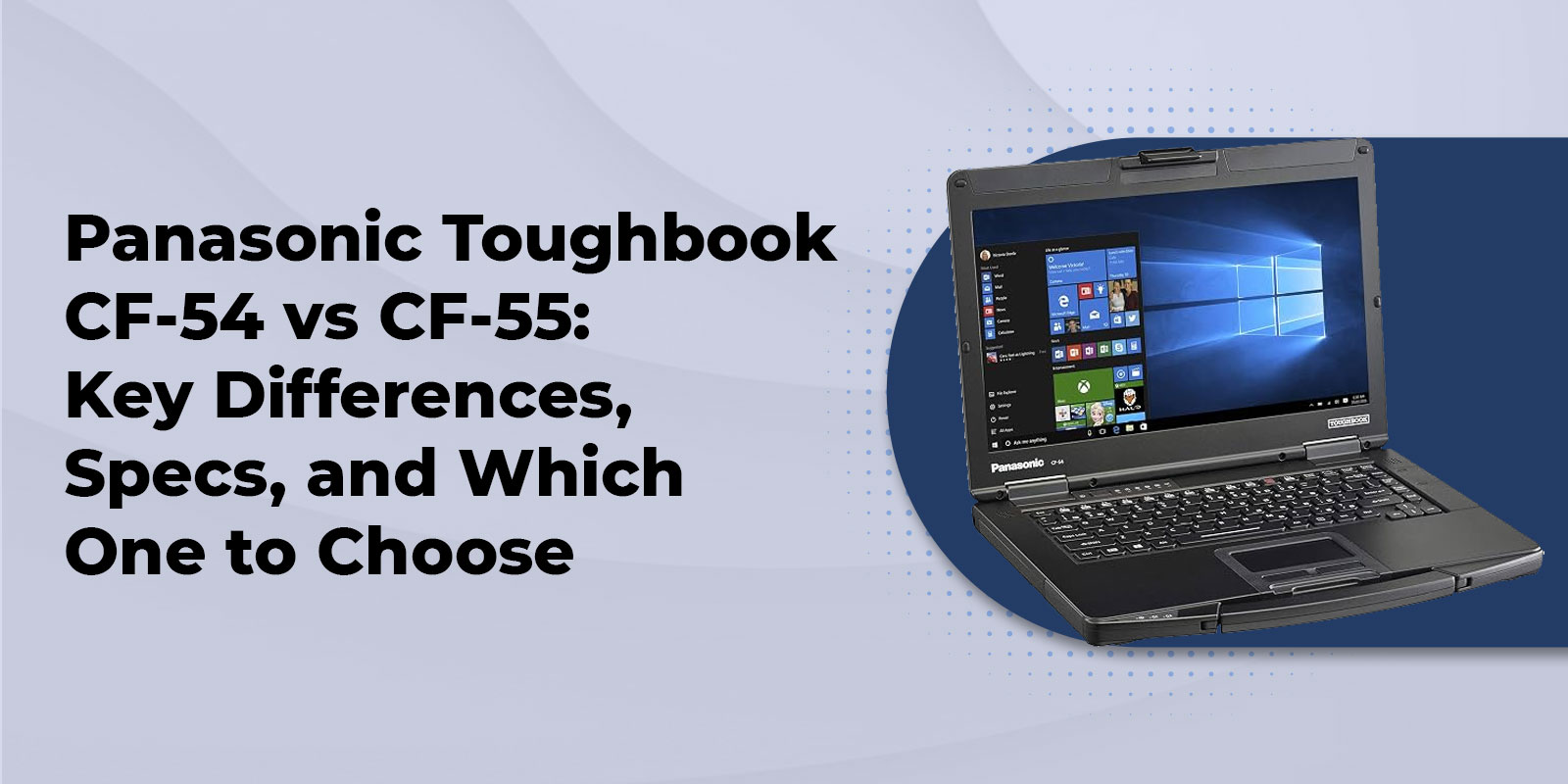
Panasonic Toughbook CF-54 vs CF-55: Key Differences, Specs, and Which One to Choose
Choose the CF-54 if you want a proven semi-rugged laptop at the lowest price and you are comfortable buying refurbished. Choose the FZ-55 if you want current processors, a newer durability rating, modular expansion, and a laptop Panasonic still supports. If your crew works outdoors in the rain all day, skip both and look at the fully rugged lineup.
Is There a Panasonic CF-55?
Short answer: no. Panasonic never released a model named the CF-55. The laptop people look for under that name is the FZ-55, also sold as the Toughbook 55. Panasonic changed its naming style when the 50 series moved forward, so the same machine shows up as the Toughbook 55, FZ-55, and CF-55 across the web.
That naming mix-up costs buyers real money. We regularly talk with fleet managers who ordered accessories for the wrong model because a listing used the wrong name. Our FZ-55 page covers every name buyers use, so you land on the right laptop either way.
CF-54 vs CF-55 (FZ-55) Specs Side by Side
|
Spec |
Panasonic Toughbook CF-54 |
Panasonic Toughbook FZ-55 (CF-55) |
|
Rugged class |
Semi-rugged |
Semi-rugged |
|
Durability standard |
MIL-STD-810G |
MIL-STD-810H |
|
Ingress protection |
IP51 |
IP53 |
|
Drop rating |
About 3 feet |
About 3 feet |
|
Display |
14 inch HD, or FHD 1000 nit multi-touch |
14 inch HD, or FHD 1000 nit gloved multi-touch |
|
Processor |
Intel Core i5, 5th to 7th Gen (Mk1 to Mk3) |
Mk3 uses Intel Core i5-1345U or i7-1370P vPro, 13th Gen |
|
Memory |
Up to 32GB on our refurbished builds |
Up to 64GB |
|
Storage |
Up to 2TB SSD |
Up to 2TB Opal SSD |
|
Battery |
Up to 12 hours, up to 20 hours with a second battery |
Up to about 20 hours depending on configuration |
|
Weight |
Just under 4.5 pounds |
4.6 pounds (HD), 4.9 pounds (touch) |
|
Expansion |
Media bay, optional serial, DVD, LAN, and GPS add-ons |
xPAK quick-release expansion in front, left, and rear areas |
|
Wireless |
Optional 4G LTE with GPS |
Wi-Fi 6E, optional 4G LTE with GPS |
|
Status |
Discontinued, refurbished only |
Current, new and refurbished |
Specs come from our current listings and Panasonic spec sheets. Configurations vary by generation, so confirm the exact build before you order.
Durability Differences That Matter on the Job
Both laptops share a magnesium alloy chassis, a spill-resistant keyboard, and a shock-mounted drive. Both handle roughly three foot drops. The real difference sits in the certification and sealing.
The CF-54 is tested to MIL-STD-810G and rated IP51. That protects it from dust and vertically falling drips. The FZ-55 moves to the newer MIL-STD-810H standard and an IP53 rating, which adds protection from water sprayed at up to a 60 degree angle, like light rain. The FZ-55 also lists an operating range of -20°F to 140°F, which covers a cold warehouse or a truck cab baking in July.
Here is the honest limit for both. Neither laptop is rated for sideways rain, direct water jets, or submersion. If your team works outside through storms, our breakdown of what an IP65 rating really means shows why a fully rugged model is the better call. And if a vendor ever tosses around the phrase military grade without naming a test standard, our look at what military grade means in a laptop will help you push back.
Processor, Memory, and Storage
This is where the two laptops feel the most different in daily use.
The CF-54 came in three generations. Mk1 uses an Intel Core i5-5300U, Mk2 uses an i5-6300U, and Mk3 uses an i5-7300U. Those chips are still perfectly capable of running dispatch software, inspection forms, work orders, and email. Our refurbished CF-54 builds ship with 512GB SSDs and 8GB of RAM, with upgrades to 16GB or 32GB RAM and up to 2TB of storage.
The FZ-55 Mk3 is a different class. It runs an Intel Core i5-1345U vPro or an Intel Core i7-1370P vPro that reaches up to 5.2GHz. Memory goes up to 64GB, and storage reaches 2TB on a self-encrypting Opal SSD. Intel's remote management tools let your IT team handle BIOS updates and repairs without sending a truck out. A TPM 2.0 chip is included, which matters for modern security policies. That headroom makes the FZ-55 the better fit for CAD files, GIS datasets, and several apps running at once.
Not sure how much power your software really needs? Our Panasonic configurator lets you build a unit around the programs your crew actually runs.
Battery Life and Hot-Swap Power
Battery life is the spec field crews ask about first, so here are the numbers.
The CF-54 Long Life pack (CF-VZSU0PW) holds 46Wh and is rated up to 12 hours on Mk3 models. Add the optional second battery in the media bay and Panasonic rates it up to 20 hours. In real field use, we typically see 8 to 10 hours per charge. Both laptops support hot-swap, so you can change a depleted pack without shutting down or losing open applications.
The FZ-55 offers a quick-release second battery as well, and Panasonic rates the laptop for up to about 20 hours depending on how it is configured. Bright outdoor screens, 4G LTE, and GPS all pull more power, so treat the rated number as a ceiling, not a promise.
Working with an older unit that is losing runtime? Read our full breakdown of CF-54 battery specs, life, and replacement, or grab a genuine Panasonic Long Life Battery. Power adapters are just as important, and our Toughbook charger compatibility breakdown lists the correct part numbers by model.
Ports, Expansion, and Modularity
The CF-54 is flexible for its age. You can add a second battery in the media bay, a serial port, a second LAN port, a dedicated GPS, a DVD multi-drive, and a smart card reader. Those options let older fleets keep connecting to legacy equipment.
The FZ-55 takes modularity much further with its xPAK system. You get quick-release expansion areas on the front, the left side, and the rear of the laptop. Pick from a fingerprint reader, contactless or insertable smart card readers, a barcode reader, a second SSD, a Blu-ray drive, or a rear module with VGA, true serial, and a second LAN or USB port. As your job changes, you swap a module instead of replacing the laptop. For fleets that expect their needs to shift over five years, that flexibility pays for itself.
Windows and Security Support
Software support is the gap most comparison pages skip. Windows 10 reached end of support in October 2025, so the operating system on a laptop now matters as much as the hardware.
The FZ-55 ships with Windows 11 and comes with upgrade and downgrade rights at no extra license cost. Our refurbished CF-54 builds ship with Windows 10 Pro, and our listing offers an optional Windows 11 Professional install with updated drivers for $9.99. Since the CF-54 uses older processors, confirm the right operating system for your generation and software before you order. Our team will walk you through it.
Price and Total Cost of Ownership
Sticker price is only part of the story, so here is how the costs stack up.
- CF-54 refurbished. Listings start at $299 for a base unit, with configuration upgrades added on top. Extended warranty options stretch coverage to three years and six months in total.
- FZ-55 refurbished. Units start at $599, with the same tested-and-backed approach.
- FZ-55 new. Our special-priced FZ-55 models start at $1,999, with up to 40% off select configurations. Warranty extensions reach five years in total, and optional Protection Plus covers accidental damage for up to five years.
Prices change, so confirm current numbers with our team. One more cost to plan for is accessories. CF-54 batteries, chargers, and docks do not always fit the FZ-55, so check the CF-54 accessories and FZ-55 accessories catalogs before you mix models in one fleet. Vehicle teams should also price a mount or docking station up front.
Who Should Buy Which Toughbook
Choose the CF-54 if
- You need the lowest price per seat and refurbished is fine with you.
- You are adding spare units to an existing CF-54 fleet that already has docks and chargers.
- Your software is light, such as forms, email, and dispatch tools.
Choose the FZ-55 if
- You are starting a new deployment and want a laptop Panasonic still supports.
- Your team runs CAD, GIS, or several apps at once.
- You want modular expansion and a laptop built for a five year lifecycle.
- You buy for government or public safety, where TAA compliance matters. Our police laptop solutions and government laptop solutions pages cover compliant options.
When Neither Laptop Is the Right Fit
Semi-rugged is the right call for most office-to-field work, but it has limits. If your crew spends full days outdoors in dust, rain, and heavy vibration, a fully rugged machine will cost less over time than replacing laptops that were never built for the job.
The Toughbook 40 is fully rugged with an IP66 rating, and the Toughbook CF-33 is a fully rugged 2 in 1 rated IP65. If you want to see the full tradeoff, our comparison of semi-rugged vs. fully rugged laptops covers drop height, sealing, weight, and battery side by side. Construction teams can also check our roundup of the best rugged laptops for construction workers. And if you want the newest option, ask us about the Toughbook FZ-56.
More Toughbook Picks and Accessories
- New Toughbooks for fleets that want current models and full manufacturer coverage
- Certified refurbished Panasonic Toughbooks for budget-conscious teams and fast rollouts
- Special Buys for current deals on Toughbooks and accessories
- Panasonic Toughbook repair for fixes, replacements, and fleet service
- Warranty information to see exactly what coverage includes
FAQs
1. Is the Panasonic Toughbook CF-55 a real model?
No. Panasonic never released a CF-55. The laptop buyers search for under that name is the FZ-55, also called the Toughbook 55.
2. Is the FZ-55 the replacement for the CF-54?
Yes. The FZ-55 is the direct successor to the CF-54, which Panasonic has discontinued. It keeps the semi-rugged positioning and adds newer processors, more memory, and xPAK modularity.
3. Is the CF-54 or the FZ-55 more rugged?
The FZ-55 has the edge on paper with MIL-STD-810H and IP53, compared with MIL-STD-810G and IP51 on the CF-54. Both handle roughly three foot drops, and neither is rated for heavy rain or water jets.
4. How long does each battery last?
The CF-54 is rated up to 12 hours on its Long Life battery and up to 20 hours with a second battery. The FZ-55 is rated up to about 20 hours depending on configuration. Real-world runtime is lower on both, especially with 4G LTE and GPS running.
5. Can I still buy a CF-54?
Yes, as a refurbished unit. We sell refurbished CF-54 models, each tested and backed by warranty coverage.
6. Do CF-54 accessories work on the FZ-55?
Not always. Batteries, docks, and chargers vary by model, so check the correct accessories page or call us before you order.
7. Does either laptop support 4G LTE and GPS?
Yes. Both offer optional 4G LTE with GPS. The FZ-55 also includes Wi-Fi 6E.
8. Which laptop is better for law enforcement or government work?
The FZ-55 is usually the better fit for new government and public safety deployments, since every current Toughbook configuration meets TAA requirements. Officers who spend full shifts exposed to weather often do better on the fully rugged lineup.
Pick the Toughbook That Fits Your Crew
The CF-54 and the FZ-55 solve the same problem for different budgets and timelines. The CF-54 is a proven, affordable way to put a semi-rugged laptop in every hand, as long as you are comfortable buying refurbished. The FZ-55 costs more up front, but it brings current processors, newer durability ratings, and modular expansion that keep a fleet useful for years. Match the laptop to the work your crew does every day, and you will spend less on replacements.
We have specialized in Panasonic Toughbooks since 1999, and every unit we sell is tested and backed by lifetime technical support. If you are still weighing the two, call us at 800-441-9165, start a chat on our site, or request a custom quote for volume pricing. We will point you to the right configuration, even if that turns out to be the more affordable one.