Panasonic CF-54 Battery Specs, Life and Replacement
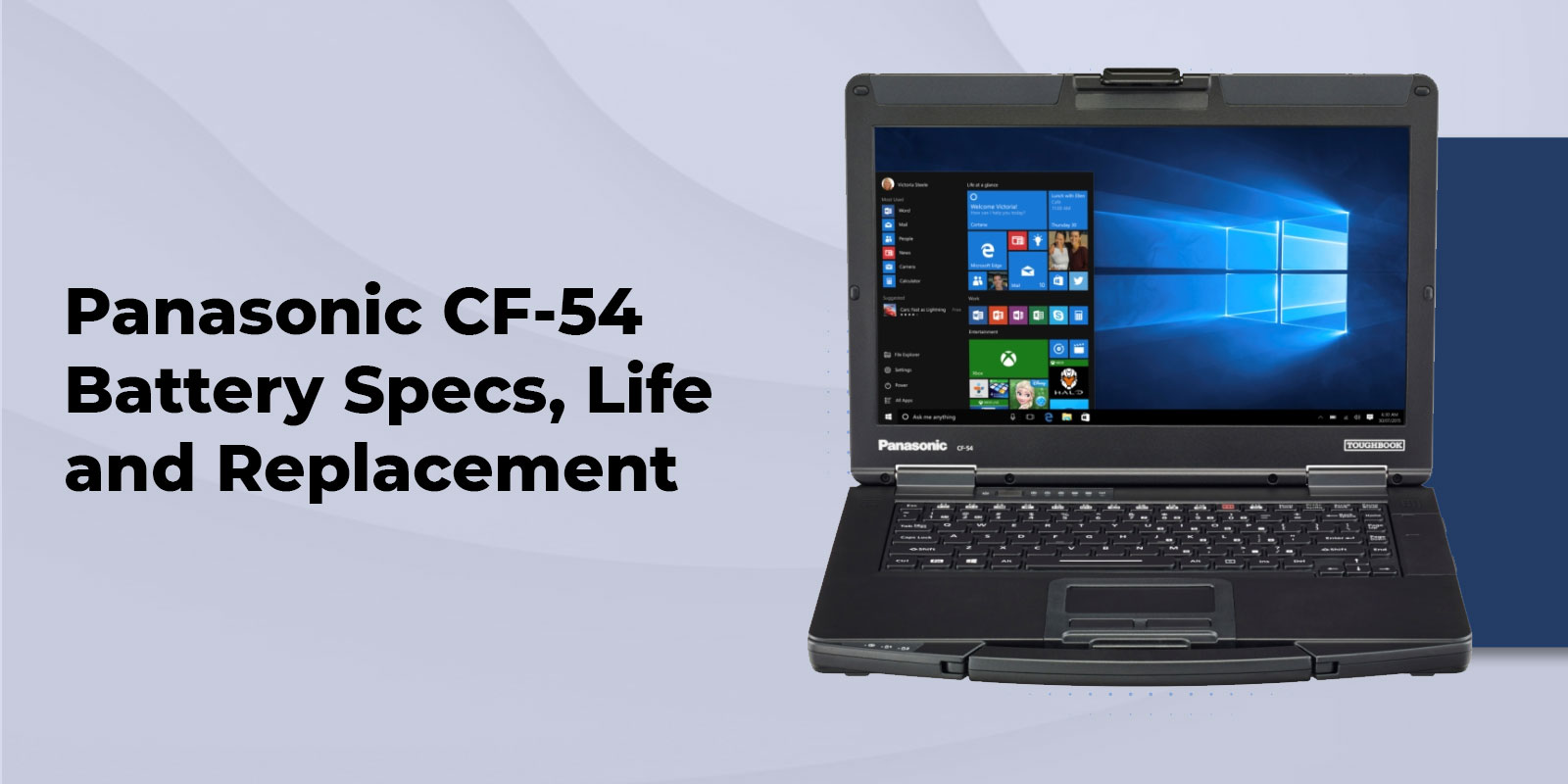
The Panasonic CF-54 battery comes in two Panasonic OEM options. The Long Life pack (CF-VZSU0PW) holds 46Wh and is rated for up to 12 hours per charge, while the Standard pack (CF-VZSU0LW) trades some runtime for a lighter unit. Both accept an optional second battery for genuine hot-swap operation, so the laptop keeps running while you swap packs.
We have outfitted fleet managers, field technicians, and IT departments running the Panasonic Toughbook CF-54 since the model launched, and the battery is usually the first component that needs attention once a unit passes the three or four year mark. Below, we cover the OEM part numbers, what Panasonic actually rates the battery for, what to expect once the CF-54 is doing real work in the field, and how to tell when it is time to replace the pack rather than keep charging it.
What Battery Does the Panasonic CF-54 Use
The CF-54 ships with one of two OEM battery packs depending on configuration, plus an optional second battery for the media bay. Both packs are six-cell lithium-ion units built with Panasonic's own protection circuitry, and both are field-replaceable without tools beyond a coin or flat-head screwdriver.
CF-54 Battery Types and Specs
Long Life Battery Pack (CF-VZSU0PW)
The Long Life pack is the battery most CF-54 owners run day to day. It carries the part number CF-VZSU0PW, is rated at 11.1V and 46Wh, and has a typical capacity of 4,200mAh with a minimum of 4,080mAh. It is a six-cell lithium-ion pack with built-in overcharge and overdischarge protection, and it is the battery we stock and ship most often for CF-54 replacements.
Standard (Lite) Battery Pack (CF-VZSU0LW)
The Standard pack, part number CF-VZSU0LW, trades some capacity for a lighter unit. Panasonic rates it at up to 9 hours on its own, rising to 16 hours with the optional second battery installed. It suits users who spend more time near an outlet and want to shave weight off the laptop.
Hot-Swap Second Battery (CF-VZSU0KW)
The CF-54 is the only semi-rugged Toughbook in its class with an optional second battery, part number CF-VZSU0KW, that fits the media bay slot. It is rated at 11.1V with a typical 2,960mAh and a minimum of 2,860mAh. Because the CF-54 supports true hot-swap, you can pull a depleted battery and drop in a charged one without shutting the laptop down or putting it to sleep, so a shift change does not cost you your open applications.
The dual-battery layout sits inside a magnesium alloy chassis rated to MIL-STD-810G and IP51, alongside the spill-resistant keyboard and shock-mounted hard drive bay that carried across the CF-54 MK1 through MK3 generations. See our full MIL-STD-810G certification explainer for what those test methods actually measure.
Real-World Panasonic CF-54 Battery Life
Panasonic's rated runtime numbers assume a specific benchmark load, so your results in the field will vary. Rated figures also shift by generation and configuration.
- MK3, 7th generation processor models: up to 12 hours on the Long Life battery alone, up to 20 hours with the optional second battery.
- Touch-screen models: up to 10 hours alone, up to 17 hours with the second battery.
- MK2, 5th and 6th generation processor models: up to 11 hours alone, up to 18 hours with the second battery.
- Standard battery models (CF-VZSU0LW): up to 9 hours alone, up to 16 hours with the second battery.
In day-to-day field use, we typically see CF-54 units running 8 to 10 hours per charge on the Long Life battery, closer to the low end for touch models running LTE or GPS continuously, and closer to the high end for non-touch units doing lighter, document-based work.
A handful of variables account for most of the gap between the rated number and what you actually see in the field.
- Display brightness, particularly outdoor sunlight-readable mode, is the single largest draw on the Panasonic CF-54 battery.
- Optional 4G LTE and dedicated GPS modules pull power continuously once active, even at idle.
- Charge cycle age matters. Expect gradual capacity loss after roughly 500 full charge cycles, which is normal lithium-ion wear rather than a defect.
Need a battery that actually holds up on a 10 to 12 hour shift? Call our rugged computing specialists for a configuration recommendation, or browse our CF-54 accessories catalog.
OEM vs Third-Party Replacement Batteries
Not every replacement battery listed for the CF-54 is built the same way. Genuine Panasonic OEM packs use protection circuitry and cell grading that keeps the reported charge percentage accurate and the charging behavior predictable. Third-party batteries typically deliver only 60 to 80 percent of their stated capacity compared to a genuine Panasonic pack, and mismatched batteries can trigger charging faults or complicate a warranty claim on a unit that is still covered.
We carry the genuine Panasonic Long Life Battery (CF-VZSU0PW) in stock, tested before it ships, backed by our standard warranty and the same lifetime technical support that comes with every purchase. If you are weighing a full unit swap instead, our refurbished CF-54 inventory is worth a look.
How to Extend and Replace Your CF-54 Battery
A few habits noticeably extend the working life of the Panasonic CF-54 battery.
- Avoid letting the battery sit at a full or empty charge for extended periods. A partial charge is easier on the cells during storage.
- Use the correct OEM charger for your CF-54's rated wattage and voltage. A mismatched aftermarket adapter is one of the more common causes of premature battery wear. Our Toughbook charger compatibility guide covers the correct part numbers by model.
- Avoid unnecessary hot-swaps at a high charge, since swapping batteries at 90 percent or above adds wear without adding meaningful runtime.
Signs that it is time to replace rather than recalibrate include rapid drain that recalibration does not fix, visible swelling of the pack, or a battery that will not charge above roughly 80 percent of its rated capacity. A battery swap is a straightforward job on the CF-54. If your unit is still under warranty, or you are managing a fleet and want the swap documented for your asset records, our team can handle the replacement and testing for you.
Which Toughbook Has the Longest Battery Life
If runtime is the deciding factor in your next purchase, here is how the CF-54 stacks up against two other Panasonic laptops we carry.
|
Model |
Rated Battery Life |
Hot-Swap |
Ruggedness |
Best For |
|
CF-54 (semi-rugged) |
8 to 12 hrs, up to 20 hrs w/ 2nd battery |
Yes, media bay 2nd battery |
MIL-STD-810G, IP51, 3-ft drop |
Office-to-field transitions |
|
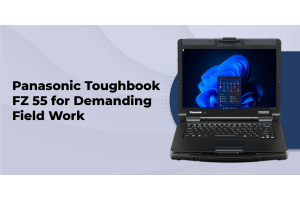
FZ-55 (semi-rugged) |
13 to 17 hrs with 2nd battery module |
Yes |
MIL-STD-810H, IP53 |
Longer mixed-use shifts |
|
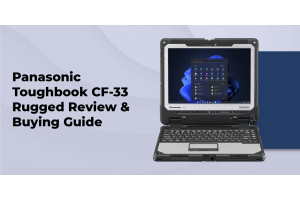
CF-33 (fully rugged 2-in-1) |
7 hrs standard twin, 15 hrs long-life twin |
Yes, twin batteries |
MIL-STD-810G, MIL-STD-461F, IP65 |
Law enforcement, harsh outdoor use |
For a closer look at how these ruggedness classes actually differ in the field, read our semi-rugged vs fully rugged laptops breakdown. Public safety and government teams evaluating the CF-33 or FZ-55 for CJIS or TAA requirements can also see our police laptop buying guide and TAA compliant rugged laptops guide.
FAQs
1. How long does the Panasonic CF-54 battery last?
Panasonic rates the Long Life battery at up to 12 hours on MK3, 7th generation models, up to 20 hours with the optional second battery. Real-world use typically runs 8 to 10 hours per charge.
2. Can the CF-54 battery be hot-swapped?
Yes. With the optional second battery installed in the media bay, you can swap a depleted pack for a charged one without shutting the laptop down or putting it to sleep.
3. Is there a recall on the CF-54 battery?
We have not found an active recall specific to the CF-54 battery. A 2016 recall involving similarly formatted part numbers applies to the Panasonic CF-S10 series, a different product line.
4. What is the difference between the standard and long-life battery packs?
The Long Life pack (CF-VZSU0PW) holds 46Wh and rates up to 12 hours. The Standard pack (CF-VZSU0LW) is lighter but rates up to 9 hours on its own.
5. Is it safe to use a third-party replacement battery?
It will usually power on and charge, but expect only 60 to 80 percent of the stated capacity compared to a genuine Panasonic pack, along with a higher chance of charging faults.
6. How do I know when to replace my CF-54 battery?
Watch for rapid drain that will not resolve with recalibration, visible swelling, or a battery that will not charge above roughly 80 percent of its rated capacity.
7. Does TRL sell replacement batteries for the CF-54?
Yes. We stock the genuine Panasonic Long Life Battery (CF-VZSU0PW) along with chargers, docking stations, and other CF-54 accessories, all backed by lifetime technical support.
8. How does CF-54 battery life compare to the CF-33 or FZ-55?
The CF-54 rates up to 12 hours on the Long Life battery. The FZ-55 rates 13 to 17 hours with a second battery module. The CF-33 uses twin hot-swap batteries rated at 7 hours standard or 15 hours in the long-life configuration.
Ready to Replace Your CF-54 Battery
A CF-54 losing runtime is not usually a laptop that needs replacing. Most of the time, it just needs a genuine battery. We have specialized in Panasonic Toughbook hardware since 1999, and every CF-54 battery, charger, or docking station we sell ships tested, backed by our standard warranty, and supported by our team for the life of the product.
If you are not sure which pack fits your CF-54 generation, or you are managing a fleet and want volume pricing on replacement batteries, request a custom quote or call to talk to a rugged computing specialist.
HTML