Waterproof Laptops Explained- Can They Really Survive Water?
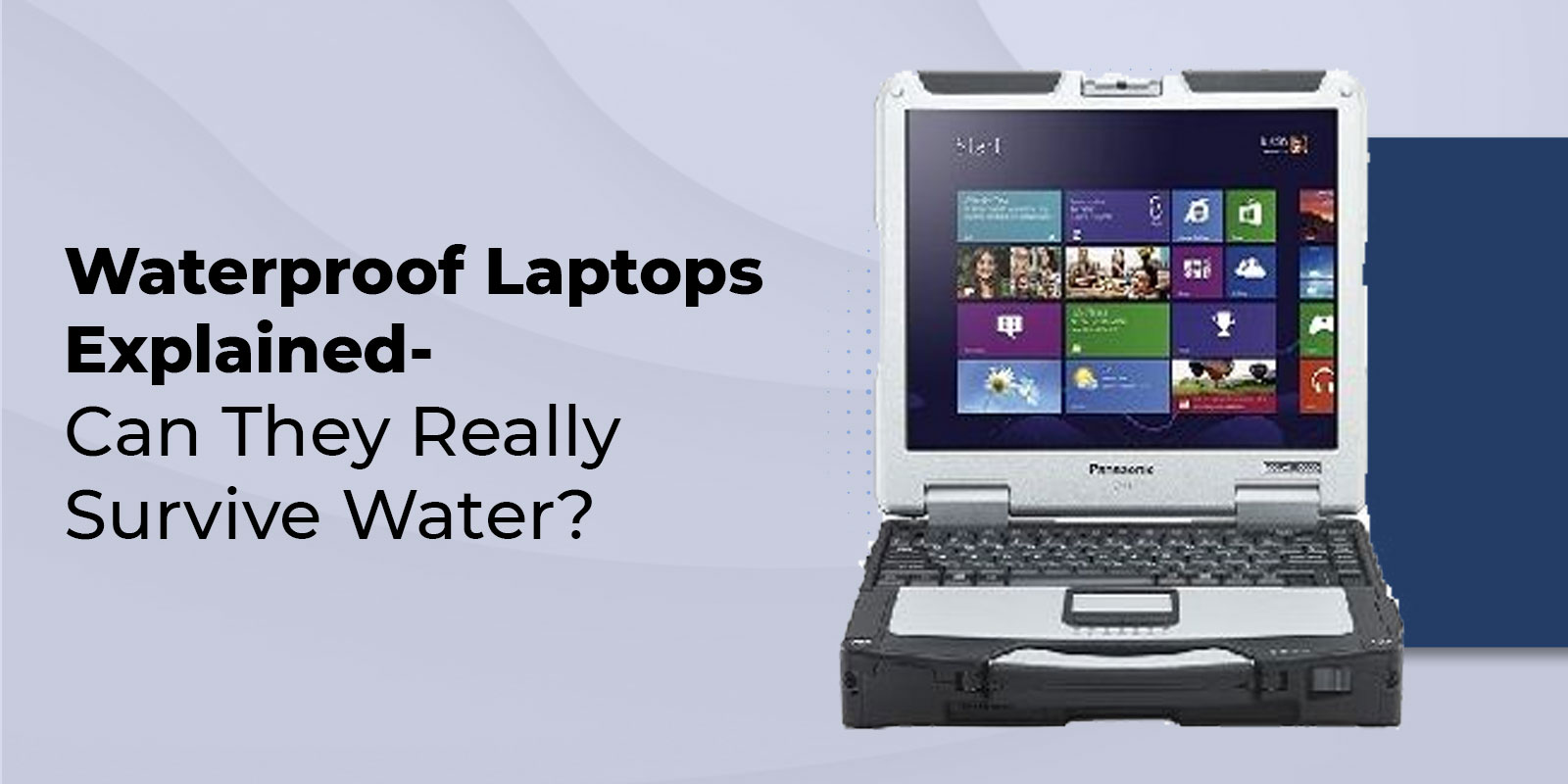
A waterproof laptop isn’t just about surviving an accidental spill-it’s about reliability in the most challenging conditions. Whether you’re working outdoors in the rain, at a construction site, or in a lab with liquids nearby, these machines are built to keep running where ordinary laptops fail. The growing rugged electronics market has enabled professionals to use laptops in environments that were once deemed impossible. Let’s take a closer look at how IP-rated laptops achieve water resistance, what sets them apart from consumer models, and how to select one that suits your needs.
What Makes a Laptop “Waterproof”?
Not all laptops claiming to be waterproof are truly waterproof. The difference between water-resistant and waterproof lies in how much liquid exposure the laptop can tolerate before damage occurs.
A water-resistant laptop can handle light splashes or brief exposure to moisture. It has partial sealing and surface treatments, but cannot withstand submersion. A waterproof notebook, on the other hand, uses complete sealing systems to block liquid ingress even under prolonged exposure or immersion.
Understanding the IP Rating System
The IP rating (Ingress Protection) scale defines how well a device resists dust and water. It’s represented as “IP” followed by two digits-the first for solid particles, the second for liquids.
- IP65- Dust-tight protection with resistance to low-pressure water jets.
- IP68- Dust-tight and capable of withstanding immersion beyond one meter, typically up to 30 minutes.
For reference, an IP65 laptop can resist rain, splashes, and cleaning sprays, while an IP68 system can survive complete immersion for a limited time.
MIL-STD Certifications
Beyond IP ratings, MIL-STD-810G is the U.S. military standard used to test rugged equipment under extreme conditions. Devices certified under this standard are subjected to tests that include vibration, shock, humidity, altitude, and temperature. Panasonic’s Toughbook line remains one of the few series rigorously tested under this military benchmark.
Stat highlight- According to industry estimates, devices meeting MIL-STD-810G standards can reduce field equipment failure rates by up to 70% compared to consumer laptops.
Core Waterproofing Features
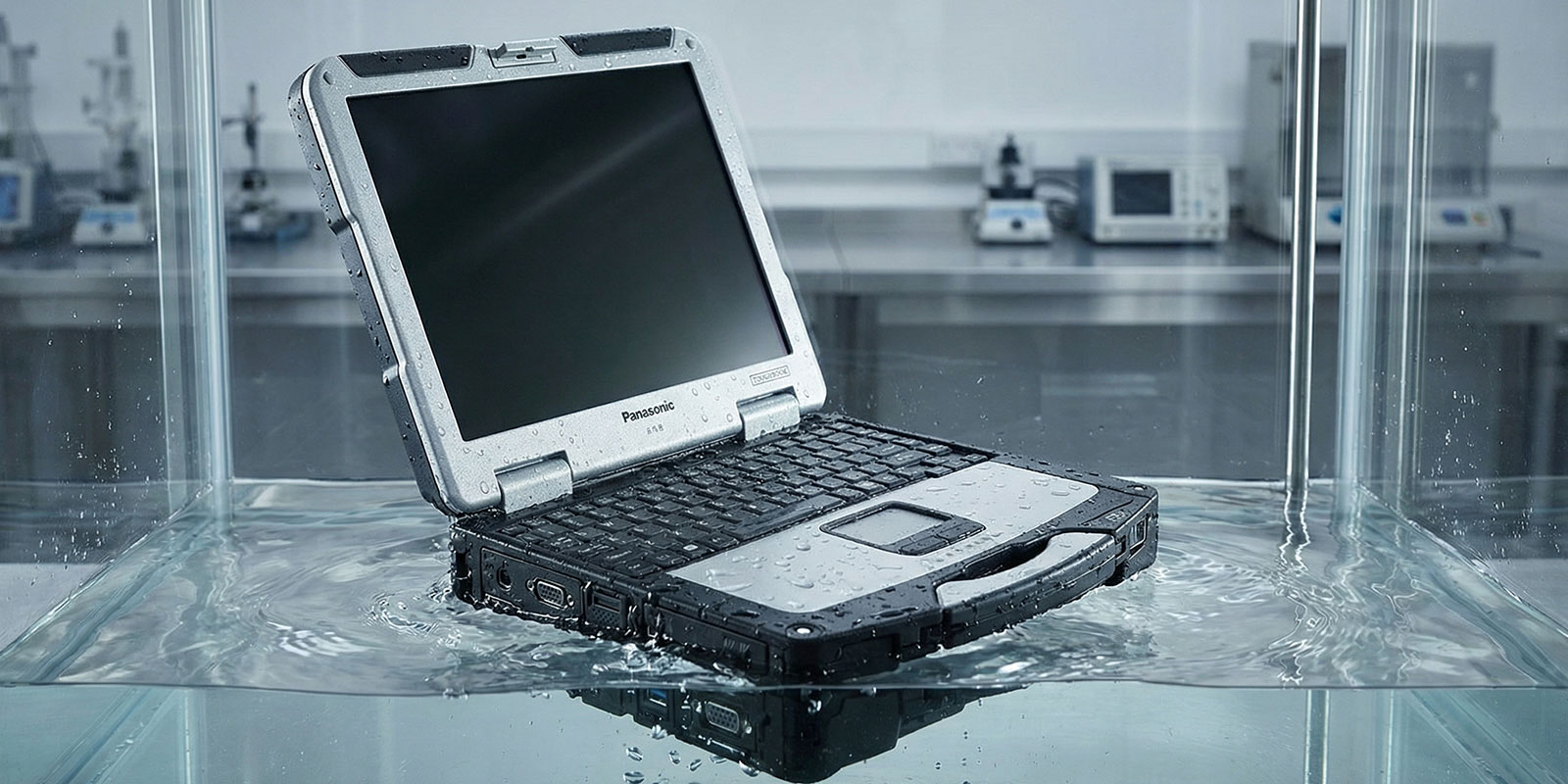
The structure of a rugged laptop is carefully engineered to stop liquid ingress while maintaining usability.
Sealed Chassis and Gasket Systems
A chassis gasket, typically made of silicone or rubber, runs along the edges of the case, sealing the internal components. Combined with a magnesium alloy casing, it provides rigidity and resistance to both impact and moisture. Internal shock-mounted components protect the laptop from mechanical damage in the event of a drop or sudden movement.
Waterproof Keyboard and Sealed Ports
A waterproof keyboard utilizes membrane or drain-through technology to prevent water from reaching the circuit layers. The sealed ports are often covered with gasketed flaps or connector couplers that maintain a watertight seal when closed.
Drainage Channels and Passive Cooling
Many models integrate drainage channels beneath the keyboard to guide water away from sensitive circuits. Since fully sealed laptops restrict airflow, they rely on passive cooling methods, including metal heat spreaders, vapor chambers, and thermal fins, instead of fans. The benefit is zero intake of dust or moisture through vents, resulting in a fanless laptop design ideal for harsh conditions.
IP Rating Deep Dive
The IP rating provides a quantifiable way to compare water-resistant laptops and fully waterproof laptops.
|
IP Level |
Liquid Protection |
Dust Protection |
|
IPX3 |
Resists light rain or splashes at ≤60° angle |
Not rated |
|
IPX4 |
Protection from splashing water from any direction |
Not rated |
|
IPX5 |
Withstands low-pressure water jets |
Not rated |
|
IPX6 |
Handles high-pressure jets (e.g., power washing) |
Not rated |
|
IPX7 |
Submersion up to 1 meter for 30 minutes |
Not rated |
|
IPX8 |
Continuous immersion beyond 1 meter |
Not rated |
|
IP6X |
Complete dust protection- no particle ingress |
Dust-tight |
The IP68 rating represents the highest level of protection in modern rugged laptops. For field engineers or outdoor technicians, this ensures that devices continue functioning during heavy rainfall or accidental submersion.
Stat highlight: Research shows that nearly 45% of laptop failures in industrial settings are caused by liquid ingress or dust exposure, making proper dust protection essential for long-term reliability.
Rugged vs Consumer Laptops
Fully Rugged Laptops
Fully rugged laptops, such as the Panasonic Toughbook series, are built from the ground up for maximum durability. They feature magnesium alloy casing, shock-mounted components, and multi-layer sealing systems. These models typically have IP65 or higher ratings and comply with the MIL-STD-810 G standard.
Pros
- Exceptional durability in all conditions
- High resistance to vibration, dust, and water
- Bright outdoor screens and gloved touch support
Cons
- Heavier and bulkier than consumer models
- Higher initial cost
Semi-Rugged Laptops
Semi-rugged units balance protection and portability. They may have partial sealing or sealed ports, but their IP rating is usually around IP53–IP54. Ideal for logistics, field service, or factory floors where exposure is moderate.
Pros
- Lower price and weight
- Decent spill and shock resistance
Cons
- Not suited for extreme weather or submersion
Standard Consumer Laptops
Regular laptops prioritize performance and design, but rarely offer adequate ingress protection. Even minimal moisture can lead to laptop water damage, short circuits, or corrosion.
Top Use Cases & Industries
Construction and Field Work
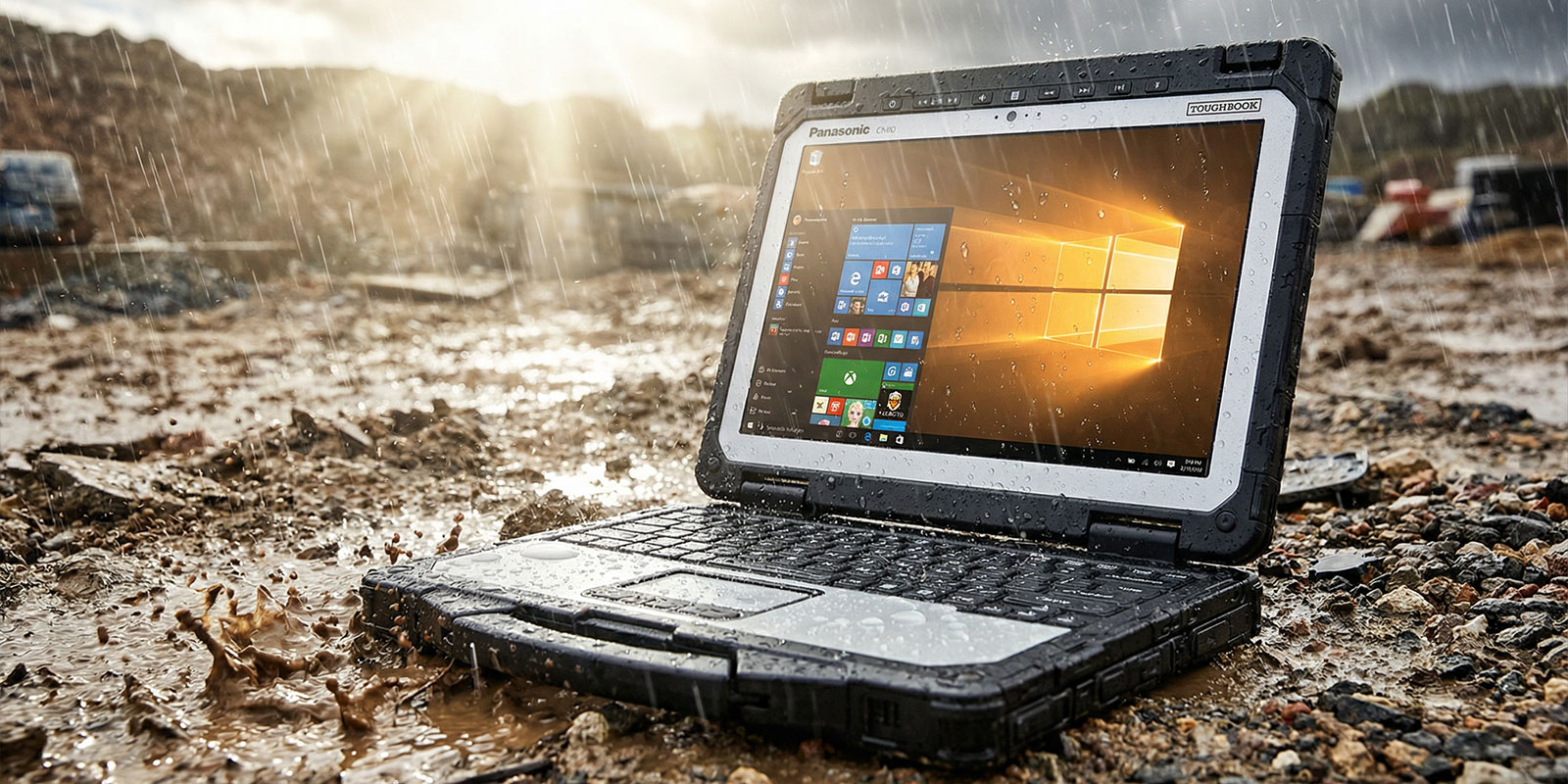
A rugged laptop is critical in construction zones where dust and water are unavoidable. Workers often use these laptops to access blueprints, reports, and real-time project data without worrying about debris or rain exposure.
Medical and Laboratory Environments
Hospitals and labs require devices with waterproof keyboards and easy sanitation. Liquid resistance prevents contamination and hardware failure during disinfection cycles.
Environmental Monitoring
Scientists use IP-rated laptops outdoors for weather data collection, where humidity and rainfall are constant risks.
Military and Law Enforcement
These sectors rely on MIL-STD-810G certified systems for missions in rain, snow, and deserts. Shock-mounted components protect drives and boards from field impacts.
Outdoor Recreation and Research
For photographers, explorers, and surveyors, high outdoor screen brightness and gloved touch functionality are vital. Models like Panasonic’s Toughbook deliver sunlight-readable displays that exceed 500 nits, providing clear visibility even under direct sunlight.
Real-World Performance & Limitations
While rugged designs deliver impressive ingress protection, there are trade-offs.
Thermal Limitations
Completely sealed designs trap heat, so fanless laptops rely on passive cooling. Under heavy workloads, heat buildup can throttle performance. Manufacturers utilize thermal pad adapters and heat pipes to enhance dissipation without relying on airflow.
Weight and Ergonomics
Extra sealing layers, magnesium alloy casings, and reinforcements add weight. Professionals often prioritize reliability over portability in exchange for longevity.
Component Access
The sealing that prevents liquid ingress also complicates maintenance. Opening the case may void the waterproof seal, requiring careful servicing.
Aftermarket & DIY Protection Tips
Even if you don’t own a waterproof laptop, there are ways to safeguard a standard one from water damage.
Protective Bags and Enclosures
Use a hermetic bag or aftermarket enclosure rated for moisture protection when operating in damp environments. Some enclosures include connector couplers for sealed cable connections.
Thermal Accessories
Attach a thermal pad adapter under the base to improve heat transfer in closed-case laptops. It helps mimic passive cooling found in rugged devices.
Spill-Resistant Accessories
Pair your laptop with an external waterproof keyboard or silicone cover for minor spills. A sturdy carrying case with drainage channels provides extra safety during travel.
Storage and Handling
Always store laptops in a cool, ventilated place after exposure to moisture. Avoid sealing damp devices in airtight containers, as trapped humidity can accelerate the corrosion process.
Cost & Maintenance Considerations
Rugged equipment naturally carries a higher price, but it pays off in the form of long-term durability and reduced downtime.
Price Range
A rugged laptop with IP65 protection and MIL-STD-810G testing typically costs more than a standard consumer model due to the use of specialized components and rigorous testing procedures. However, for professionals working in unpredictable environments, that premium reflects reliability.
Repair and Warranty
Water damage repairs can be expensive. The average cost of laptop repair for liquid exposure ranges from a few hundred to over a thousand dollars, depending on the component replacement required. Purchasing a device with full waterproof certification drastically reduces such risks.
Laptop Maintenance
Consistent laptop maintenance is crucial. Check sealed ports, gaskets, and flaps periodically for wear. Replace deteriorated seals promptly to maintain ingress protection levels.
Summary & Buying Guide
Choosing the right waterproof laptop starts with understanding your environment. Follow this checklist to match your needs-
- IP Rating- Look for IP65 or higher for outdoor or industrial use.
- Build Quality- A magnesium alloy casing with shock-mounted components ensures durability.
- Certifications- Prioritize MIL-STD-810G compliance for vibration and drop resistance.
- Display- Opt for at least 500 nits of outdoor screen brightness.
- Usability features, such as gloved touch and backlit keys, enhance productivity in the field.
- Cooling- For sealed models, check for passive cooling efficiency.
- Maintenance- Regularly inspect sealed ports, chassis gaskets, and drainage channels.
Panasonic’s long-standing expertise in rugged devices makes it a reliable choice for professionals needing dependable performance in extreme conditions.
FAQ
1. Is a laptop ruined if it gets wet?
Not always. Quick action matters. Power off the device immediately, unplug it, and remove the battery if possible. Wipe visible moisture, then let it dry in a ventilated area for 48–72 hours. The main risks are short circuits and corrosion caused by trapped moisture.
2. Should I put my laptop in rice if it gets wet?
No. Rice does not effectively remove moisture and can introduce dust into ports and fans. Instead, power down, tilt the device to drain water, and use airflow to accelerate the drying process. For critical systems, professional cleaning is recommended.
3. What is the best laptop for outdoor use?
Look for rugged laptops with MIL-STD-810G certification, IP65 or higher rating, high outdoor screen brightness, and gloved touch compatibility. Panasonic’s Toughbook line remains a top performer in this category.
Final Thoughts and CTA
A waterproof laptop isn’t just a convenience-it’s a safeguard against downtime, data loss, and expensive repairs. From sealed ports to chassis gaskets and passive cooling, each feature works together to ensure continuous operation under conditions that would destroy a standard device. When you need a machine ready for real-world demands, investing in a professional-grade rugged system is worth every penny.
Rugged Computing Inc. offers configurable Panasonic Toughbook models designed for those who can’t afford failure in the field. Get your IP-rated, military-tested laptop today and stay productive, rain or shine.