Laptops with Sunlight Readable Screens- What to Know
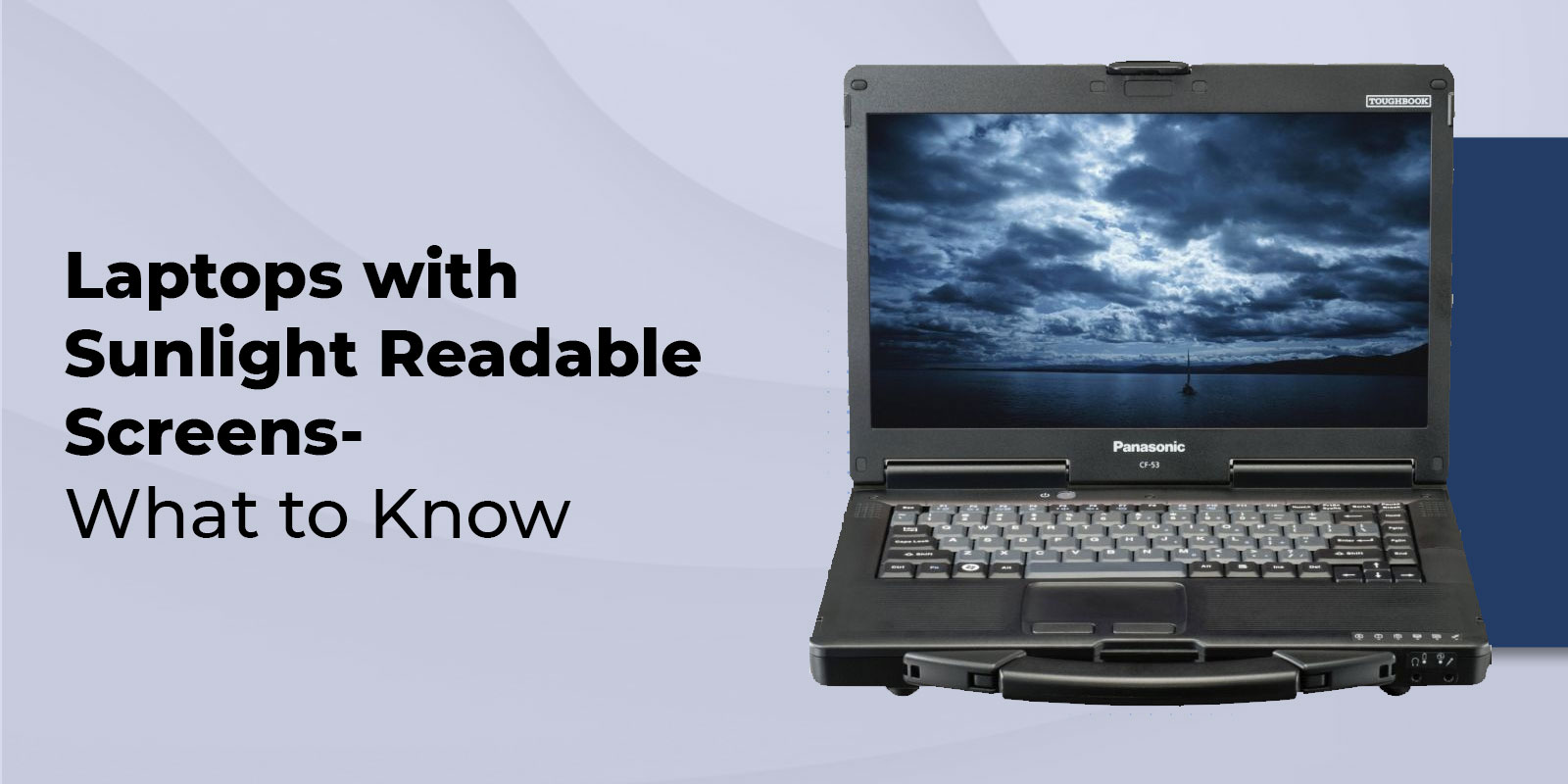
Outdoor work sounds simple until you open a laptop and see your own face staring back at you. Bright skies, harsh reflections, and washed-out colors can turn a quick task into a squinting contest. This is why daylight-view laptops and purpose-built outdoor screens matter more than most people realize. If you regularly work on patios, job sites, farms, or anywhere with intense overhead light, a standard panel can feel unusable. The good news is that a few display choices make a big difference. Once you know what brightness numbers actually mean and which screen treatments reduce glare, picking the right machine becomes far easier.
Why Sunlight-Readable Screens Matter
Sunlight creates two problems simultaneously. First, it raises ambient light, which reduces perceived image depth and makes dark UI elements look gray. Second, it causes screen reflection, so even when the panel is bright, your eyes keep bouncing between the content and reflections. That constant refocusing is a fast track to digital eye strain, especially when reading text, working in spreadsheets, or performing detailed tasks like CAD markups.
This is also becoming more relevant because outdoor work is no longer limited to field crews. With hybrid schedules and a stronger flexible work policy mindset, people want to answer emails in a park, review docs on a balcony, or edit photos in natural light. One stat that captures the motivation is that 73% of employees value flexible work policies, including the option to work outdoors, which makes display usability an absolute hardware requirement, not a luxury.
There is also a practical market signal. The rugged electronics market was valued at $10.1 billion in 2022, reflecting steady demand for gear that can withstand harsh environments, not just be carried in them.
What Makes a Screen Sunlight-Readable?
Brightness (Nits)
Most people shop by resolution first, but outdoors, brightness is the gatekeeper. Nits are a brightness unit, equivalent to candela per square meter. Higher nits usually indicate better visibility in direct sunlight, but brightness is not the only factor.
A proper reality check comes from ViewSonic guidance. Typical laptop displays run at 200–300 nits, which is insufficient for direct sunlight, and around 500 nits is often the minimum required for outdoor use to feel workable. Accurate sunlight readability usually requires 1,000 nits or more, which is where the screen can “punch through” bright daylight instead of merely surviving it.
Also, watch for marketing that focuses solely on peak HDR brightness. Peak numbers can be short bursts in tiny areas of the screen. For outdoor productivity, sustained brightness matters because you need stable legibility over time.
Anti-Glare & Anti-Reflective Coatings
People often lump everything into the category of “matte,” but there are layers to it. A matte screen typically utilizes surface diffusion to minimize mirror-like reflections. That is the classic anti-glare laptop approach, and it helps a lot when you are fighting sky reflections.
An AR coating is different. It reduces reflectivity by managing how light bounces off the surface. You will also see AG coating used to describe anti-glare treatments. In practice, the best outdoor panels combine both approaches to minimize reflectance while maintaining crisp text.
One more term to know is nano-textured glass. This is a premium surface treatment used on some high-end displays to cut reflections while keeping clarity. It can work well, but it can also be pricey and may require careful cleaning habits.
Optical Bonding & Transflective Displays
First is optical bonding. This reduces the air gap between the display layers, which lowers internal reflections and improves perceived contrast in bright light. It also tends to enhance touchscreen readability because the image looks closer to the surface.
Second is the transflective display approach. A transflective display utilizes ambient light to help illuminate the image, rather than fighting against it entirely with a backlight. It is not common in mainstream consumer laptops, but it is a significant advantage in field-focused machines where both battery life and visibility are crucial.
These choices sit inside the broader category of display technologies. Two panels can have the same brightness rating but very different outdoor results depending on bonding, coatings, and contrast behavior.
Top Laptops for Sunlight Readability
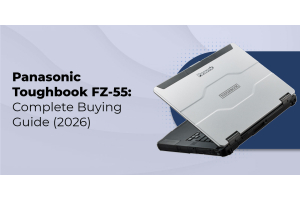
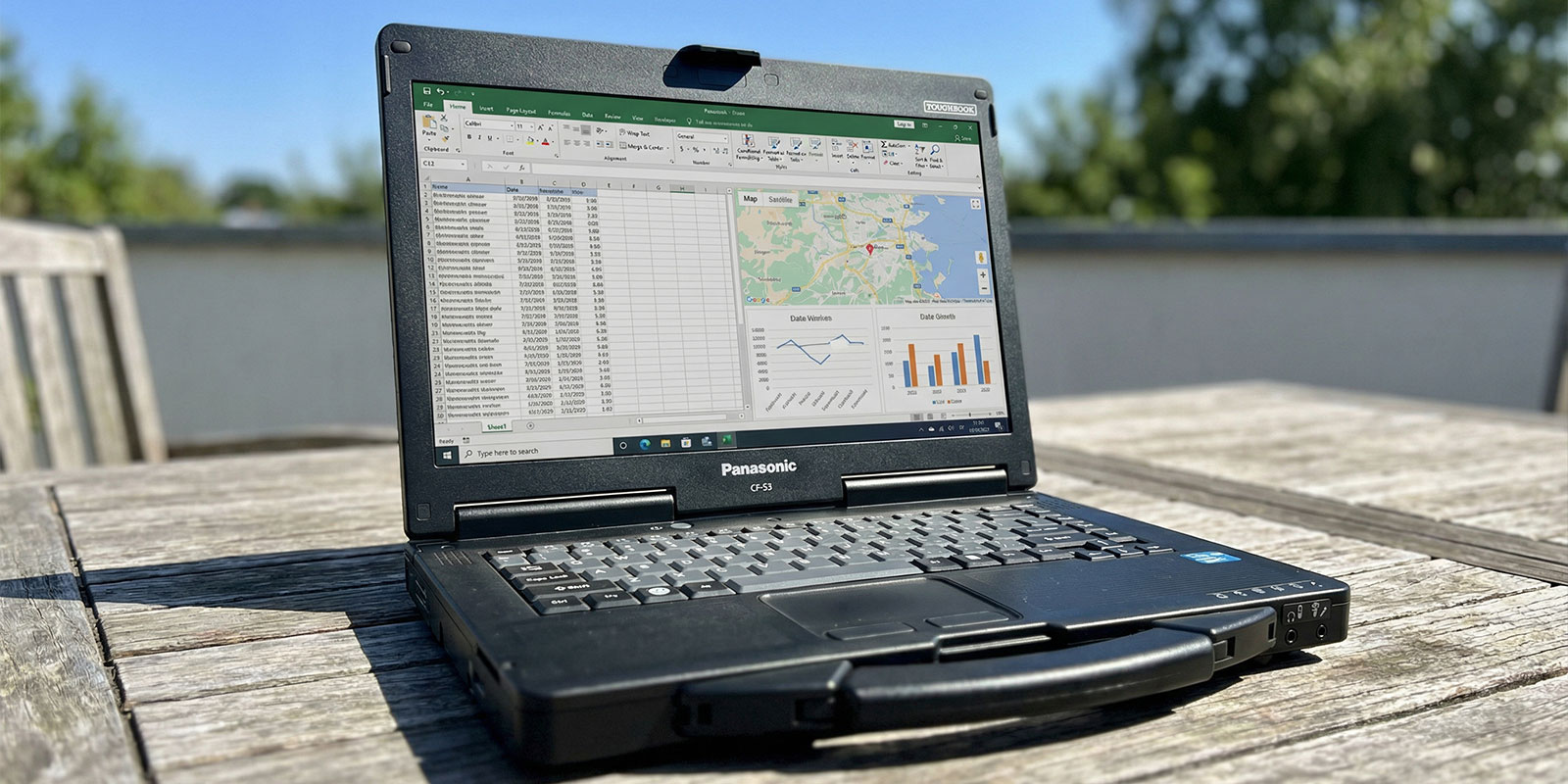
Best Overall Laptop: Panasonic Toughbook Series
Specifications
CPU- Intel Core i5-1145G7 or i7-1185G7 (varies by configuration)
GPU- Intel UHD or Intel Iris Xe (configuration-dependent)
RAM- 16GB to 64GB
Storage- 512GB to 2TB NVMe SSD (options vary)
Brightness- up to 1,000 nits on the FHD touch configuration, with direct bonding and screen treatments for outdoor viewing
Reasons to Buy
Suppose you want a sunlight-readable laptop that balances sunlight readability with real outdoor legibility; this is a strong, genuine pick. The 1,000-nit option falls within the “serious" 1,000-nit category and combines bonding with screen treatment to help reduce scarring and reflection without making the image look hazy. It also aligns with the “work anywhere” reality for a field technician's laptop, as it is built with durability in mind and supports accessory-driven workflows. You get a practical mix of ports, modular options, and a design that suits an outdoor laptop role without forcing you into a tablet-only setup.
Reasons to Avoid
Price is the obvious one. You are paying for durability, modularity, and a panel designed for harsh lighting conditions. Weight and thickness are also higher than those of ultrabooks. And while the screen is excellent outdoors, you are not buying this for flashy creator-class visuals like a mini-LED laptop tuned for HDR movies.
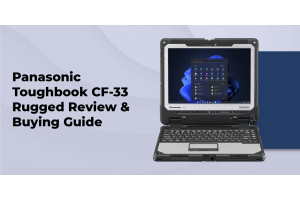
Best 2-in-1 Convertible – Panasonic TOUGHBOOK 33
Specifications
CPU- Intel Core i5-10310U or i7-10810U (configuration dependent). GPU- Intel UHD Graphics. RAM- 16GB or 32GB. Storage- 512GB or 1TB NVMe SSD. Brightness- up to 1,200 nits with direct bonding and anti-reflective treatment.
Pros & Cons
This is the definition of a convertible outdoor laptop for those who work in environments where equipment is required, particularly when your workflow involves standing. The 1,200-nit screen, plus bonding, is a standard part of their workflows; the kind of setup that stays readable when the light is brutal. It is also designed for gloves and field use, which enhances touchscreen readability in real-world conditions. The downside is that it is not a lightweight coffee-shop convertible. You are trading sleekness for durability and visibility, which is exactly what many outdoor users wantpreciselyprecisely everyone needs.
Best Workstation – Panasonic TOUGHBOOK 40
Specifications
CPU- Intel Core i5-1145G7 or i7-1185G7 (configuration dependent). GPU- integrated Intel graphics with an optional dedicated AMD GPU in some configurations. RAM- 16GB to 64GB. Storage- up to 3TB total, depending on SSD options. Brightness- up to 1,200 nits with bonding and anti-reflective treatment.
Pros & Cons
If your “workstation” requirement includes outdoor reality, this is a compelling portable workstation outdoor option. You get workstation-like functionality for ke expansion, rugged build, and a screen that is legitimately usable in bright light. It suits roles such as engineering inspections, diagnostics, and other outdoor productivity tasks where you cannot control lighting. The trade-off is cost, size, weight, and the fact that some traditional mobile workstations offer stronger creator-focused GPUs. If you require maximum GPU compute for rendering, you may still want a mainstream workstation and then address visibility with accessories.
Comparison table summarizing key specs and brightness
|
Model |
Category |
Display approach |
Brightness |
Notes for outdoors |
|
Panasonic TOUGHBOOK 55 |
Best Overall |
Bonded + outdoor treatments |
1,000 nits |
Strong balance of usability and visibility |
|
Panasonic TOUGHBOOK 33 |
Best 2-in-1 |
Bonded + AR treatment |
up to 1,200 nits |
Excellent readability, built for touch use |
|
Panasonic TOUGHBOOK 40 |
Best Workstation |
Bonded + AR treatment |
up to 1,200 nits |
Outdoor-first workstation mindset |
This laptop brightness comparison is a good starting point, but remember that finish, coatings, and contrast ratio behavior in bright light can matter as much as the number.
How to Choose the Best Sunlight-Readable Laptop
Desired Brightness Levels
Start by deciding how harsh your lighting really is. If you are mostly in shade or near windows, 400 tprimarilyprimarilynits may feel fine. If you are routinely in open daylight, you want a high-brightness display and should seek one with a brightness of 1,000 nits or higher. That is where direct sunlight with 1,000 watts or more becomes a realistic rather than a hopeful prospect.
Screen Finish (Matte vs. Glossy)
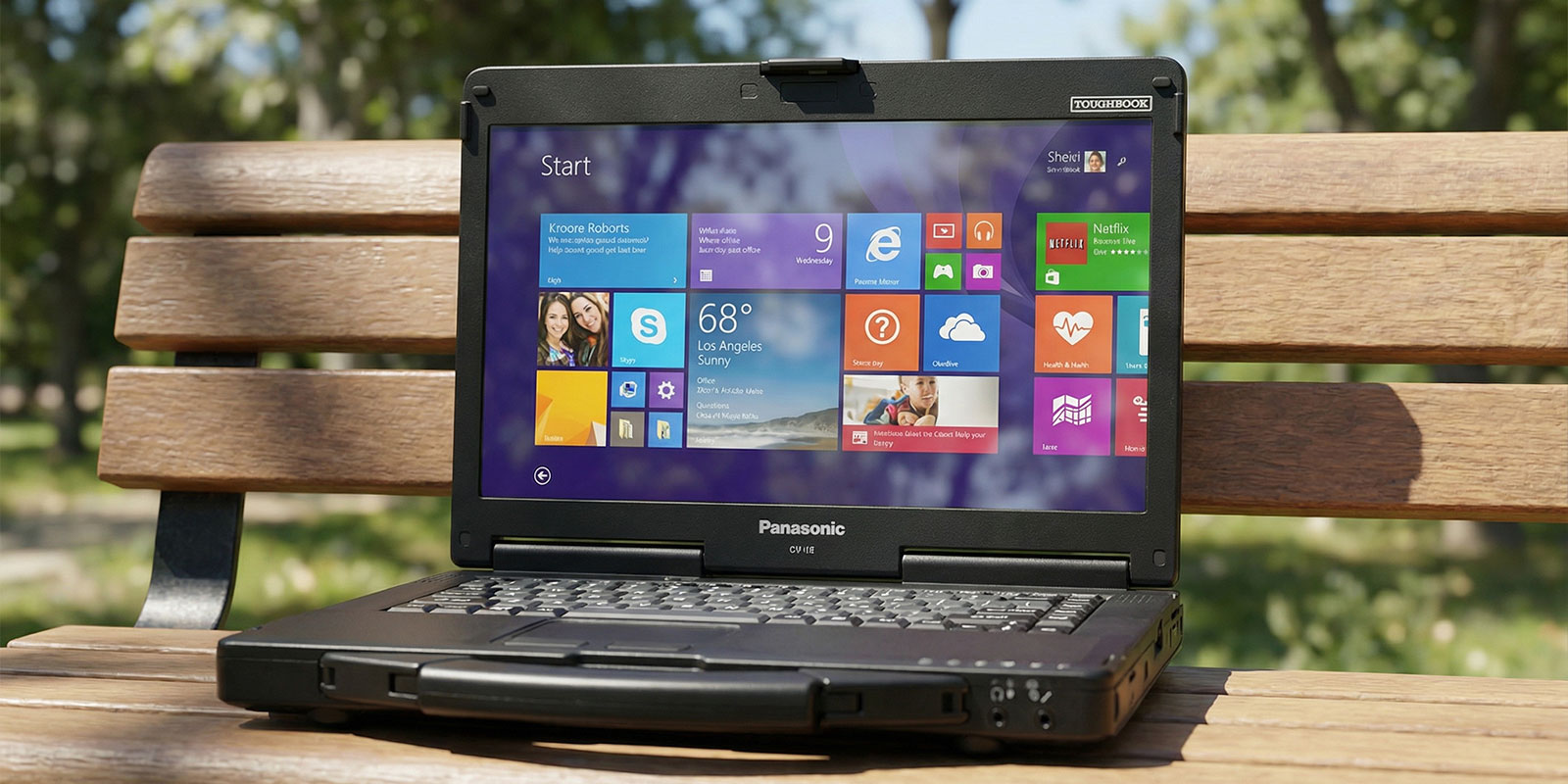
A matte screen usually wins outdoors because it reduces mirror-like glare. Glossy panels can still work if brightness is very high and you control reflections, but the moment you get overhead sun, glossy becomes a liability. Also consider coatings. A panel with strong AR coating and AG coating can outperform a basic matte screen, especially when dealing with large, bright surfaces like concrete or water.
Portability & Battery Life
Outdoor use often means no outlet. Higher brightness increases battery drain because it requires more backlight power. This is why the brightness vs. battery life trade-off is not just a theory. If you need to be outside, consider machines with hot-swappable batteries, lower power display modes, or workflows where you can adjust brightness as needed.
Durability & Building
Suppose the laptop is being taken onto a vehicle, onto a cart, or into a toolbox; durability matters. A rugged laptop is designed to withstand vibration, drops, dust, and exposure to weather conditions. Even if you don't need full rugged specs, semi-rugged designs can still reduce downtime and repair costs. This is also where replaceable screen layers and protective bezels are helpful, as outdoor work can be rough on screens.
Price & Value Considerations
The best way to think about price is the cost of not being able to work. If you are losing time fighting reflections or redoing tasks because you cannot read the screen, paying more for a true professional outdoor display is properly cheaper than the productivity loss. Treat this section as your buyer’s guide to outdoor laptop filters, and keep your laptop buying tips focused on measurable specs like brightness, coatings, and bonding rather than marketing words.
Tips to Improve Screen Visibility Outdoors
Start with the environment. Seek a shade environment whenever possible, even if it is just turning your body to block direct sun. Dark clothing can reduce bounce light hitting the screen. If you wear sunglasses, remember that polarization can sometimes make certain fabrics look darker or uneven, depending on the screen angle, so test your viewing angle.
Use maximum brightness when needed, switch to maximum-contrast UI themes, and consider bumping the text size rather than increasing brightness alone. Some devices that rely solely on outdoor light modes have settings that tweak contrast curves to combat ambient light washout.
Finally, use physical help. A laptop sunshade can make a shocking difference for reflective screens. A matte screen protector or anti-reflective film can reduce glare, although it may slightly soften image sharpness. If you rely on touch, pick accessories that do not ruin touchscreen readability.
Frequently Asked Questions
1. How can I view my laptop screen more clearly in the sun?
Combine environmental adjustments, such as finding shade and managing reflections, with device settings like maximum brightness and high-contrast mode, and use maximum accessories, such as a laptop sunshade or matte screen protector, to cut glare and boost legibility.
2. Do laptops have an anti-glare screen?
Many do, but not all. A matte screen reduces reflections through surface diffusion, while an anti-glare laptop may also include coatings. Always check whether the panel is matte and whether it features an AG coating or an AR coating, as these details significantly impact its outdoor performance.
3. How to improve screen visibility in sunlight?
Look for high-brightness panels with a brightness of 1,000 nits or higher, along with reduced internal reflection. An optical and transflective display can utilize daylight to enhance readability, rather than relying solely on increasing brightness.
Wrapping Up
If through-the-door work is part of your week, treat the screen as a primary spec, not an afterthought. The most reliable path is a true sunlight-readable laptop with an actual output, smart surface treatments, and ideally, innovative bonding to reduce reflections. For the clearest outdoor experience with 1,000+ nits, manage screen reflectance at 1,000 nits or higher, or consider error-coated surfaces, and be aware of the associated brightness levels. vs. BattleLife consideration when planning your day.
If you're helping to plan an agile, rugged laptop for field work, inspections, or mobile operations, check out Rugged Computing Inc. They specialize in outdoor-ready systems and can guide you toward configurations that prioritize legibility, durability, and the right performance level for your workload.