Rugged Tablet vs Rugged Laptop: The 2026 Comparison
Rugged laptops deliver more processing power, storage, and full-keyboard productivity for data-heavy fieldwork, while rugged tablets deliver longer battery life, lighter weight, and one-handed portability for mobile teams. The right choice comes down to whether your crew needs desk-level computing power in the field or maximum freedom of movement.
Choosing between a rugged tablet and a rugged laptop is not just a hardware decision. It affects how quickly your field teams complete tasks, how much downtime you absorb from device damage, and how much you spend replacing equipment that was never built for the job. Construction crews, utility technicians, law enforcement officers, and government field staff all rely on mobile computing that can survive drops, dust, moisture, and temperature swings that would disable a consumer device within weeks.
This guide breaks down the real differences between rugged tablets and rugged laptops, including build quality, performance, battery life, and total cost of ownership. We'll also cover which device fits specific industries best, and where a rugged 2-in-1 convertible might be the smarter middle ground. If you're still weighing your options after reading, our rugged laptop buying guide covers additional selection criteria in more depth.
What's the Difference? Rugged Tablets vs Rugged Laptops Defined
Before comparing specs, it helps to define what each device actually is. Both categories fall under rugged computing, but they solve different problems for different workflows.
What Is a Rugged Tablet?
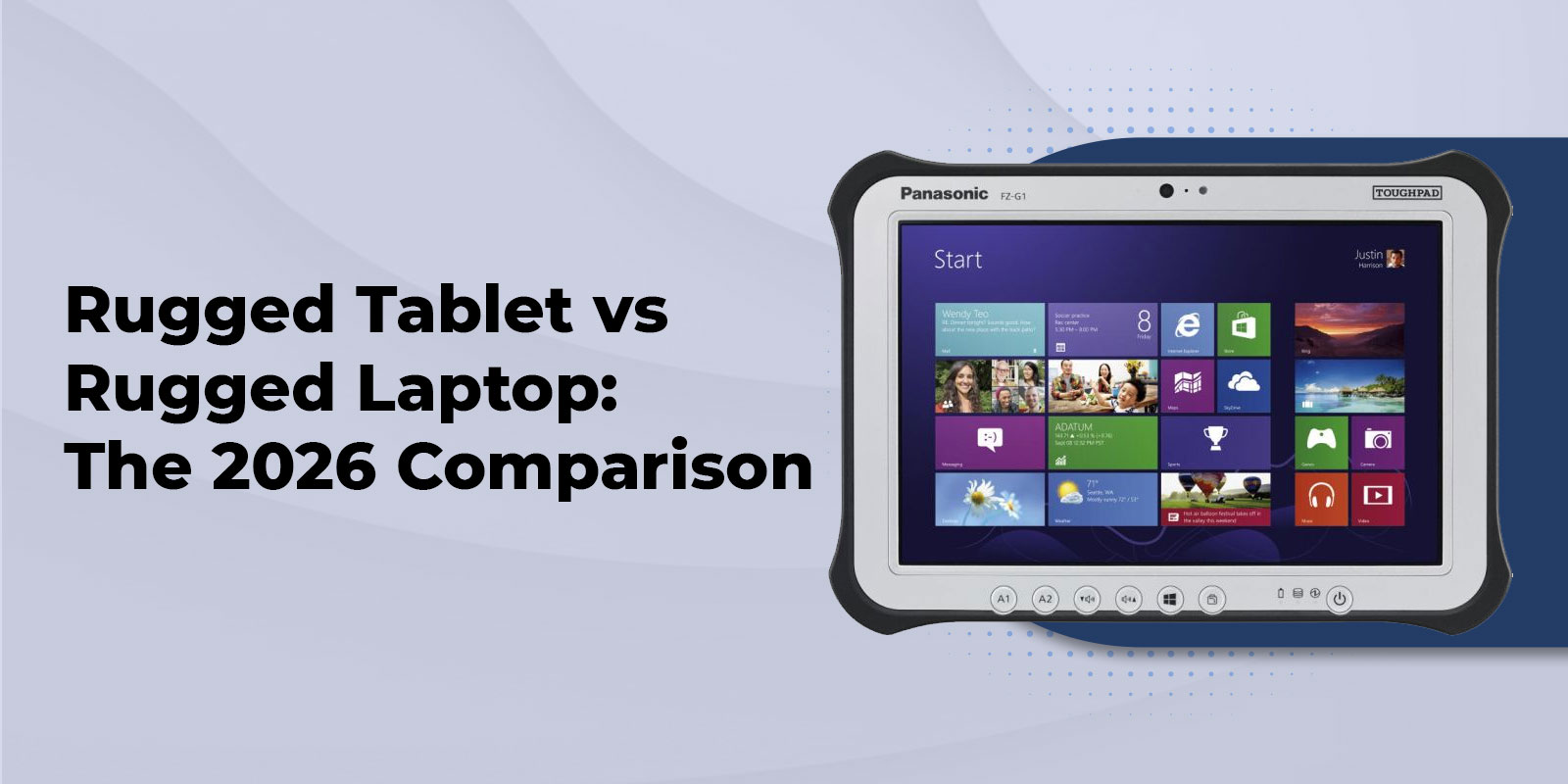
A rugged tablet is a touchscreen-first mobile computer built to survive the same environmental stress as industrial equipment. Certified rugged tablets typically carry MIL-STD-810G certification or MIL-STD-810H ratings for shock, vibration, and temperature extremes, along with IP65 rating or IP66 ingress protection against dust and water. Unlike a case-wrapped consumer tablet, a true rugged tablet is engineered from the chassis up with sealed ports, reinforced corners, and a hardened, sunlight-readable display. The FZ-G2 is a good example of a fully rugged tablet built for one-handed field use, with an optional keyboard dock for desk-style typing when needed.
What Is a Rugged Laptop?
A rugged laptop keeps the familiar clamshell form factor, built-in keyboard, and full port selection of a traditional laptop, but reinforces every component for industrial use. Sealed keyboards, shock-mounted drives, and magnesium alloy chassis let devices like the Panasonic Toughbook CF-31 survive drops, vibration, and moisture that would disable a standard business laptop. Rugged laptops generally carry the same MIL-STD-810 and IP ratings as rugged tablets, but their larger chassis allows for more powerful processors, larger batteries, hot-swappable power, and more onboard storage.
What About Rugged 2-in-1 / Hybrid Devices?
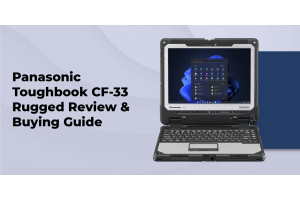
A rugged 2-in-1, like the CF-33, combines a detachable keyboard with a full tablet display, letting field teams switch between laptop-style typing and tablet-style mobility without carrying two devices. This hybrid form factor deserves serious consideration for teams that split time between vehicle-based reporting and on-foot inspection work, since it eliminates the need to manage separate laptop and tablet inventories across the organization.
Spec-by-Spec Comparison
|
Category |
Rugged Tablet |
Rugged Laptop |
|---|---|---|
|
Durability |
IP65/IP66, MIL-STD-810G/H, no hinge or fan |
IP65/IP66, MIL-STD-810G/H, sealed hinge/keyboard |
|
Processing Power |
Strong, closing gap with laptops |
Highest available in rugged category |
|
Battery Life |
Longer per charge, lower draw |
Long life, often hot-swappable |
|
Weight/Portability |
2-3 lbs, one-handed use |
5-9 lbs, best mounted or carried |
|
Display |
Touchscreen, sunlight-readable |
Touchscreen or standard, sunlight-readable options |
|
Ports/Connectivity |
Fewer built-in ports, dock-dependent |
Full port selection built in |
|
Typical Price Range |
Moderate, dock/keyboard extra |
Higher, fully equipped out of box |
|
Best For |
Mobile inspection, GIS, one-handed tasks |
Report writing, data-heavy software, vehicle use |
Durability and Build Quality
Properly certified rugged tablets and rugged laptops offer comparable durability on paper, since both typically meet MIL-STD-810G or MIL-STD-810H standards and IP65 or IP66 ratings. The real-world difference comes down to moving parts. A laptop's hinge, keyboard, and internal cooling fan are all mechanical components that face repeated stress in the field, and any one of them failing can take the whole device offline. A rugged tablet has no hinge and often no fan, meaning fewer points of failure over years of daily use. That said, a laptop's larger chassis also means more material protecting internal components, so durability is close to a toss-up between well-built devices in either category.
Performance and Processing Power
Rugged laptops generally win on raw performance. Their larger chassis supports full-voltage processors, more RAM, and larger SSDs, which matters for CAD work, multi-window data entry, or specialized field software. Devices like the Panasonic Toughbook CF-54 pair that performance with a modular design suited to engineering-heavy fieldwork. Rugged tablets have closed much of this gap in recent years, and many now run the same processor families as laptops, but thermal constraints in a thinner chassis can still limit sustained performance under heavy workloads.
Semi-Rugged vs Fully Rugged Considerations
Both tablets and laptops come in semi-rugged and fully rugged tiers, and that distinction matters as much as the tablet-versus-laptop decision itself. Teams that mostly work indoors or in a vehicle with occasional outdoor exposure can see meaningful cost savings from semi-rugged equipment. Teams working outdoors daily in construction, utilities, or emergency response should budget for fully rugged equipment either way. Our semi-rugged vs fully rugged laptops guide walks through this distinction in more detail, and the same logic applies to tablet selection.
Which One Fits Your Industry?
|
Industry |
Key Requirement |
Recommended Device |
Recommended Model |
|---|---|---|---|
|
Construction |
Drop resistance, sunlight readability, one-handed use |
Tablet or Laptop |
FZ-G2 / FZ-55 |
|
Law Enforcement |
Vehicle docking, hot-swap battery, keyboard for reports |
Laptop (+ Tablet) |
CF-31 |
|
Utilities & Field Service |
Lightweight mobility, GIS mapping, photo documentation |
Tablet or 2-in-1 |
FZ-G2 / CF-33 |
|
Government & Military |
TAA compliance, MIL-STD-810H, security features |
Laptop |
Toughbook 40 |
Construction
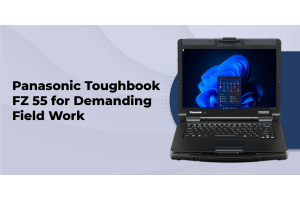
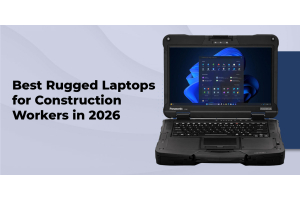
Construction crews need a device that survives drops from ladders and scaffolding, reads clearly in direct sunlight, and can be operated one-handed while holding blueprints or tools. Many crews favor the mobility of a tablet like the FZ-G2 for daily walkthroughs, while keeping a laptop like the FZ-55 in the site trailer or truck for detailed estimating and reporting work. Our best rugged laptops for construction workers guide breaks down model-specific recommendations for this industry.
Law Enforcement
Patrol vehicles are built around laptop-style rugged computing, with a docking station, external antenna, and a full keyboard for report writing during a shift. The Panasonic Toughbook CF-31 remains a common choice for this reason. Departments increasingly pair a vehicle-mounted laptop with a rugged tablet for officers who need to step out of the vehicle for field interviews, evidence photography, or citation issuance. See our guide on why police departments choose rugged laptops for more on this setup.
Utilities and Field Service
Utility technicians and field service teams benefit most from tablet mobility, since inspection, GIS mapping, and work order documentation are largely touch-driven tasks. A lightweight tablet like the FZ-G2 reduces fatigue during long shifts spent walking substations or job sites, while a 2-in-1 like the CF-33 gives technicians a keyboard option for detailed reporting back at the vehicle.
Government and Military
Government and military deployments often require TAA-compliant hardware and MIL-STD-810H certification as a baseline. The Toughbook 40 is built for this tier of requirement, offering the processing power and security features that back-office and command applications demand, while rugged tablets remain the preferred option for personnel who need hands-free or one-handed operation in the field.
Making the Decision: Cost, TCO, and a Practical Framework
Choose a rugged tablet if your team's primary tasks are touch-driven data entry, photo documentation, GIS work, or inspections that require constant movement and one-handed operation. Choose a rugged laptop if your team spends significant time typing detailed reports, running data-heavy software, or working from a fixed vehicle mount. Choose a rugged 2-in-1 if your workflow genuinely splits between both modes and you want to avoid managing two separate device fleets.
Total cost of ownership extends well beyond the sticker price. Rugged laptops, with their hinges and internal fans, tend to generate more repair calls over a multi-year deployment than rugged tablets, and repair costs on a laptop's more complex internals typically run higher. On the other hand, tablets often need additional keyboard docks, mounts, or styluses to match a laptop's out-of-the-box functionality, which adds to the true cost. Buying certified refurbished equipment, backed by a real warranty, is one of the most effective ways to control costs on either device type without sacrificing durability. Our rugged laptop buying guide covers additional TCO factors worth reviewing before you finalize a purchase decision.
Browse: new Toughbooks and certified refurbished models.
Frequently Asked Questions
What is the difference between a rugged laptop and a rugged tablet?
A rugged laptop keeps a built-in keyboard and larger chassis for more processing power and storage, while a rugged tablet is a lighter, touchscreen-first device built for one-handed mobility and longer battery life. Both can carry the same MIL-STD-810 and IP ratings.
Are rugged tablets as durable as rugged laptops?
Yes, when both devices carry the same MIL-STD-810G or MIL-STD-810H rating and IP65 or IP66 protection, they offer comparable durability. Rugged tablets have fewer moving parts than laptops, which can mean fewer mechanical failures over time.
Can a rugged tablet replace a rugged laptop entirely?
For many touch-driven, mobile-first workflows, yes. Teams that rely on extensive typing, multi-window software, or data-heavy applications are usually better served by a rugged laptop, or a 2-in-1 device that offers both modes.
What is a rugged 2-in-1 device?
A rugged 2-in-1, like the Panasonic Toughbook CF-33, combines a detachable keyboard with a full tablet display, allowing users to switch between laptop and tablet modes without carrying two separate devices.
How much more do rugged tablets and laptops cost compared to consumer devices?
Rugged devices typically cost more upfront than consumer electronics due to their reinforced construction and certification testing, but factory-direct pricing and certified refurbished options can significantly reduce that gap while retaining the same durability and warranty coverage.
Do rugged tablets support MIL-STD-810 certification?
Yes, fully rugged tablets are certified to MIL-STD-810G or MIL-STD-810H standards for shock, vibration, and temperature resistance, the same certification level used for rugged laptops.
Which is better for law enforcement, a rugged laptop or tablet?
Most departments rely primarily on vehicle-mounted rugged laptops for report writing and dispatch software, often paired with a rugged tablet for officers who need to step outside the vehicle for field interviews or evidence documentation.
What is the battery life difference between rugged tablets and laptops?
Rugged tablets generally offer longer battery life per charge due to their lower power draw and smaller displays, while rugged laptops often support hot-swappable batteries that let field crews extend runtime indefinitely without powering down.
Conclusion
Rugged tablets and rugged laptops aren't competing products so much as two answers to the same problem: how do you keep field teams productive in environments that would destroy consumer-grade electronics? Rugged laptops win when your workflow depends on typing, processing power, and desk-like functionality delivered in the field. Rugged tablets win when mobility, battery life, and one-handed operation matter more than raw computing power. And rugged 2-in-1 devices like the CF-33 offer a genuine middle ground for teams whose work spans both modes throughout a shift.
Since 1999, ToughRuggedLaptops.com has helped construction companies, utilities, law enforcement agencies, and government organizations outfit their field teams with the right device for the job, not just the device that's easiest to sell. We carry new and certified refurbished Panasonic Toughbook, Getac, and Durabook equipment, backed by factory-direct pricing and lifetime technical support.