Panasonic Toughbook FZ-G2 Review: The Best Rugged Tablet for Field Work?
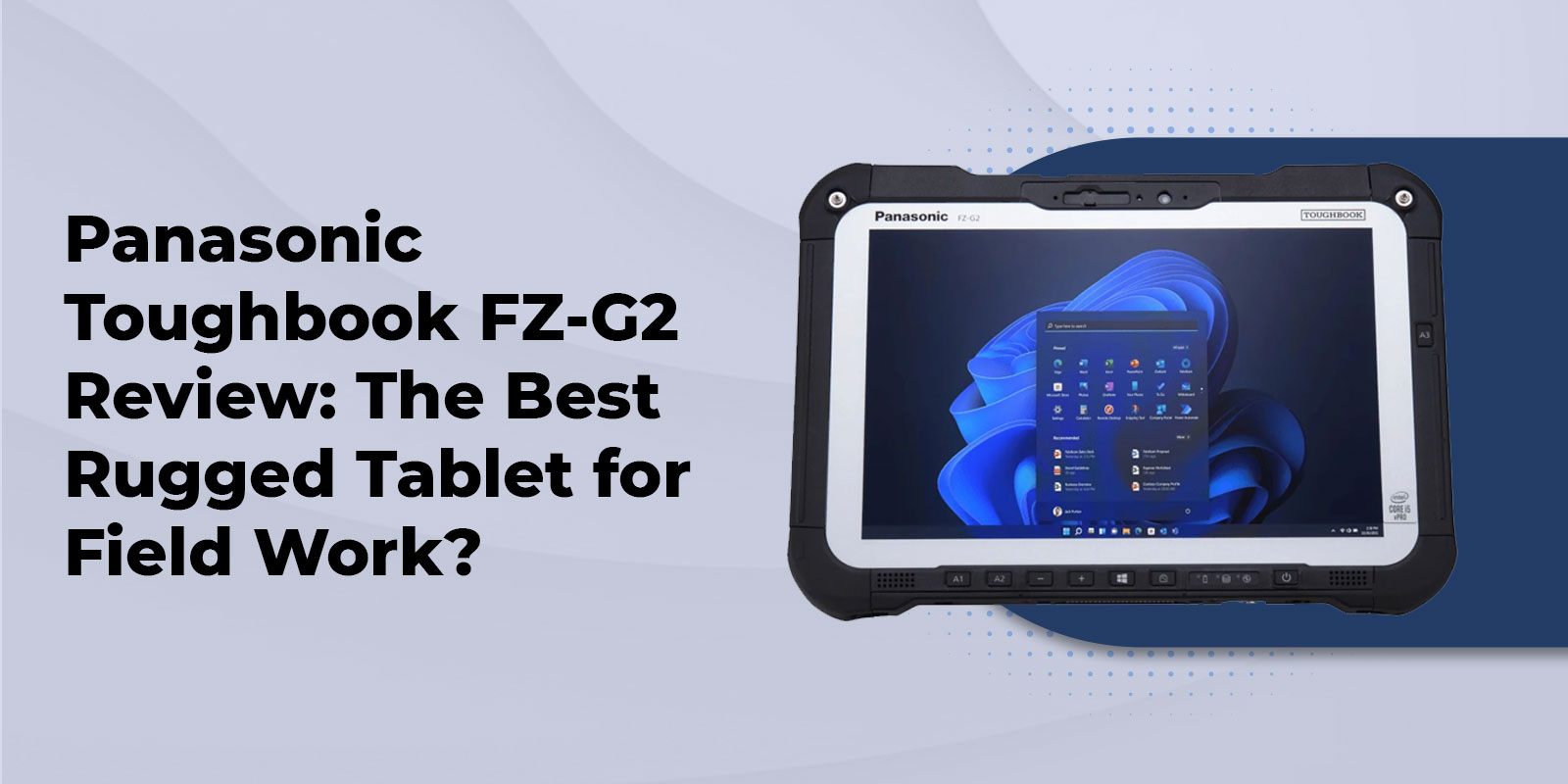
The Panasonic Toughbook FZ-G2 is a 10.1-inch fully rugged 2-in-1 tablet built for field service, public safety, and government use. It carries a MIL-STD-810H and IP65 rating, uses a modular xPAK expansion system, and runs up to 18.5 hours on a single charge.
That's the short answer. But if you're comparing the FZ-G2 against other Toughbook models, or trying to decide whether a tablet-first design makes sense for your team, there's more to unpack. This review covers the FZ-G2's core specs, its certifications, who it's actually built for, and how it stacks up against the Panasonic Toughbook CF-33 and Panasonic Toughbook FZ-55 so you can make a confident buying decision.
Panasonic has refined its rugged tablet lineup since the original Toughbook G1, and the FZ-G2 represents the most modular version of that lineage yet. Whether it's the right fit depends largely on whether your team needs a rugged laptop vs. rugged tablet, and what environment your crews work in every day. Let's start with what's actually inside this device.
What Is the Panasonic Toughbook FZ-G2?
The Panasonic Toughbook FZ-G2 is a fully rugged 2-in-1 tablet, meaning it works as a standalone touchscreen device or pairs with an optional detachable keyboard dock for laptop-style typing. It's the evolution of two earlier Panasonic lines, the Toughbook G1 and the Toughbook 20, merged into a single modular platform.
At its core, the FZ-G2 runs on Intel Core processors, paired with up to 16GB of RAM and a quick-release 512GB SSD that field techs can swap without tools. It ships with Windows 11 Pro, which matters for organizations standardizing on modern OS support and long-term security patching.
The 10.1-inch WUXGA display (1920x1200) is daylight-readable and supports both gloved-hand touch and rain mode, so it stays usable whether your team is wearing work gloves or operating in wet conditions. That's a meaningful factor in the rugged laptop vs. rugged tablet decision — teams needing one-handed, glove-friendly input in the field generally lean toward the tablet form factor.
Because the FZ-G2 is fully rugged rather than semi-rugged, it's built to handle repeated drops, vibration, and extreme temperature swings that would damage a standard commercial device. If you're still deciding between ruggedization tiers, our breakdown of semi-rugged vs. fully rugged laptops walks through the tradeoffs in detail.
The modularity doesn't stop at storage. Two to three expansion bays let you configure the FZ-G2 with a barcode reader, smartcard reader, fingerprint reader, or thermal camera depending on your use case — more on that below.
Durability, Certifications & Battery Life
|
Spec |
FZ-G2 Detail |
|---|---|
|
Processor |
Intel Core i5 / i7 options (generation varies by configuration) |
|
RAM |
Up to 16GB |
|
Storage |
Up to 512GB quick-release OPAL SSD |
|
Display |
10.1" WUXGA (1920x1200), daylight-readable, glove & rain touch |
|
Battery |
68Wh, up to 18.5 hours; optional hot-swappable bridge battery |
|
Certifications |
MIL-STD-810H, IP65 |
|
OS |
Windows 11 Pro |
MIL-STD-810H & IP65 Explained
The FZ-G2 is certified to MIL-STD-810H, the military testing standard covering drops, shock, vibration, humidity, and extreme temperature exposure. In practical terms, that means the tablet is built to survive a fall from typical waist or desk height onto a hard surface, and to keep functioning through temperature swings that would shut down a consumer device.
It also carries an IP65 rating, meaning it's completely dust-tight and protected against low-pressure water jets from any direction. That's not the same as being submersible, but IP65 covers the rain, dust, and job-site debris that most field teams actually encounter.
The xPAK Modular Expansion System
Panasonic's xPAK system lets you configure the FZ-G2 with swappable modules instead of locking into one fixed hardware setup. Depending on your industry, you can add a barcode reader for logistics and inventory work, a smartcard or fingerprint reader for secure government and law enforcement access protocols, or a thermal camera for utility and infrastructure inspection.
Battery Life
The FZ-G2 runs on a 68Wh lithium-ion battery rated for up to 18.5 hours of use, comfortably covering a full shift for most field teams. For crews working around the clock, Panasonic also offers an optional hot-swappable bridge battery, so the tablet's main battery can be replaced without powering down — a genuinely useful feature for 24/7 dispatch, EMS, or security operations that can't afford downtime.
Who the FZ-G2 Is Actually Built For
Specs matter less than fit. Here's where the FZ-G2 tends to make the most sense in practice.
Construction & Field Service
Dust, drops, and gloved hands are daily realities on a job site, and the FZ-G2's IP65 rating and glove-touch display are built around exactly that. Crews doing on-site inspections or work-order updates in the field benefit from a tablet they can operate one-handed without removing gloves. For more on what matters in this environment, see our guide to rugged laptops for construction workers.
Law Enforcement & Public Safety
Departments handling sensitive data in the field often need hardware-level access controls, and the FZ-G2's optional smartcard and fingerprint reader xPAKs support exactly that kind of secure authentication. Combined with MIL-STD-810H durability for in-vehicle and foot-patrol use, it's a common fit for departments moving away from bulkier laptop-only setups. We cover this in more depth in why police departments choose rugged laptops.
Government & Utilities
Agencies and utility crews working in remote or hazardous environments need devices that hold up through extreme temperatures and rough handling without sacrificing all-day battery life. TAA-compliance considerations often come into play for government laptops procurement as well, which is worth confirming on your specific FZ-G2 configuration before purchase.
FZ-G2 vs. CF-33 vs. FZ-55: Which Toughbook Should You Choose?
|
Spec |
FZ-G2 |
CF-33 |
FZ-55 |
|---|---|---|---|
|
Form Factor |
Tablet / 2-in-1 (detachable) |
2-in-1 (detachable, larger) |
Traditional clamshell laptop |
|
Display Size |
10.1" |
12" |
14" |
|
Best For |
Glove-touch, field data entry |
Larger-screen fieldwork, mapping/CAD |
Typing-heavy, desk + field hybrid |
|
Battery Life |
Up to 18.5 hrs |
Up to 20 hrs (config-dependent) |
Up to 20+ hrs (config-dependent) |
If you've narrowed your search to Panasonic but aren't sure which model fits, here's how the FZ-G2 stacks up against two other popular Toughbook options.
Choose the FZ-G2 if you want a tablet-first device with the smallest footprint of the three, and you value modular xPAK accessories over a larger built-in keyboard. It's the right call for teams that spend more time interacting with the screen — data entry, forms, photo capture — than typing long documents.
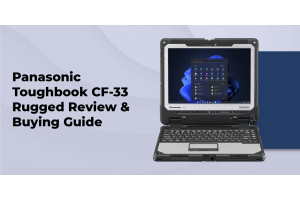
Choose the Panasonic Toughbook CF-33 if you want a larger, dual-hinge 2-in-1 with a bigger display and more built-in ports, while still keeping tablet flexibility. It suits teams that need a bigger screen for detailed mapping or dispatch work.
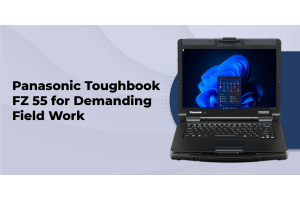
Choose the Panasonic Toughbook FZ-55 if your team primarily needs a traditional clamshell laptop rather than a tablet, with a full built-in keyboard and larger battery options for extended desk-and-field hybrid use.
Budget is also part of this decision. New configurations carry Panasonic's current factory-direct pricing, while certified refurbished units — TRL's specialty since 1999 — offer significant savings with the same durability and a backed warranty. For a full breakdown of what to weigh before buying, read our rugged laptop buying guide.
Frequently Asked Questions
1. What is the Panasonic Toughbook FZ-G2 used for?
t's built for field service, public safety, government, and utility deployments that require a rugged, glove-friendly touchscreen device that can survive drops, dust, and extreme temperatures.
2. Is the Panasonic FZ-G2 still available, or has it been discontinued?
The FZ-G2 remains an active part of Panasonic's Toughbook lineup and is available both new and certified refurbished, though buyers should confirm the current configuration and revision when ordering.
3. What's the difference between the FZ-G1 and the FZ-G2?
The FZ-G2 introduced Panasonic's xPAK modular expansion system, updated processor options, and support for an optional detachable keyboard dock — improvements the original G1 didn't offer.
4. How much does a Panasonic Toughbook FZ-G2 cost?
Pricing varies by configuration (processor, storage, and xPAK modules). TRL offers factory-direct pricing on new units and lower-cost certified refurbished options — call 800-441-9165 for a configuration-specific quote.
5. Is the FZ-G2 waterproof?
It's IP65 rated, meaning it's dust-tight and protected against water jets — but it is not fully submersible like a higher IP68-rated device.
6. Can you attach a keyboard to the FZ-G2?
Yes. An optional detachable rugged keyboard dock converts the FZ-G2 into a 2-in-1, adding a physical keyboard and additional ports while keeping the tablet's core functions accessible.
7. Is a refurbished FZ-G2 a good option?
For many buyers, yes. TRL's certified refurbishment process includes testing and a warranty, offering meaningful cost savings over a new unit. Pair it with vehicle mounts and other accessories to complete a field-ready setup.
Conclusion
The Panasonic Toughbook FZ-G2 remains one of the most flexible rugged tablets on the market, thanks to its modular xPAK system, MIL-STD-810H and IP65 durability, and battery life built for full field shifts. It's a strong fit for construction crews, law enforcement, and government or utility teams that need a tablet-first device able to adapt as requirements change.
If you're still weighing it against the CF-33 or FZ-55, the right choice comes down to form factor and how your team actually uses the device day to day — tablet-first vs. laptop-first, and how much built-in expansion you need on day one.
With 25+ years of rugged computing experience, factory-direct pricing, and a certified refurbishment process backed by lifetime technical support, TRL can help you land on the right configuration whether you're buying new or certified refurbished.