Rugged Laptop Case Guide: Protecting Your Toughbook Between Deployments
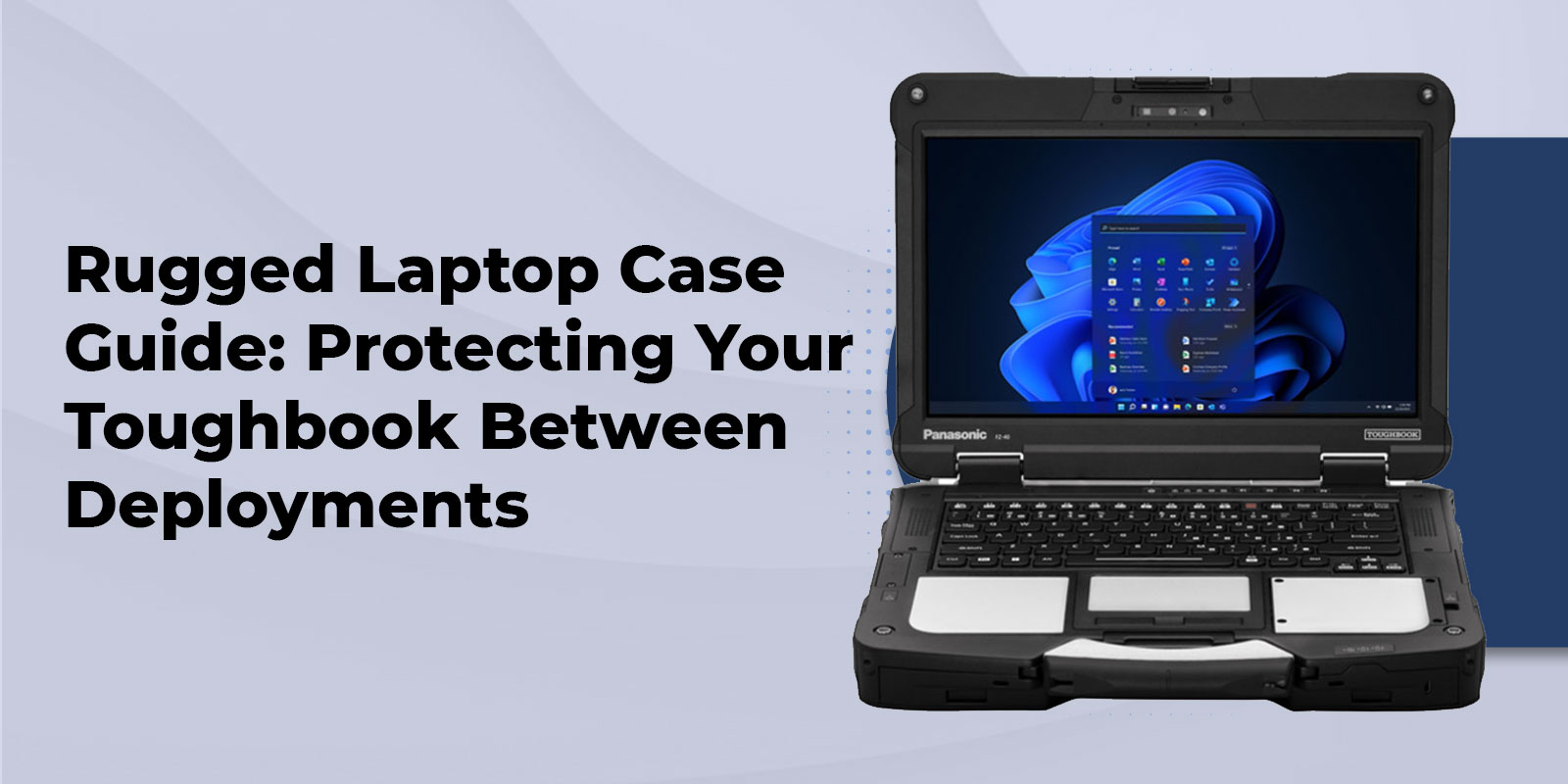
A rugged laptop case adds a second layer of transport and impact protection on top of a device's built-in certifications, shielding a Toughbook from drops, dust, and moisture during transit, storage, and handoffs between shifts or deployments. The right case matches the laptop's exact model and the environment it travels through.
Even a Panasonic Toughbook 40 rated to MIL-STD-810H and IP65 or IP66 standards spends plenty of time outside of active use, sitting in a vehicle console, riding in a supply truck, or waiting in a gear locker between shifts. That transit and storage time is exactly where a case earns its keep. This guide covers the main case types, how to match a case to a specific Toughbook model, which case makes sense for different field roles, and a short framework for making the final call.
Why Case Protection Still Matters for a Certified Rugged Laptop
What MIL-STD-810H and IP65/IP66 Certifications Already Cover
Rugged laptop certifications are earned in controlled lab conditions. MIL-STD-810G/H testing puts a device through a defined set of drops, vibration profiles, and temperature swings, and an IP65 rating confirms a specific level of dust and water-jet resistance. Those tests are rigorous, but they describe a device in active, expected use, not the unpredictable handling a laptop gets when it is not being watched.
Where a Case Adds a Second Layer of Protection
A case picks up where certification testing leaves off. It protects against loose rattling in a vehicle bed during a long haul, crushing from shifting cargo or tools stacked on top, and the everyday scuffs of being handed off between multiple users on a shared device pool. None of the major case manufacturers connect their products back to a laptop's own certification level, which leaves a real gap: buyers are left guessing whether a case is actually necessary on top of an already-rugged device, rather than being shown exactly where the case picks up the slack.
Rugged Laptop Case Types Compared
Not every case is built for the same job. The table below breaks down the four main categories by protection level, portability, and the environment each one fits best.
|
Case Type |
Protection Level |
Portability |
Cost Tier |
Best-Fit Environment |
|
Hard Shell / Transit Case |
Highest (crush, water, dust) |
Lower (bulkier) |
Mid-High |
Shipping, multi-device storage, harsh vehicle transport |
|
Padded Sleeve |
Moderate (scratch, minor bump) |
Highest |
Low |
Office-to-field daily carry |
|
Rugged Backpack |
Moderate-High (padded compartment) |
High |
Mid |
Field techs carrying tools plus laptop |
|
Everyday Carry / Messenger |
Moderate |
High |
Low-Mid |
Light field use, indoor-outdoor transitions |
Hard Shell and Transit Cases
Hard shell and transit-style cases offer the highest level of protection and are built for shipping laptops between offices, storing a fleet of devices between deployments, or transporting equipment in the back of a work truck. They typically use rigid polymer or polypropylene shells with custom foam inserts, along with pressure valves and locking latches. The tradeoff is bulk and weight, which makes them a poor fit for daily carry but the right call whenever a laptop is in transit unattended or stacked with other equipment.
Sleeves, Backpacks, and Everyday Carry
Padded sleeves and rugged backpacks trade some protection for portability. A sleeve is the lightest option and works well for a technician moving between an office and a truck cab, while a rugged backpack adds room for tools, chargers, and accessories alongside the laptop. Neither is intended to survive a shipping dock or a multi-week storage stint, but both hold up well for daily field-to-field movement.
Matching a Case to Your Toughbook Model
Case fit depends on the exact form factor of the Toughbook in use, since convertible tablets and fully rugged clamshells have different footprints, port placements, and handling needs.
Convertible and Tablet Form Factors
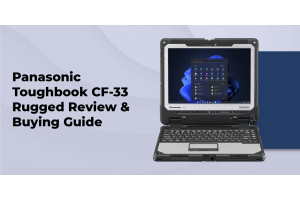
Convertible models like the Panasonic Toughbook CF-33 detach into a standalone tablet, which means a case needs to accommodate both the tablet body and the keyboard dock separately, or hold the unit securely in either configuration. Look for cases with a dedicated tablet compartment and reinforced corners, since the detachable design creates more edges that can take an impact.
Fully Rugged Clamshell Models
Fully rugged clamshell devices like the Toughbook 40 are heavier and have fixed port locations on multiple sides for docking, power, and peripherals. A case built for this form factor should leave those ports accessible without removing the laptop, and should account for the added weight when choosing carry straps or handles rated for daily use.
Case Selection by Industry Use Case
Construction and Field Service
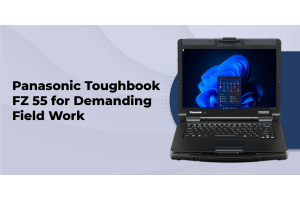
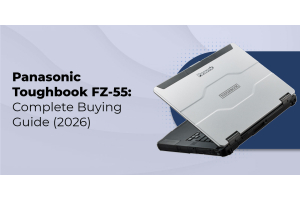
Field service and construction teams running devices like the FZ-55 typically need a case that survives being tossed in a truck bed alongside tools and materials. A hard shell or transit case is usually the better fit here, since construction crews deal with dust, vibration, and shared equipment storage on a daily basis.
Law Enforcement and Public Safety
Patrol and public safety deployments using a device like the Panasonic Toughbook CF-31 often keep the laptop mounted for most of a shift, so the case only needs to protect the device during vehicle changeovers, shift handoffs, or trips into an evidence room. A padded sleeve or lighter transit case usually covers this well, since police departments prioritize quick in-and-out access over maximum shipping protection.
Utilities and Field Deployment
Utility crews doing rugged laptop field work across remote sites tend to move devices in and out of vehicles multiple times a day, which makes a rugged backpack or hybrid sleeve-and-case combination a practical middle ground between protection and portability.
A Simple Selection Framework
Choosing the right case comes down to four quick questions:
- Identify the exact Toughbook model in use, since form factor drives the size and shape of case needed.
- Identify the primary transport risk: vehicle rattling, shipping between locations, or long-term storage.
- Match that risk to a case type using the comparison table above.
- Confirm the case does not interfere with any existing vehicle mounts or docking hardware already in use.
For a broader look at total cost of ownership and device selection, the rugged laptop buying guide covers how accessory decisions like this one fit into the bigger picture.
Frequently Asked Questions
1. Does a rugged laptop case void my Toughbook's warranty?
No. A properly fitted case does not affect the Toughbook's manufacturer warranty or its MIL-STD-810H and IP65/IP66 certifications, since those ratings apply to the device itself, not to any accessory used alongside it.
2. Can I use a standard laptop case for a Panasonic Toughbook?
A standard consumer laptop case usually does not fit a Toughbook's thicker chassis, port layout, or handle placement, so a case sized specifically for the model is the safer choice.
3. What's the difference between a rugged sleeve and a hard shell case?
A sleeve protects against scratches and minor bumps during daily carry, while a hard shell case adds crush, water, and dust resistance for shipping or unattended transport.
4. Do I still need a case if my laptop is already MIL-STD-810H rated?
Yes, in situations involving shipping, storage, or shared-device handoffs, since certification testing covers expected in-use conditions rather than unattended transport or stacked cargo.
5. What size case fits a Toughbook 40 versus a CF-33?
The Toughbook 40 needs a case sized for a fixed clamshell body with multiple port-side openings, while the CF-33's convertible design needs a case that accommodates both the tablet and keyboard dock; our specialists can confirm exact dimensions by model.
6. Are rugged cases compatible with vehicle docking stations?
Most daily-carry sleeves and backpacks are designed to be removed before docking, but a case that stays on during mounting should be checked against the specific vehicle mount in use to confirm clearance.
Conclusion
A Toughbook's built-in certification handles the day-to-day bumps and exposure of active fieldwork, but the time a device spends in transit, storage, or shared handoffs is where a well-matched case earns its place. Choosing between a hard shell, sleeve, or backpack comes down to the specific model in use and the transport risk it faces most often.
With 25+ years of rugged computing expertise and lifetime technical support on every Toughbook we sell, our team can help match the right case to your exact model and field conditions.