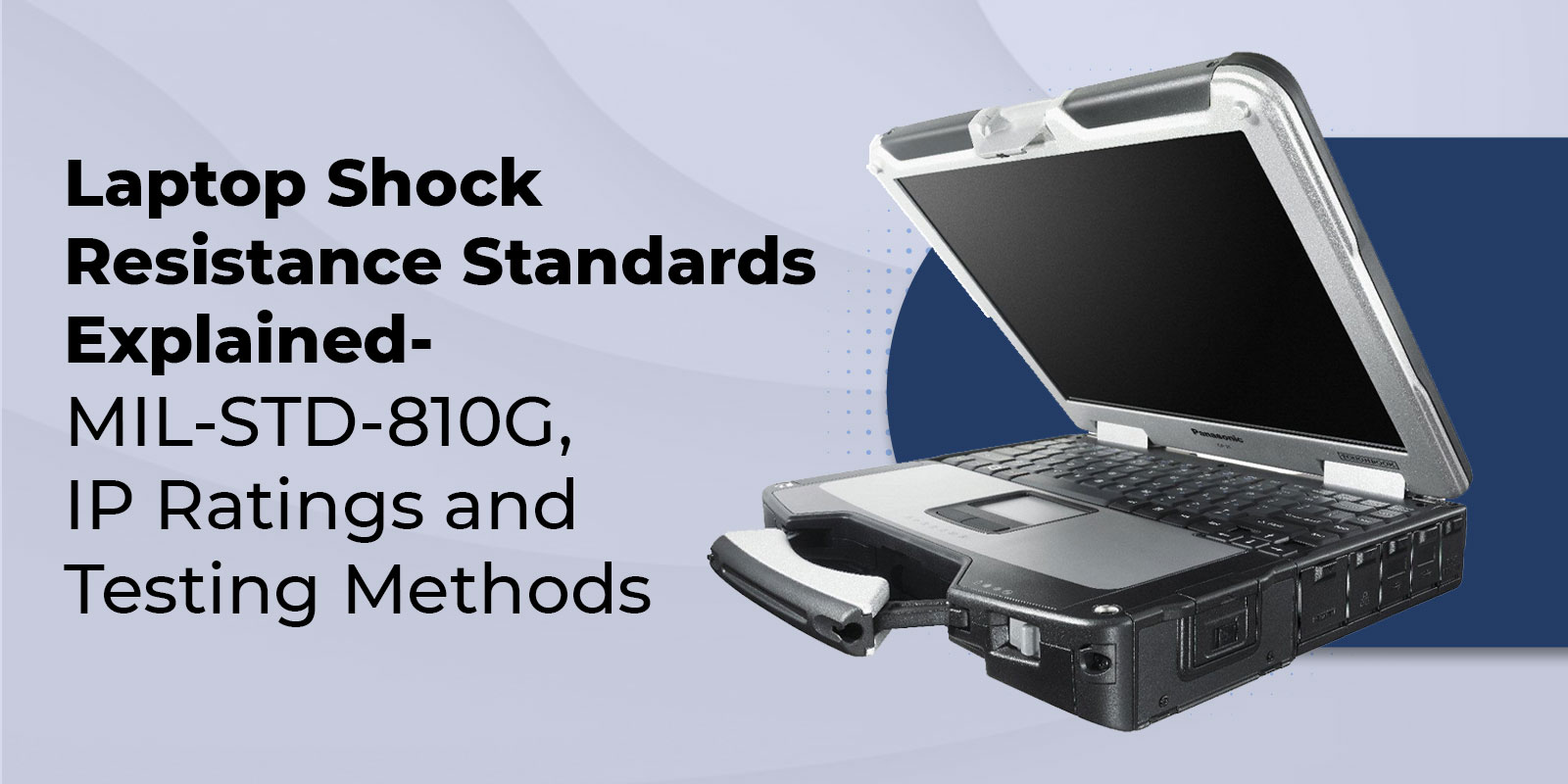
Laptop Shock Resistance Standards Explained: MIL-STD-810G, IP Ratings and Testing Methods
One drop can turn a working laptop into a repair ticket, lost data, and a stalled field team. It might be a device sliding off a truck seat, tipping off a rolling cart, or getting knocked off a workbench during a rushed handoff. The laptop may look fine, but the damage often shows up later as loose ports, display flicker, random shutdowns, or storage errors.
If you’re buying laptops for crews who work in vehicles, warehouses, plants, or outdoor sites, shock resistance is not a nice-to-have. It’s how we prevent downtime, reduce repeat repairs, and keep teams productive when conditions are not gentle.
Below is what shock resistance standards actually mean, which tests matter most, and how you can verify a vendor’s durability claims before you commit to a fleet.
Key Highlights
- MIL-STD-810 is a test method standard, not a single certification
- The most common laptop drop claim is based on MIL-STD-810G Method 516.6 Transit Drop
- IP ratings measure dust and water protection, not drop protection
- SSDs are inherently more shock-resistant than HDDs because they have no moving parts
- The best way to validate rugged claims is to request test reports and confirm the tested configuration
What Laptop Shock Resistance Means in Real Life
Laptop shock resistance is a device’s ability to continue working after physical impacts and repeated jolts, such as drops, bumps, and transport vibrations. In procurement terms, it’s about reduced downtime, fewer repairs, and predictable reliability in the places where regular office laptops fail.
The tricky part is that not all “rugged” claims mean the same thing. Some laptops are tested for a specific drop method. Others only have water and dust protection. Some are tested in a lab, but the configuration you buy may be different from the tested unit. We’ll focus on the standards and test methods that help us verify real shock resistance.
You can think of shock resistance as two separate problems we need to solve.
- Single events like drops onto hard surfaces
- Long-term stress like vibration during daily transport
A laptop that survives one drop can still fail after months of vibration. That’s why standards matter.
Why Shock Resistance Matters
Field work is rough on devices. Laptops get carried with tools, used while standing, and loaded into trucks. Even careful teams have accidents.
Loss is also a factor. Gartner is widely cited for estimating that a laptop is stolen every 53 seconds, which shows how often devices are exposed to real-world handling risk.
And repairs are expensive. SquareTrade reported that across a large dataset of laptops, 31 percent had a failure reported within three years, with accidental damage contributing to that total.
Rugged devices are also becoming more common. One market estimate places rugged electronics around 10 billion dollars with steady growth through the next several years, which matches what we see in field deployments across utilities, logistics, and industrial work.
Common Shock Resistance Standards
1. MIL-STD-810 Overview
MIL-STD-810 is a U.S. Department of Defense test method standard for environmental and mechanical stress. It includes multiple laboratory methods, and manufacturers select which ones to run based on the environment they’re designing for.
That flexibility is helpful, but it also means a laptop can claim MIL-STD-810 testing while only completing a small subset of tests.
MIL-STD-810H supersedes MIL-STD-810G and is the current revision used by many OEMs.
2. MIL-STD-810G Key Shock Tests
- Method 516.6 Transit Drop
When you see a rugged laptop described as drop tested, the most common reference is MIL-STD-810G Method 516.6 Shock, Procedure IV Transit Drop.
A widely referenced setup includes
- 26 drops
- 48 inches or 4 feet
- Plywood over concrete
This 26-drop transit drop approach is commonly summarized in published rugged testing explanations like Zebra’s overview.
https://support-new.zebra.com/article/MIL-STD-810-G
What it tells us: The laptop can survive repeated impacts that simulate mishandling during transport.
What it does not tell us: It does not guarantee survival on every surface, at every angle, or in every configuration. A unit with a larger battery, a different drive bay, or a different handle can behave differently in a fall.
- Vibration and Mechanical Shock
Drops get attention, but vibration causes the most long-term damage. It does not break a laptop all at once. It slowly weakens it.
Daily vehicle use, forklifts, and equipment mounts create constant vibration that can loosen internal connections, fatigue solder joints, and cause ports or docks to fail intermittently. These issues are hard to trace because the device often looks undamaged while becoming unreliable.
MIL-STD-810H addresses this risk through Method 514.8 Vibration, which simulates the mechanical stress of transport and vehicle operation over time.
If your teams rely on vehicle docks or spend hours in transit each day, vibration testing is just as important as drop testing for preventing repeat failures and downtime.
3. MIL-STD-810H vs 810G
MIL-STD-810H replaced 810G and includes updates to test guidance and method organization.
From a procurement point of view, the important part is not the letter. It’s the details.
- Which method was tested
- Which procedure was used
- What severity was selected
- What exact laptop configuration was tested
MIL-STD-810H publication and superseding reference: click here
4. IP Ratings and What They Really Mean
IP ratings are not impact ratings. They do not measure drop resistance. IP comes from IEC 60529 and focuses on ingress protection, meaning dust and water.
IEC explains the structure clearly.
- The first digit is protection against solids
- The second digit is protection against liquids
https://www.iec.ch/ip-ratings
5. Common Laptop IP Ratings
- Dust tight
- Protected against water jets
- IP67
- Dust tight
- Protected against temporary immersion
These ratings matter for rain, dust, and washdown environments, but they do not replace drop testing.
How Manufacturers Build Shock-Resistant Laptops
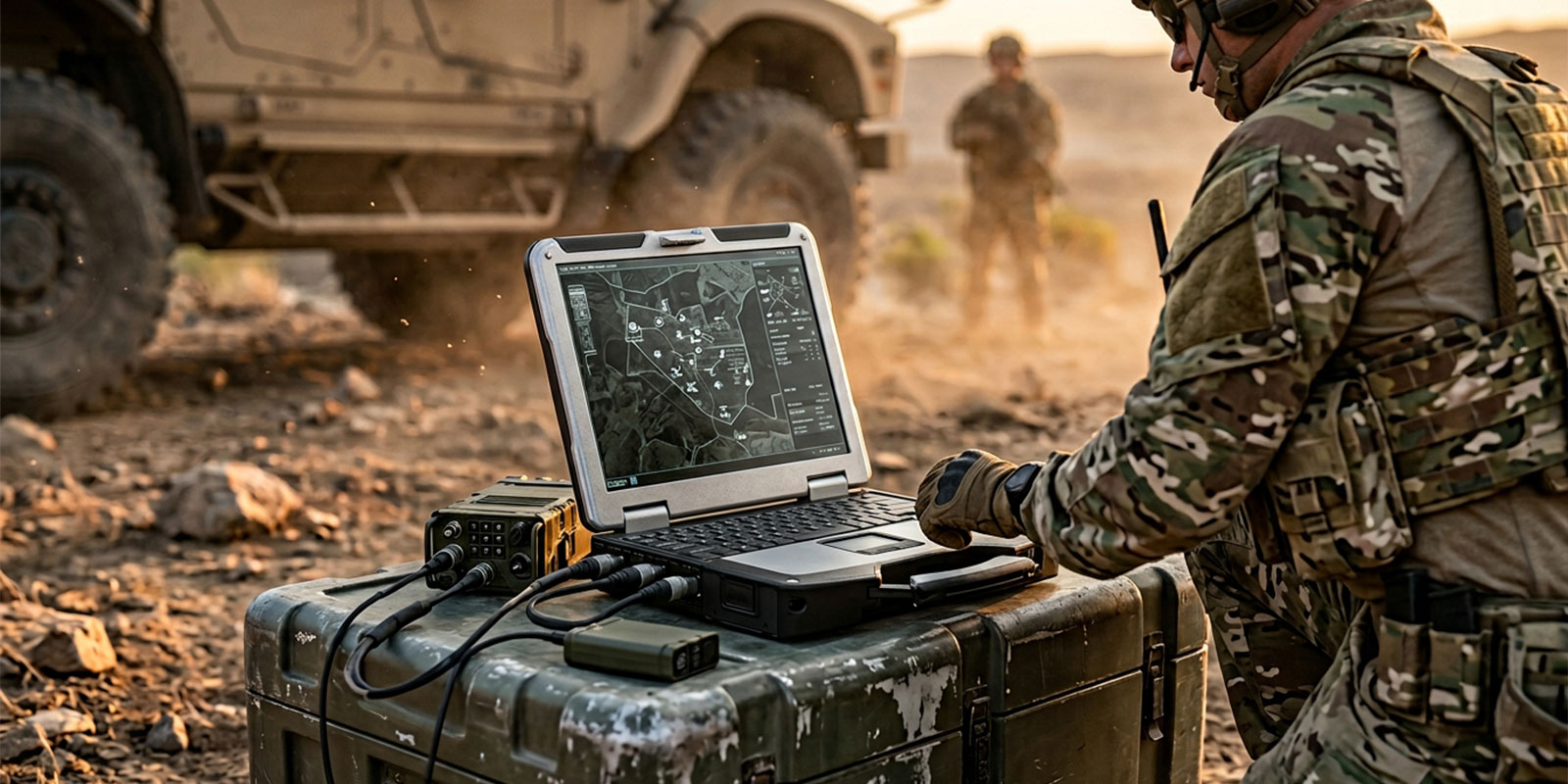
When a laptop survives drops and vibration, it is usually because of mechanical design choices, not marketing.
i. Chassis Materials and Design
Many rugged laptops use magnesium alloy chassis structures. This improves stiffness while keeping weight reasonable.
You will also see
- Rubber bumpers around corners
- Reinforced hinges
- Internal frames that protect the motherboard and display
Panasonic highlights the honeycomb-style structure and durability design in TOUGHBOOK 55 materials.
ii. Shock-Mounted Drives
Storage failure is one of the most common outcomes of drops in traditional laptops.
We reduce that risk in two ways.
- Use SSDs instead of HDDs
- Mount storage in a protected caddy or cage
Crucial SSD documentation commonly lists high shock tolerance values in its specifications, reflecting how SSDs handle impact better than HDDs.
Panasonic also describes a caged storage drive approach in TOUGHBOOK 55 spec materials.
iii. Sealed Keyboards and Ports
Sealing improves reliability in two ways.
- Less dust buildup inside the chassis
- Fewer liquid-related failures
Port covers and gasketed doors matter a lot here. A laptop can be durable in a drop but still fail quickly if dust gets into ports daily.
Testing Procedures in Practice
1. Transit Drop Testing in Labs and the Real World
Lab drop tests use controlled angles and surfaces, which makes results repeatable. Real job sites are not repeatable. Laptops fall onto uneven concrete, metal edges, and gravel, often landing on hinges or ports.
That’s why we should verify the test details, not just the drop claim. Ask
- Was the unit tested powered on or powered off
- Were port covers closed?
- Was the tested configuration the same as the one you are buying
Small differences like battery size, handle style, or corner design can change drop performance.
2. Vibration and Mechanical Stress
Drops are sudden. Vibration is constant. Daily driving, vehicle mounts, and equipment vibration can loosen internal connections and cause ports or docks to fail intermittently.
Panasonic explicitly calls out shock and vibration protection for vehicle docking use cases in its TOUGHBOOK 55 documentation.
3. Temperature and Humidity Shocks
Environmental stress changes how materials behave over time. Heat can soften plastics, cold can make them brittle, and humidity can corrode connectors. That’s why rugged OEMs often list temperature and humidity tests alongside drop and vibration in their durability specs.
Case Studies of Rugged Laptops
Panasonic TOUGHBOOK Series
Panasonic is a strong example of how rugged laptop claims should be documented. Instead of using broad durability language, Panasonic publishes specific test standards and conditions that buyers can verify.
For example, TOUGHBOOK 40 lists MIL-STD-810H, IP66, and a 6-foot drop in its product information, clearly linking its rugged design to both impact and ingress protection.
Panasonic also provides detailed documentation for TOUGHBOOK 55, including stated drop height, IP rating, and confirmation that testing aligns with MIL-STD-810H and IEC 60529, with references to independent laboratory validation.
What we should take from Panasonic’s approach is transparency. Clear test standards and conditions make it easier to match a device to real work environments and reduce uncertainty during procurement.
Dell Latitude Rugged Family
Dell’s Latitude Rugged line provides another solid example of clear durability disclosure, especially for mixed field and vehicle use.
The Latitude 5430 Rugged spec sheet lists
- MIL-STD-810H testing
- Transit drop testing at 36 inches with 26 drops
- IEC 60529 ingress protection rated at IP53
Dell Latitude 5430 Rugged spec sheet
This level of detail allows us to understand not only that the laptop was tested, but how it was tested. That clarity helps buyers avoid assumptions and choose durability that aligns with their actual risk profile.
MIL-STD-810 and IP Ratings Compared
|
Standard |
What it tests |
What it does not test |
What you should request |
|
MIL-STD-810G and 810H |
Environmental and mechanical stress, such as drop, vibration, temperature, and humidity |
Not a single certification, and not the same test set across vendors |
Method number, procedure, severity, configuration, and test report |
|
IP rating IEC 60529 |
Dust and water ingress protection |
Drops and impact resistance |
IP level, conditions of the test, and sealing guidance |
Choosing the Right Shock-Resistant Laptop

Match Tests to Environment
The best rugged laptop is not the one with the most labels. It is the one tested for how your teams actually work.
- If your teams deal with drops: Look for clear transit drop details, not just “MIL-STD tested.” Verify the drop height, number of drops, impact surface, and that the tested unit matches the configuration you are buying.
- If your teams work in vehicles or docks: Prioritize vibration testing and stable dock compatibility. Vibration can loosen ports, cause dock disconnects, and create random shutdowns over time.
- If your teams work around dust, rain, or spills: Focus on IP ratings and practical sealing. Check port doors, gaskets, and keyboard spill resistance. Make sure protection still works during normal daily use.
Verifying Manufacturer Claims
If you want to avoid buying rugged laptops that only look rugged, we recommend requesting
- A test report summary that lists method and procedure
- Confirmation that the tested configuration matches your order
- Third-party lab details when available
- Warranty coverage terms for accidental damage
This is also where we can make sure our rugged configurations are dependable. When we standardize the build with the right chassis, storage, and sealing options, your teams get consistent durability across the fleet.
Final Takeaway
When we buy shock resistant laptops, we’re not buying a label. We’re buying test evidence.
The best rugged laptops clearly disclose their drop method, vibration testing, and sealing level. When we match those tests to your work environment and verify the tested configuration, we reduce field failures and keep teams productive.
At Rugged Computing, Inc., we help teams compare verified rugged models based on real test data, not marketing claims, making it easier to choose devices that hold up in daily operations.
Frequently Asked Questions
1. What is a military standard durability laptop
It is a laptop that was tested to selected MIL-STD-810 methods, often including a drop method like 516.6 transit drop and a vibration method. It does not mean the laptop passed every MIL-STD test.
2. What is the MIL-STD-810 standard
MIL-STD-810 is a Department of Defense test method standard for environmental engineering and laboratory tests. Manufacturers choose which methods and severities to run based on the intended environment.
MIL-STD-810H reference: click here
3. Do IP ratings mean a laptop is drop proof
No. IP ratings measure dust and water ingress protection under IEC 60529. They do not measure drop resistance.
4. How do we know if a laptop is okay after a fall
We recommend a quick checklist.
- Inspect the corners, hinges, and display for cracks
- Test charging and every port using known good cables
- Run basic diagnostics for Wi-Fi, keyboard, camera, and audio
- Check storage health and back up data immediately
If anything feels intermittent, pull the device from service and treat it as a potential internal damage issue.
5. How much weight can a rugged laptop handle in a bag
Unless the OEM publishes a lid load rating, we should assume the display is not designed to carry weight. If your teams carry tools, a hard case or a separate padded sleeve is safer.
6. Can we stack gear on top of a closed rugged laptop in a truck
We should avoid it unless the manufacturer provides a static load specification. Vehicle vibration plus stacked weight is a common cause of hinge and panel damage over time.