Rugged Laptops in Healthcare Settings: The Ultimate Guide to Healthcare Rugged Laptops
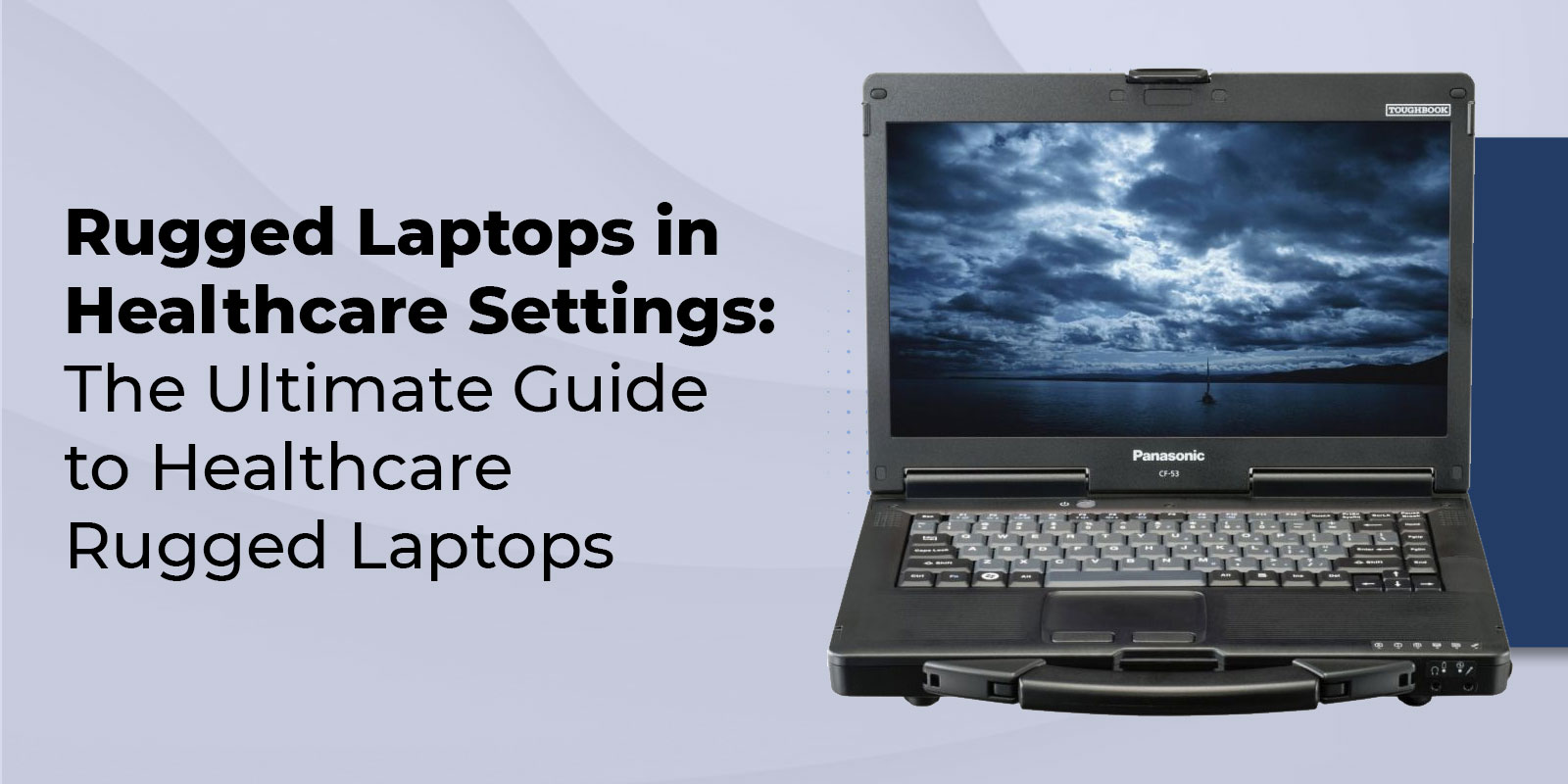
Hospitals and EMS teams operate in fast, unpredictable, and high-risk environments where technology failure is not a minor inconvenience but a workflow disruption. Devices are repeatedly wiped down, rolled between rooms on carts, mounted in vehicles, and exposed to vibration, drops, fluids, and temperature changes. At the same time, clinicians expect fast logins, reliable wireless connectivity, and screens that remain readable in bright or uneven lighting. That combination of mobility, sanitation, and performance is exactly why rugged laptops for healthcare exist. They are engineered from the inside out to withstand cleaning agents, moisture, shock, and constant movement while maintaining security and usability.
Let us find out why rugged systems outperform standard notebooks in clinical environments, which certifications matter, which Panasonic TOUGHBOOK models are commonly evaluated, and how to calculate long-term value based on uptime and reduced failure rates.
Why Choose Healthcare Rugged Laptops?
Healthcare environments create a unique stress profile for devices. In a single shift, a laptop may be used bedside for medication verification, transported across departments, mounted on a rolling cart, and disinfected multiple times. In EMS settings, it may be docked in an ambulance, exposed to vibration during transport, then carried outdoors in bright sun or rain.
Standard laptops are not designed for that level of handling. Hinges loosen, ports fail, plastics crack, and internal components shift. When devices fail, the cost is not limited to hardware replacement. It includes lost documentation time, IT support hours, loaner device management, and potential delays in care.
Healthcare rugged laptops address these challenges with reinforced construction, sealed keyboards, protected ports, and validated durability testing. They are designed to withstand drops, tolerate liquids, and withstand repeated sanitation cycles. The result is fewer workflow interruptions and better uptime in environments where reliability directly supports patient safety.
Key Features of Healthcare-Grade Rugged Laptops
MIL-STD-810H and IP Ratings
When comparing rugged systems, durability claims should be tied to testing standards. MIL-STD-810H describes environmental stress testing, including drops, vibration, humidity, and temperature extremes. While initially developed for military contexts, the framework is widely used to benchmark durability across industries.
Many procurement teams still reference MIL-STD-810G laptop requirements in older RFP templates. Whether the device is tested to G or H methods, what matters is understanding which procedures were performed and under what conditions.
Ingress protection ratings are equally important. An IP65 rugged laptop is rated to resist dust and low-pressure water exposure, making it suitable for environments with routine cleaning and occasional splashes. Some deployments evaluate an IP66 laptop when higher resistance to powerful water jets or heavy dust exposure is required. These ratings provide a consistent way to compare systems designed to function as dustproof or waterproof laptops in practical terms.
Antimicrobial and Sealed Design
Infection control drives purchasing decisions in hospitals. Devices must tolerate frequent disinfecting without degrading. Sealed keyboards, covered ports, and minimal seams help prevent fluid ingress and reduce grime accumulation.
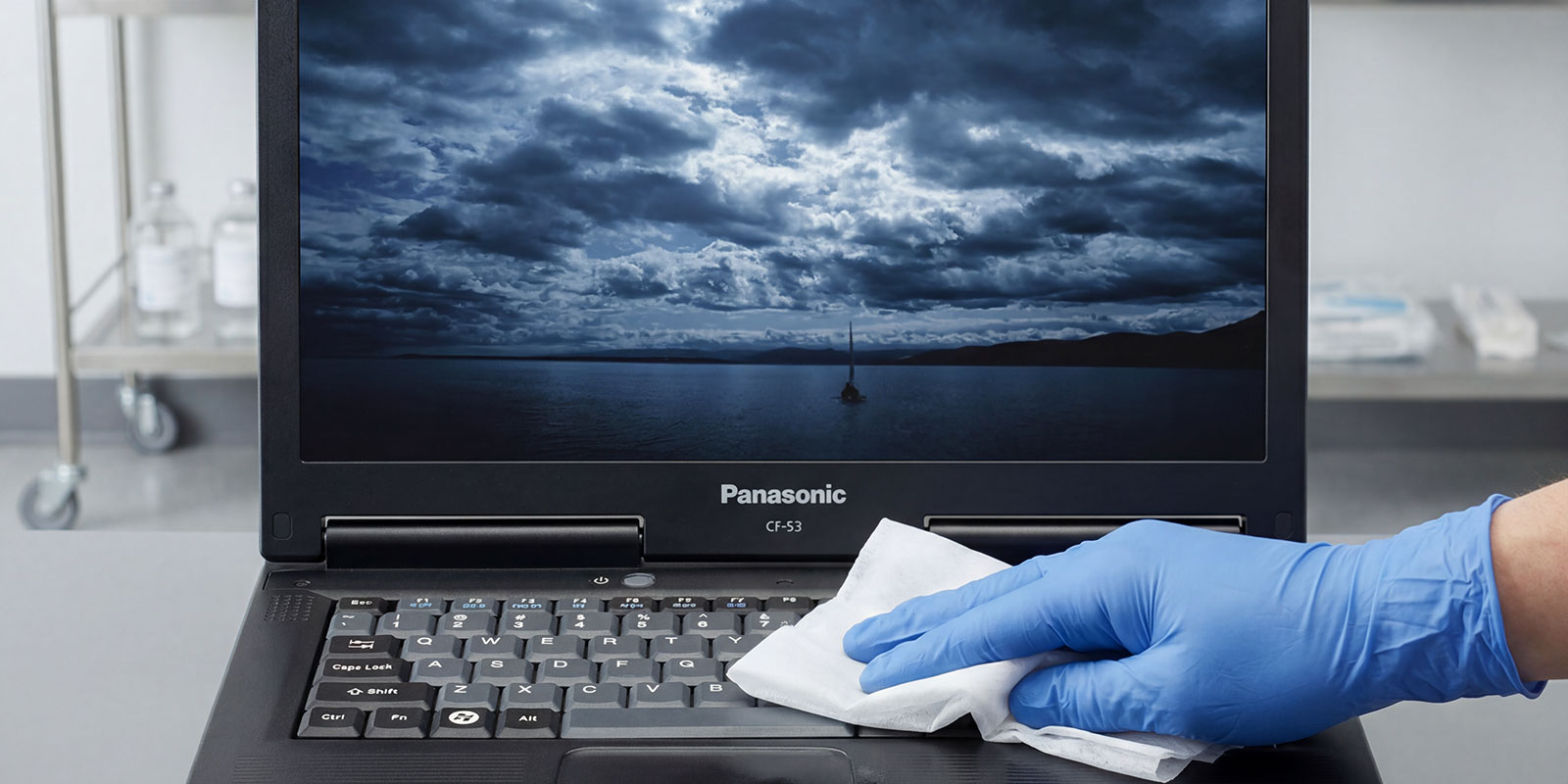
A rugged platform that facilitates easy wipe-downs helps staff follow sanitation protocols without fear of damaging electronics. Over time, this durability reduces cosmetic wear, internal corrosion, and premature failure.
Fanless Operation and Hot-Swappable Batteries
Fanless designs eliminate vents that pull in dust and aerosolized particles. This reduces internal contamination and lowers maintenance. Quiet operation is also beneficial in patient-facing areas.
Power continuity is another critical factor. A hot-swappable battery allows staff to replace a battery without shutting down the device. In long shifts or ambulance deployments, this feature supports uninterrupted charting and communication.
Glove-Touch Displays and Sunlight-Readable Screens
Clinical workflows often require gloves. A responsive glove-touch screen enables direct interaction without removing PPE. For EMS teams working outdoors, visibility becomes just as important. A sunlight-readable display with a high-nit screen and anti-glare coating ensures that charts and dispatch information remain readable in bright daylight.
Usability features like these determine whether staff rely on the device or avoid it. Transparent screens and responsive touch interfaces reduce frustration and support consistent documentation.
Integrated Scanners and Connectivity
Barcode and RFID scanning are embedded in many hospital workflows, from medication administration to asset tracking. Integrated scanning options reduce dependence on fragile external devices.
Connectivity should align with the device's travel. Inside hospitals, strong roaming performance and support for Wi-Fi 6 rugged standards improve stability in dense wireless environments. For mobile units, cellular options matter. A 5G rugged laptop can deliver strong bandwidth for field deployments, while LTE rugged laptops remain relevant where 5G coverage is limited.
Reliable remote field connectivity is no longer limited to EMS. It is also essential for mobile clinics and hospital-at-home initiatives.
Security and Compliance
Endpoint security in healthcare requires hardware-backed encryption, secure authentication, and manageable firmware controls. TPM modules, astute card readers, and centralized management features support HIPAA-aligned policies.
Security must balance protection with usability. Devices that authenticate quickly and remain easy to manage at scale reduce both risk and user resistance.
Certifications and Standards Explained
IEC 60601-1 for Near-Patient Safety
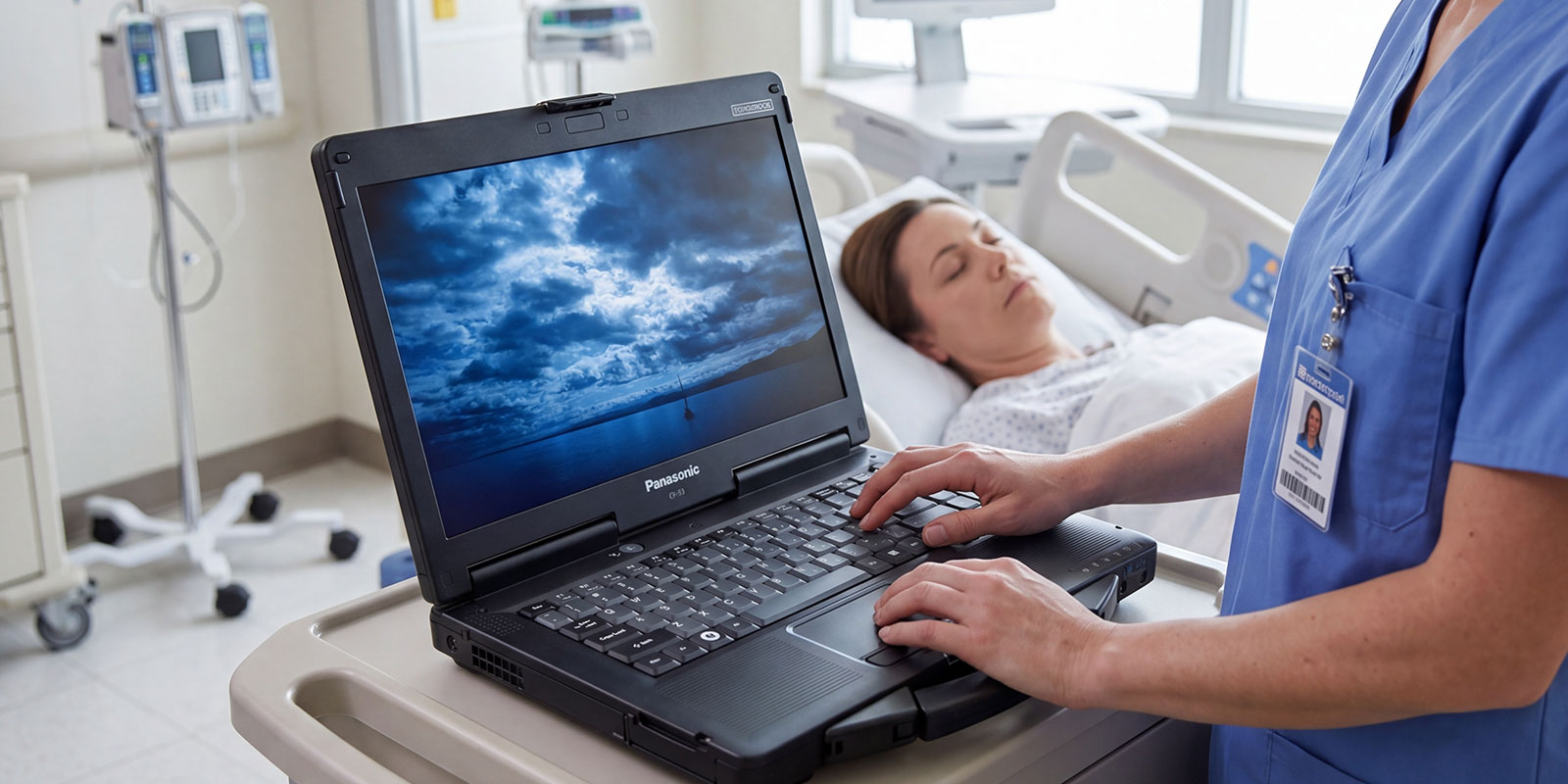
IEC 60601-1 relates to electrical safety for medical equipment used near patients. Not every rugged laptop must meet this certification, but it becomes relevant in bedside or cart-based applications connected to other powered equipment. If your risk management team requires it, confirm compliance early in the evaluation process.
MIL-STD-810H Testing Procedures
MIL-STD-810H includes drop, shock, vibration, humidity, and temperature tests. For EMS programs, vibration and shock testing are particularly important. Devices mounted in vehicles must function as a vibration-resistant laptop to maintain stable performance over time.
Ask vendors which specific procedures were performed and whether final configurations, including batteries and modules, were tested.
IP65/67 Ingress Protection Ratings
IP ratings help estimate resistance to dust and water exposure. In hospital contexts, protection against cleaning fluids and occasional splashes is typically sufficient. EMS deployments may require higher liquid resistance due to unpredictable scenes.
These standards provide structure for comparison, but complete system design still matters. Port covers, docking interfaces, and gasket quality all influence real-world durability.
Panasonic TOUGHBOOK Models in Healthcare
Panasonic TOUGHBOOK systems are widely evaluated in healthcare and EMS environments.
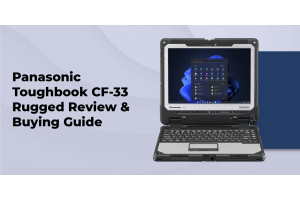
The Panasonic TOUGHBOOK CF-33 is a rugged tablet convertible that transitions between tablet and laptop modes. Its modular design supports both bedside use and keyboard-based documentation.
The Panasonic TOUGHBOOK 40 is positioned as a fully rugged notebook suited for demanding field and EMS deployments where drops and vibration are everyday.
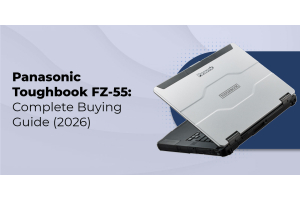
The Panasonic TOUGHBOOK 55 is often considered for mobile in-hospital workflows that require improved durability without the weight of a fully rugged chassis.
The Panasonic TOUGHBOOK G2 provides a tablet-forward option with docking flexibility for cart-based or mobile use.
These platforms are evaluated based on workflow needs, weight, connectivity, and ruggedness rather than solely on specifications.
Use Cases in Medical Environments
Point-of-Care Documentation
Bedside documentation demands quick wake times, stable wireless connectivity, and readable displays. A rugged system reduces interruptions caused by cracked screens or failing ports.
When devices fail during rounds, clinicians lose time and revert to manual notes. Over weeks and months, these interruptions accumulate into measurable inefficiency.
EMS and Ambulance Computing
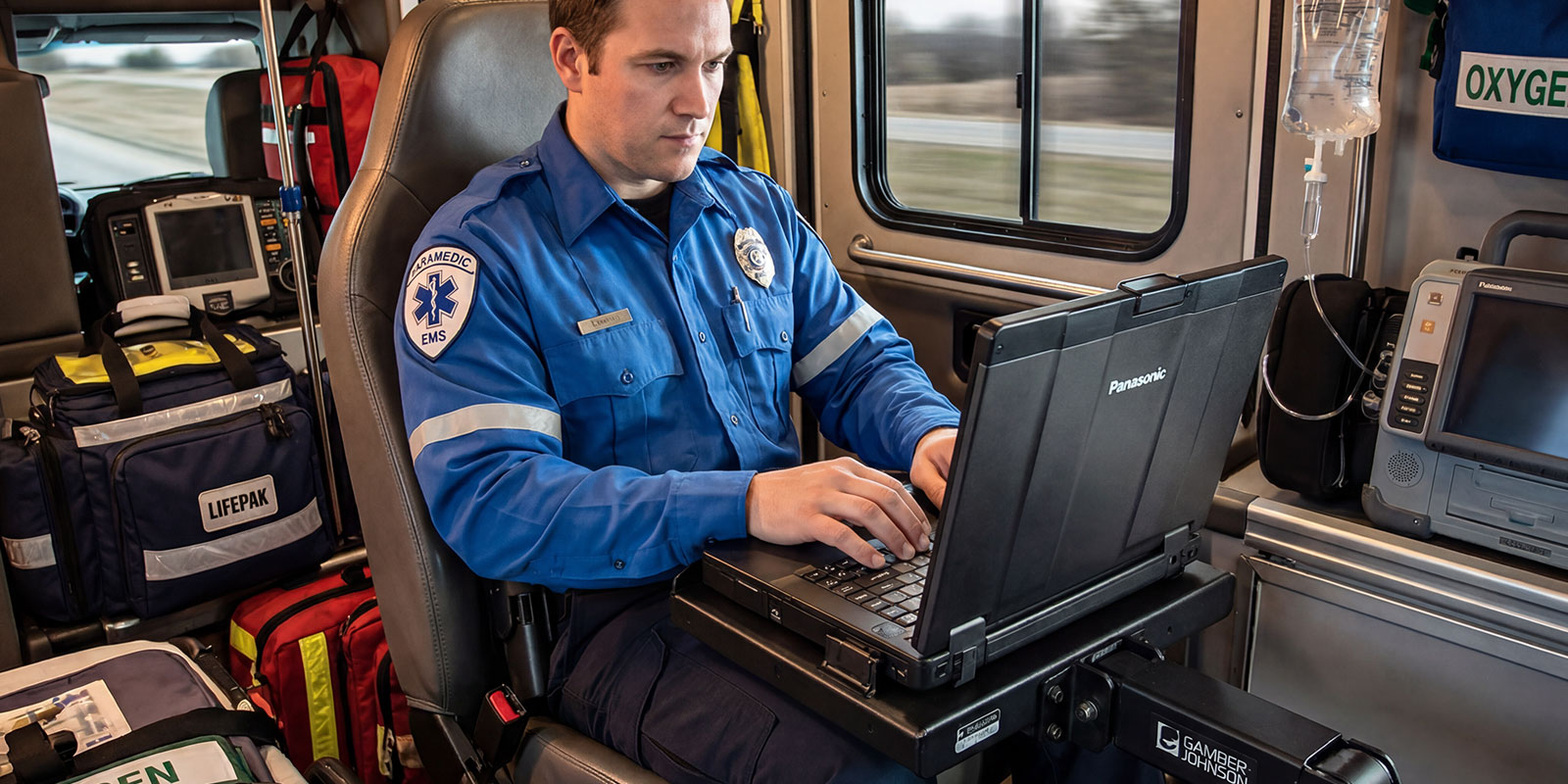
Ambulances introduce vibration, temperature shifts, and unpredictable movement. A vibration-resistant laptop mounted securely in a vehicle must maintain stable performance despite constant motion.
Connectivity is critical for dispatch updates and electronic patient care reporting. Reliable cellular and Wi-Fi performance reduces reconnection delays during handoff.
Telehealth and Mobile Clinics
Telehealth carts and temporary triage areas benefit from devices that tolerate movement and repeated cleaning. Rugged systems provide stability in programs that operate beyond fixed clinical spaces.
Asset Tracking and Inventory
Hospitals track pumps, monitors, and other high-value assets. Rugged endpoints used in loading docks and supply rooms must handle dust and movement. These requirements mirror other field-based sectors. For example, rugged laptops for agriculture operate in dusty, vibration-heavy conditions to support precision agriculture computing and farm data collection. While healthcare and agriculture are different domains, the durability logic is similar.
Total Cost of Ownership and Refurbished Options
The financial case for rugged computing centers on total ownership cost rather than initial price. A practical way to evaluate this is through rugged PC TCO and long-term rugged device ROI.
Repair frequency, replacement cycles, IT labor, and downtime should all be included in the analysis. Research from VDC indicates that rugged device TCO can be 36% lower over five years than that of consumer laptops. This difference reflects lower failure rates and reduced service costs.
Certified refurbished units can supplement new deployments. When sourced through structured refurbishment programs with warranty coverage, they offer cost-effective options for training, backup pools, or less-demanding workflows.
Future Trends in Rugged Healthcare Computing
Healthcare computing is becoming increasingly mobile and connected. Stronger wireless performance, improved endpoint security, and expanded peripheral integration will shape future rugged platforms.
Broader market demand also reflects this trajectory. The global rugged electronics market is likely to increase from USD 10.3 billion in 2023 to USD 14.3 billion by 2028, underscoring increasing reliance on durable computing across industries.
Modern rugged systems may also support advanced connectivity scenarios similar to those in field sectors, such as integration with IoT sensor networks, GPS guidance systems, or mobile data collection tools. Even though these examples include field mapping laptop or agricultural diagnostics workflows, the underlying requirement is the same- stable performance in challenging conditions.
How to Choose the Right Rugged Laptop for Your Facility
Begin with workflow analysis. Identify where devices are used, how often they move, and what environmental exposure they face. A device used only on a nursing station has different requirements than one mounted in an ambulance.
Next, determine the rugged level. The decision between semi-rugged vs fully rugged depends on exposure to drops, vibration, and fluids. Fully rugged systems may suit EMS and emergency response programs, while semi-rugged options can support mobile hospital workflows.
Evaluate build-quality features such as a magnesium-alloy casing, an internal shock-mount architecture, and a sealed port design. Consider whether an extreme temperature laptop is necessary for outdoor deployments.
Assess display performance. A sunlight-readable display with a high-nit screen and anti-glare coating improves usability. Confirm that the keyboard and touch interface remain responsive with gloves.
Connectivity decisions should include Wi-Fi roaming, cellular options, and port requirements. Some departments may require a legacy port laptop to support older medical equipment, while others prioritize a USB-C rugged laptop for modern docking.
Balance weight vs durability carefully. Devices must be rugged enough to survive daily handling but light sufficient for staff to carry comfortably.
Finally, consider long-term scalability. Whether your organization expands mobile programs, integrates new clinical systems, or requires a custom rugged solution, choosing a platform with modular flexibility helps future-proof the investment.
FAQ
1. Why do hospitals and EMS need rugged laptops instead of standard ones?
Because they operate in high-movement, high-sanitization environments where drops, fluids, and vibration are everyday. Rugged systems reduce downtime and support consistent cleaning protocols.
2. What is the difference between a rugged laptop and a regular laptop in a protective case?
A rugged system is engineered internally with reinforced frames, sealed components, and validated durability testing. A case primarily adds external padding without protecting internal components.
3. What certifications should a healthcare laptop have?
Environmental durability standards and ingress protection ratings are commonly required. IEC 60601-1 may be necessary for near-patient electrical safety depending on use.
4. How do you properly clean and disinfect a rugged laptop for hospital use?
Power down the device, apply approved disinfectant such as 70% isopropyl alcohol to a cloth, wipe surfaces carefully, and allow the device to dry thoroughly before powering back on.
Wrapping Up
Healthcare environments demand technology that withstands constant cleaning, movement, and environmental stress without compromising performance or security. Healthcare rugged laptops feature reinforced construction, sealed designs, reliable connectivity, and stable power management, reducing downtime and improving long-term ownership value. When evaluating options, focus on workflow alignment, durability standards, display usability, connectivity requirements, and overall rugged PC TCO rather than just upfront cost.
If you are planning a deployment or refresh, Rugged Computing Inc. can help you evaluate Panasonic TOUGHBOOK configurations and design a deployment strategy tailored to your clinical and EMS workflows. Contact Rugged Computing Inc. to schedule a consultation or product demo and identify the right rugged platform for your facility’s operational and budget goals.