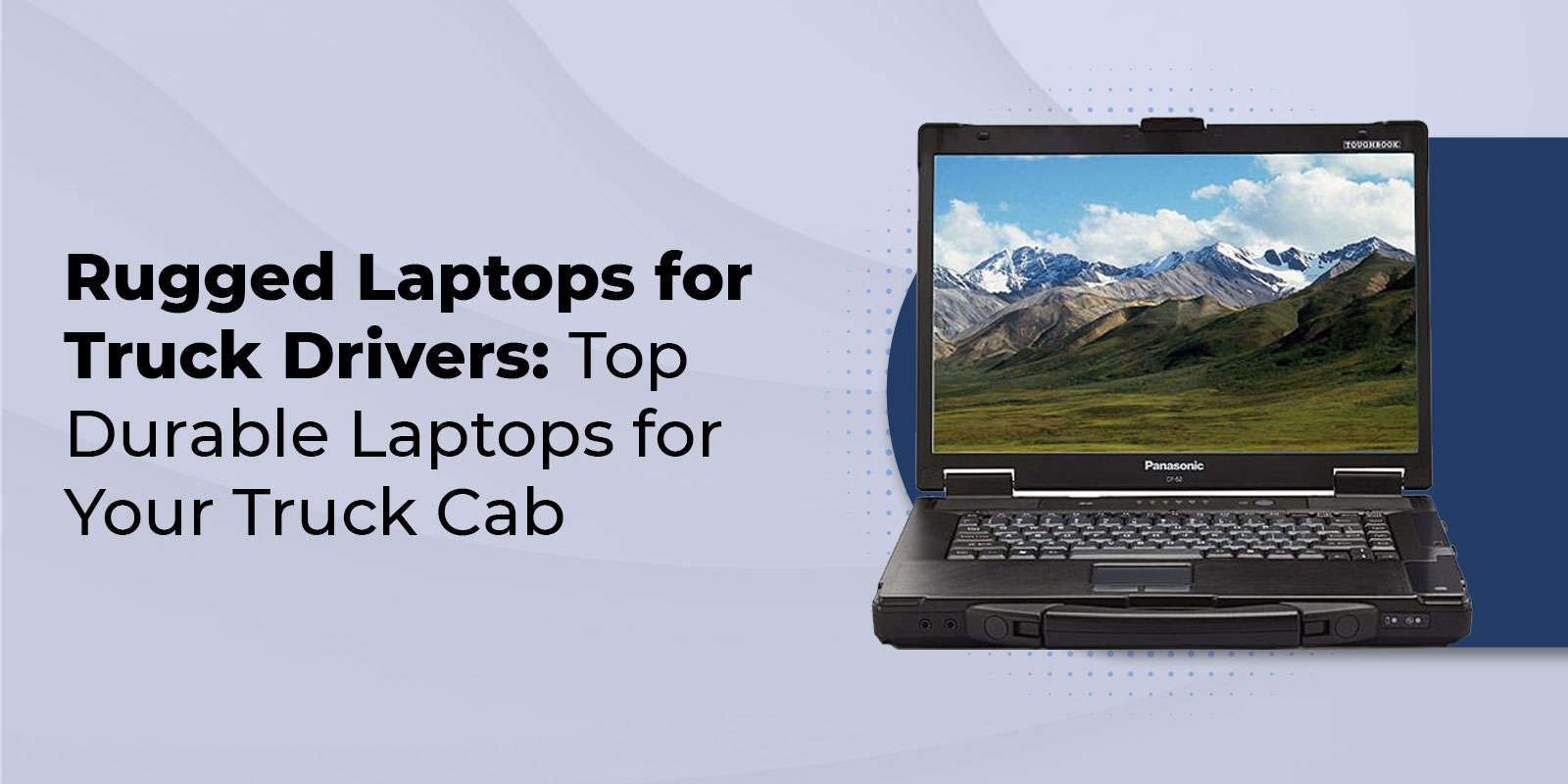
Rugged Laptops for Truck Drivers: Top Durable Laptops for Your Truck Cab
It's 3 AM. Your Laptop Just Died. You're 600 Miles from Home
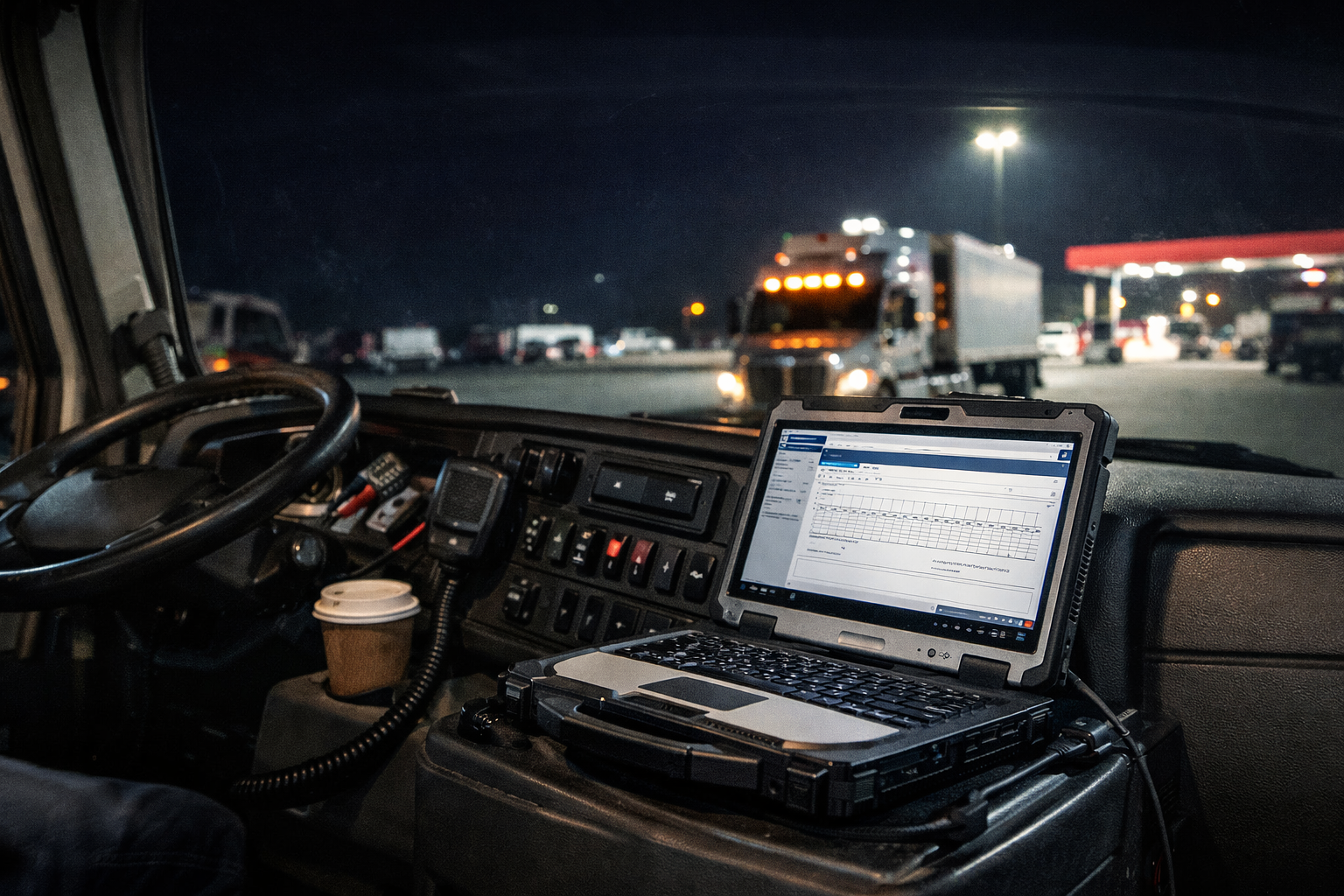
You're parked at a truck stop outside Amarillo. Your ELD log needs to be submitted before you can legally roll again. You open your laptop, the same one that worked fine three weeks ago in your apartment, and nothing happens. Black screen. Dead. The vibration from 1,400 miles of highway finally finished it off.
This isn't a rare horror story. It's a weekly reality for thousands of long-haul drivers who rely on consumer-grade electronics in one of the most electrically hostile environments on earth: the inside of a diesel truck cab.
Below, we cover everything you need to know about choosing a rugged laptop for truck drivers, what makes a laptop genuinely rugged, which Toughbook models are purpose-built for in-cab use, and how to pick the right one for your route, your software, and your budget.
|
KEY HIGHLIGHTS |
|
|
|
|
|
Why Truck Drivers Need Rugged Laptops
Before we talk solutions, it's worth understanding exactly what a truck cab does to standard electronics because most drivers don't realize how many silent threats are operating at once.
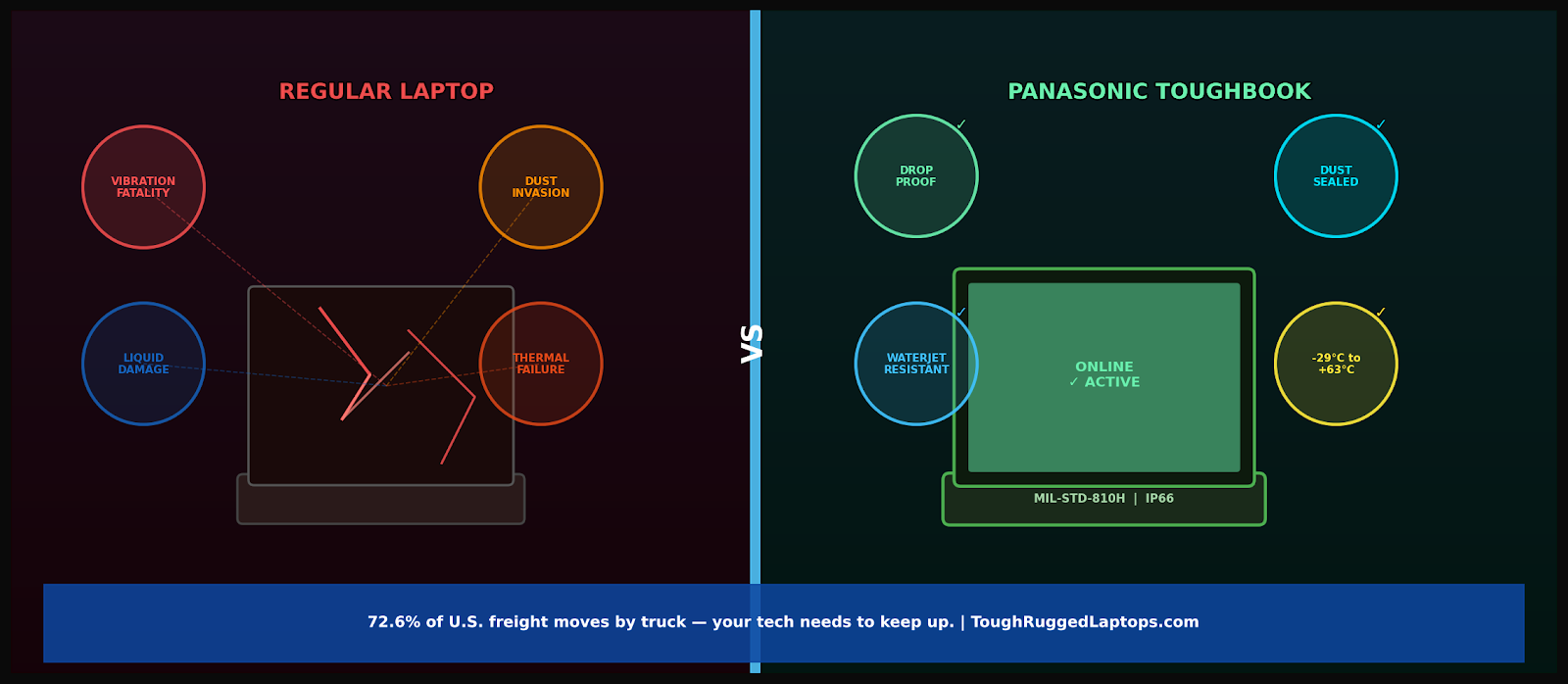
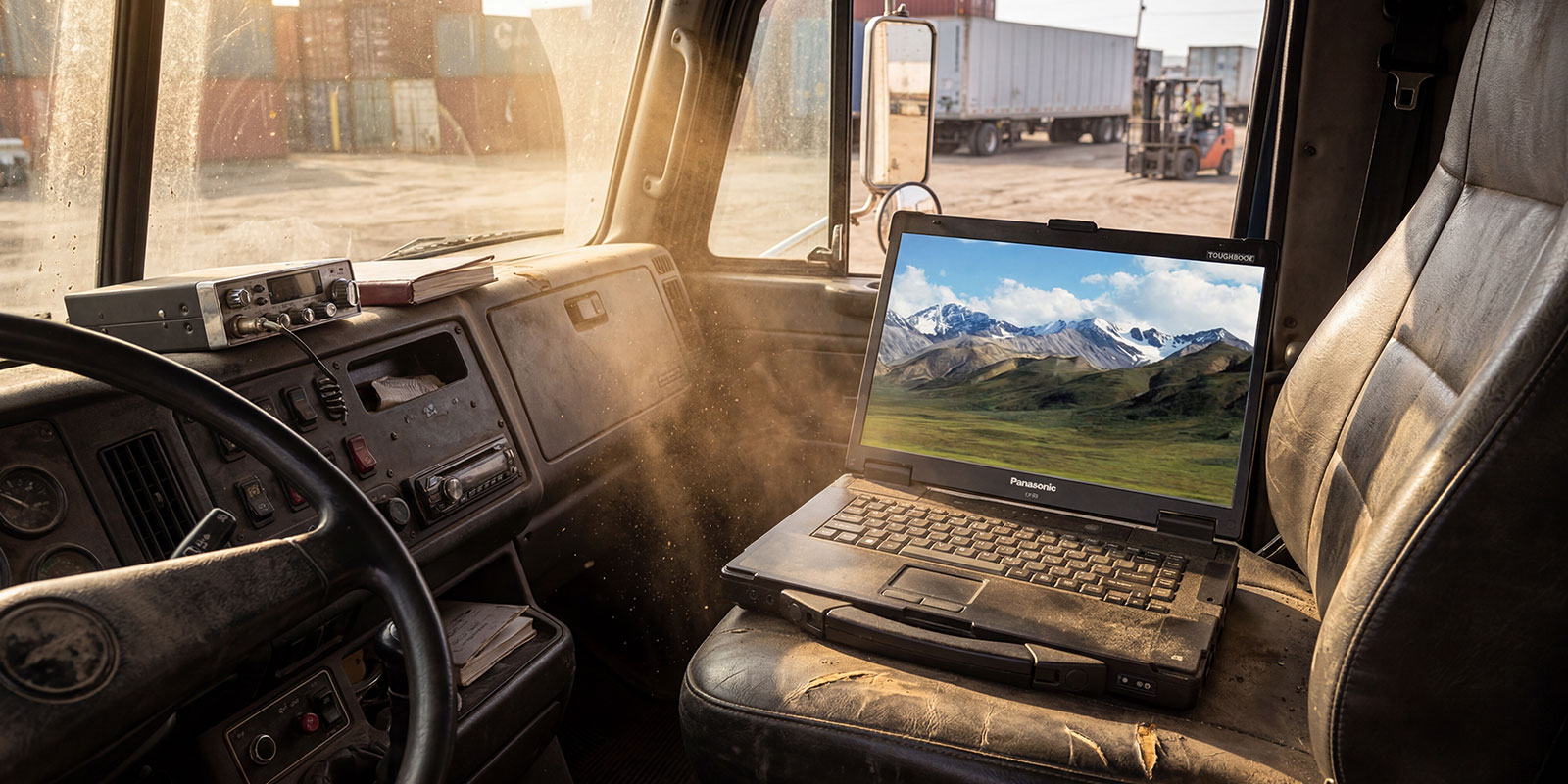
- Vibration Fatigue: Diesel engines produce constant 50–200Hz vibration across the chassis. Standard laptops use spinning HDDs with read heads floating microns above a platter; continuous vibration kills them within weeks. Even SSDs are not immune; the solder joints on the motherboard eventually crack.
- Temperature Extremes: A parked truck in summer can hit 130°F inside. In a Minnesota winter, the cab can be at -20°F before startup. Consumer components, especially batteries and LCDs, are rated for 32°F to 95°F. Toughbooks operate from -29°C to +63°C (-20°F to 145°F).
- Dust and Particle Ingress: Grain elevators, gravel yards, agricultural hauling, fine particles find every unsealed gap in a consumer laptop chassis and coat the motherboard, causing shorts and overheating.
- Liquid Exposure: Coffee. Rain. Pressure washing at the bay. A laptop without a sealed keyboard and port covers is a liability, not an asset.
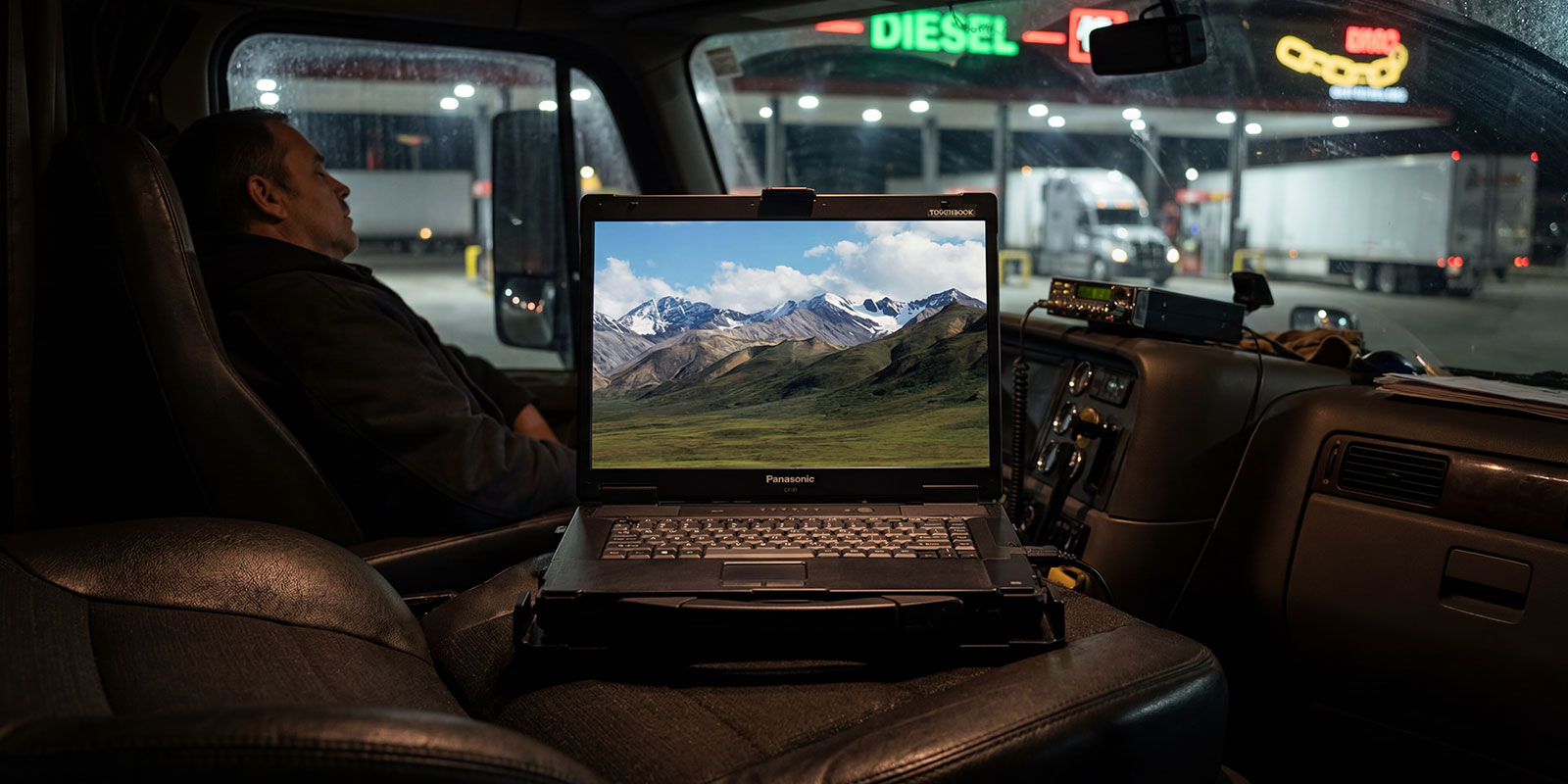
- Poor Sunlight Visibility: A standard laptop at 250–350 nits is completely unreadable through a windshield in daylight. You need a minimum of 800 nits, ideally 1,000+, to read a screen in direct sun.
- Physical Impact: Laptops get knocked off seats, dropped at pre-trip, and slammed by passengers. Consumer chassis cracks under forces that a magnesium alloy Toughbook shrugs off.
|
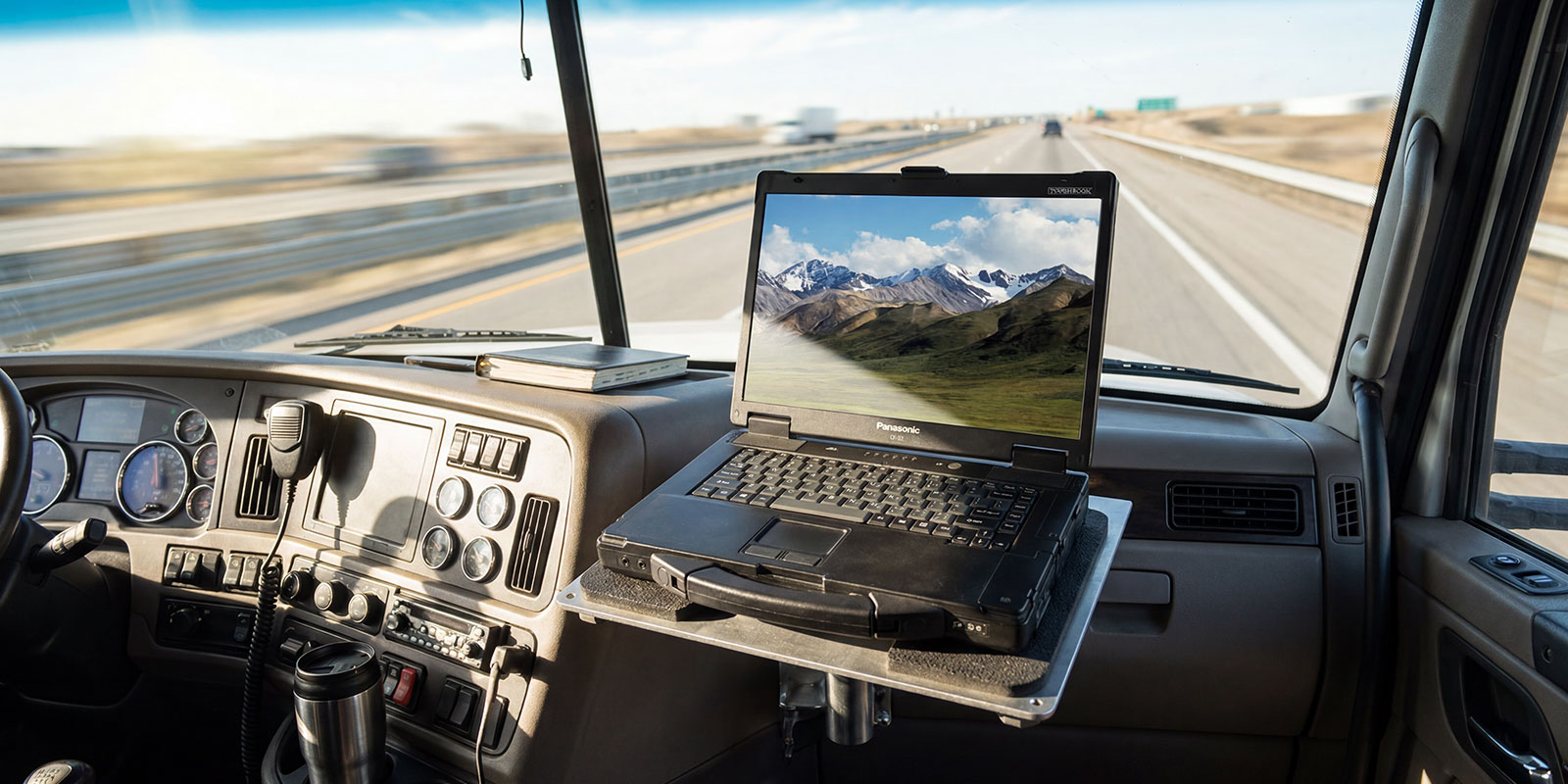
72.6% of all U.S. freight tonnage moves by truck, the largest share of any transportation mode, making reliable in-cab computing a national logistics priority. Source: American Trucking Associations |
Key Ruggedness Standards and Features
MIL-STD-810G/H Certification
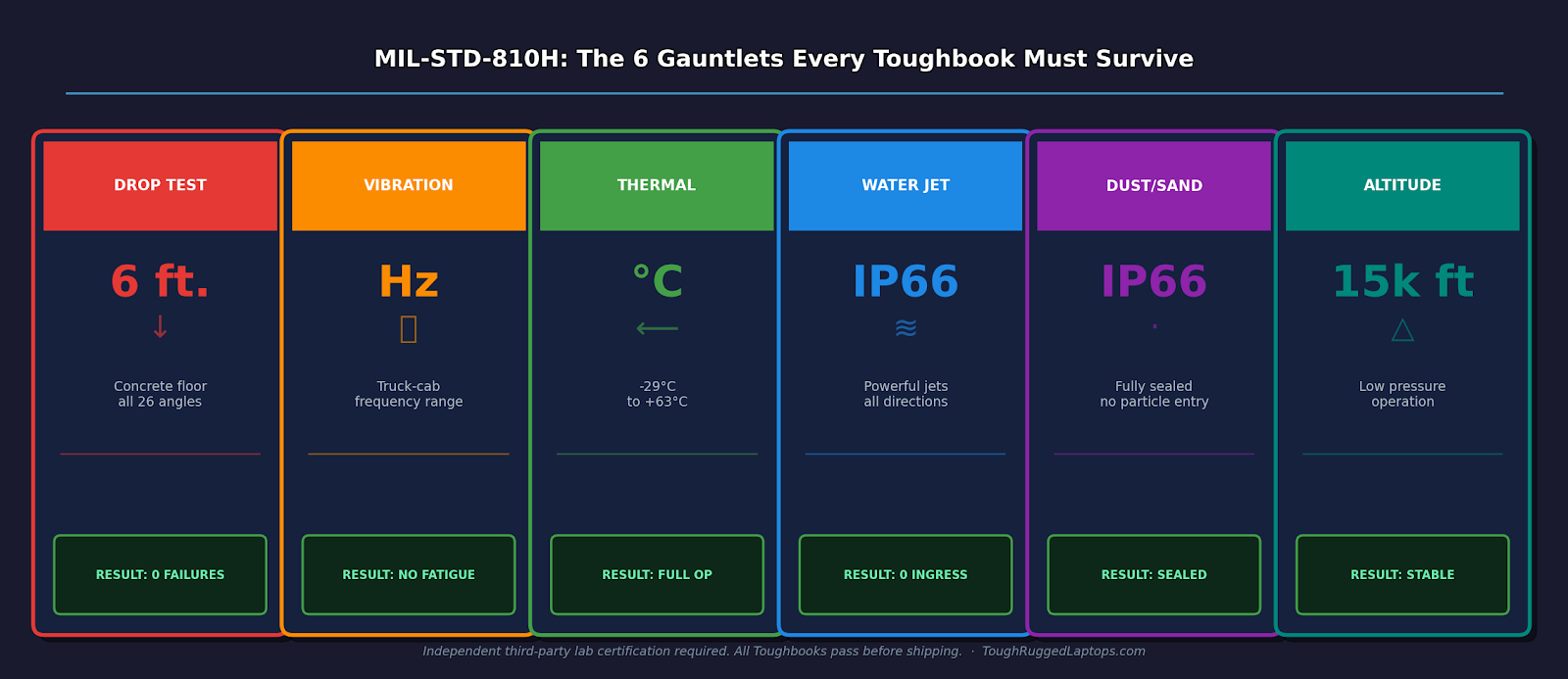
MIL-STD-810 is a U.S. Department of Defense environmental test standard. MIL-STD-810H is the current most rigorous version, requiring independent third-party lab certification across 29 test methods, including: drop testing from 6 feet onto concrete across all 26 impact angles, vibration at truck-cab frequencies, thermal shock cycling from -29°C to +63°C, humidity exposure at 95% relative humidity, and altitude operation at 15,000 feet. When a Toughbook carries this certification, it is not a marketing claim; it is a documented lab result.
IP Ratings (IP65+)
Assigned by the International Electrotechnical Commission (IEC), IP ratings use a two-digit code: the first digit covers solids (6 = fully dust-tight), the second covers liquids (5 = low-pressure water jets, 6 = powerful water jets from any direction). IP65 = dust-tight + water-jet resistant. IP66 = dust-tight + powerful water-jet resistant (Toughbook 40). These are certified protection levels, not approximations.
Shock-Mounted Drives & Magnesium Alloy Chassis
All current ToughBooks use solid-state drives (SSDs), no moving parts means no vibration failure point. The magnesium alloy chassis is 60% lighter than steel but far more impact-resistant than the polycarbonate plastic used in consumer laptops, distributing impact energy across the frame rather than concentrating it at a single crack point.
Sealed Ports & Spill-Resistant Keyboards
Every port on a fully rugged Toughbook sits behind a sealed rubber-gasketed door. The keyboard is independently spill-resistant. The recessed screen design adds extra resistance to direct impact. These are engineered responses to documented field failures, not cosmetic features.
Top Rugged Laptops for Truck Drivers
At ToughRugged Laptops, we offer both fully rugged and semi-rugged models based on your work needs, budget, and environment.
Fully Rugged Models
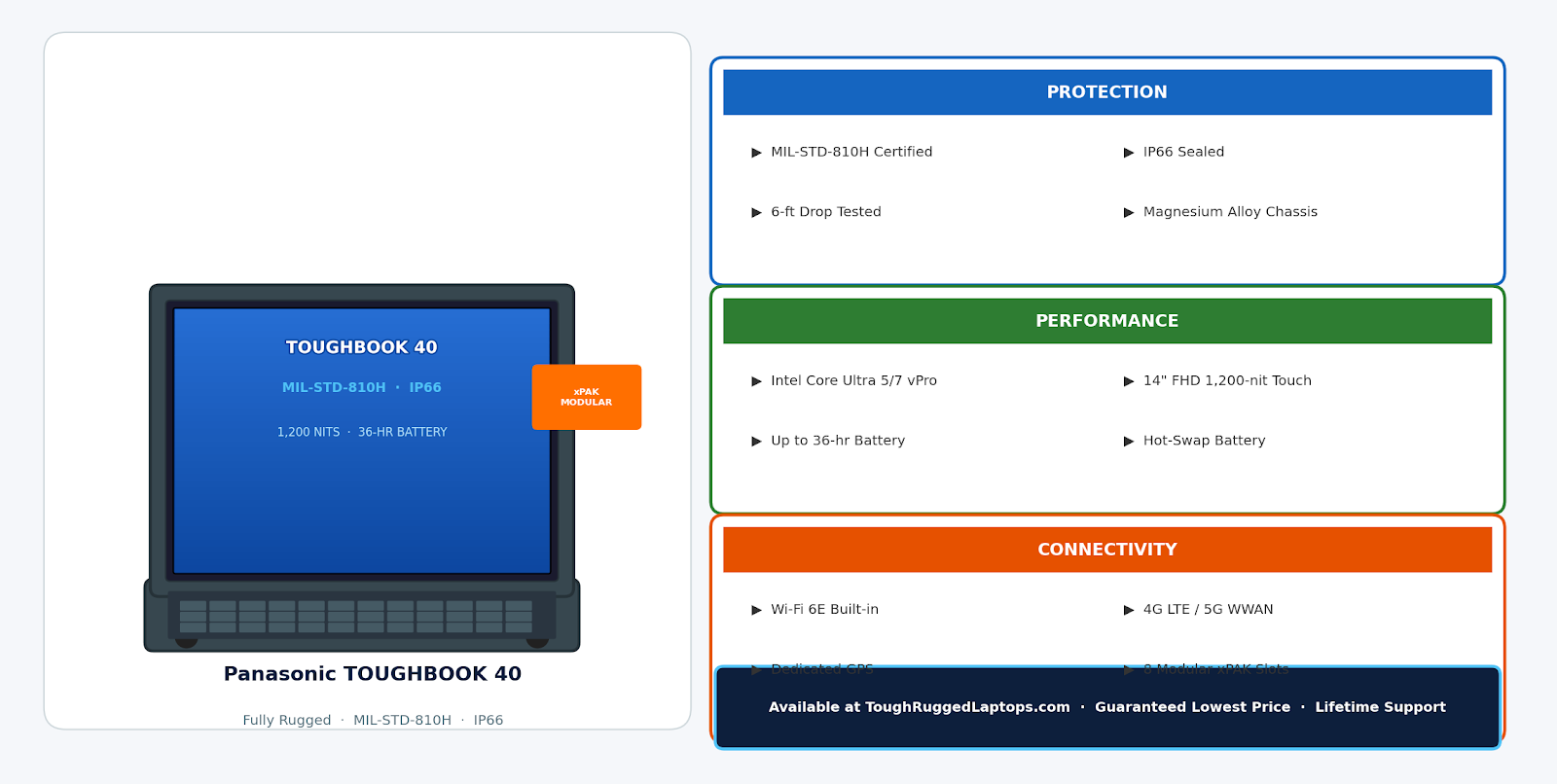
- Panasonic TOUGHBOOK 40 — The King of the Cab
- MIL-STD-810H · IP66 · 1,200 nits
- Hot-swappable battery (up to ~30+ hrs combined)
- Modular ports (GPS, 4G/5G, serial)
- Price: ~$4,000–$5,500 (new)
- Best For: Extreme conditions, all-day use, heavy diagnostics
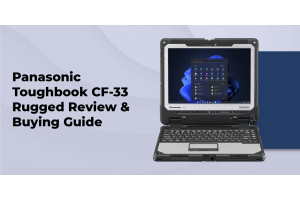
- Panasonic TOUGHBOOK CF-33 — 2-in-1 Flexibility
- MIL-STD-810G · IP65 · 2,000-nit display
- Detachable laptop + tablet
- Price: ~$2,000–$4,000 (new/refurbished)
- Best For: Drivers needing both laptop and tablet use
iii. Panasonic TOUGHBOOK CF-31 — Budget Workhorse
- MIL-STD-810G · IP65
- Shock-mounted SSD · Long battery life
- Price: ~$200–$800 (refurbished)
- Best For: Low-cost, fully rugged option
Semi-Rugged Models
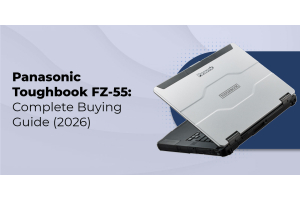
- Panasonic TOUGHBOOK FZ-55 — Balanced & Powerful
- MIL-STD-810H · IP53 · 1,000 nits
- Optional dual battery (up to ~30–40 hrs combined)
- Price: ~$1,800–$3,500 (new/refurbished)
- Best For: Long-haul drivers needing durability + lighter weight
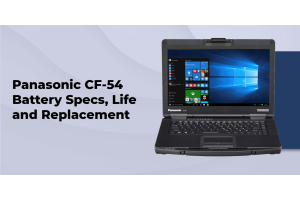
- Panasonic TOUGHBOOK CF-54 — Reliable & Affordable
- MIL-STD-810G · IP51
- Bright display · Solid durability
- Price: ~$400–$1,200 (refurbished)
- Best For: Fleet use on a budget
iii. Panasonic TOUGHBOOK CF-53 — Entry-Level Option
- MIL-STD-810G
- Spill-resistant keyboard · Shock protection
- Price: ~$150–$500 (refurbished)
- Best For: Basic diagnostics and older software
At ToughRugged Laptops, we help you choose the right configuration so you don’t overpay for features you don’t need.
Comparison Table of Top Models
|
Model |
Type |
Display |
Nits |
MIL-STD |
IP Rating |
Battery |
Price |
|
TOUGHBOOK 40 |
Fully Rugged |
14" FHD Touch |
1,200 |
810H |
IP66 |
36 hrs |
~$4,274 |
|
TOUGHBOOK CF-33 |
Fully Rugged |
12" QHD Touch |
2,000 |
810G |
IP65 |
18 hrs |
~$2,399 |
|
TOUGHBOOK CF-31 |
Fully Rugged |
13.3" XGA Touch |
Standard |
810G |
IP65 |
21 hrs |
From $199 |
|
TOUGHBOOK FZ-55 |
Semi-Rugged |
14" FHD Touch |
1,000 |
810H |
IP53 |
40 hrs |
~$1,899 |
|
TOUGHBOOK CF-54 |
Semi-Rugged |
14" FHD Touch |
3× std |
810G |
IP51 |
13 hrs |
From $399 |
|
TOUGHBOOK CF-53 |
Semi-Rugged |
14" Standard |
Standard |
810G |
Spill-res. |
10 hrs |
From $149 |
Essential Features for Truck Drivers
- Sunlight-Readable Displays (800+ nits): Anything under 800 nits is effectively invisible through a windshield in daylight. The Toughbook 40 (1,200 nits) and CF-33 (2,000 nits) set the benchmark. The FZ-55 at 1,000 nits is the minimum semi-rugged standard.
- Long Battery Life and Hot-Swappable Packs: Hot-swappable batteries on the Toughbook 40 and FZ-55 let you swap packs at a rest stop without shutting down or losing your session. Critical for routes where access to AC power is unpredictable.
- GPS/dGPS, Wi-Fi 6/6E, and 4G/5G WWAN: Built-in cellular connectivity ensures you're online even where truck stop Wi-Fi isn't available. Dedicated GPS with dual-pass antenna support is essential for truck-aware navigation and real-time fleet tracking.
- Backlit, Glove-Friendly Keyboard and Touchscreen: All current Toughbook models offer multi-touch glove-compatible displays and emissive backlit keyboards with adjustable brightness for pre-dawn and cold-weather conditions.
- Serial Port Support for Diagnostic Software: Cummins INSITE and Detroit Diesel DDDL require a serial COM port, a feature standard on Toughbooks via xPAK expansion but absent on all consumer laptops manufactured after ~2015.
- Vehicle Docking & VESA Mount Compatibility:
Real-World Use Cases in Trucking
- Engine diagnostics: Run tools like Cummins INSITE or DDDL with laptops that support serial ports, something regular laptops often don’t have.
- ELD & HOS tracking: Manage Hours of Service easily with a larger screen and full laptop setup.
- Route planning: Use truck-specific navigation with clear, sunlight-readable displays for safer routing.
- Fleet communication: Stay connected with built-in 4G/5G for dispatch updates and real-time data.
How to Choose the Right Rugged Laptop
Check your environment: If you work in harsh conditions (dust, rain, extreme heat/cold), go for fully rugged models like Toughbook 40 or CF-33. For normal cab use, semi-rugged options like FZ-55 or CF-54 are enough and more affordable.
Think about your software: Need ports for diagnostic tools? Make sure your laptop has them. For basic ELD use, CF-53 or CF-54 works well.
Look at long-term cost: Rugged laptops last longer and break less, saving money over time.
Choose reliable support: At ToughRugged Laptops, we offer strong pricing, lifetime support, and dependable refurbished options, so you’re covered when you need it.
Maintenance Tips for On-Road Use
Toughbooks are built to last, but a little care helps them last even longer.
- Keep ports clean: Use compressed air or a soft cloth to remove dust and dirt.
- Update regularly: Install firmware and driver updates to keep performance and battery health optimal.
- Take care of the battery: Avoid keeping it plugged in at 100% all the time.
- Check after drops: Inspect for cracks or loose port covers after any impact.
- Use a proper dock: A vehicle mount keeps the laptop safe and stable while driving.
- Avoid extreme heat or cold: Park in shade when possible to protect the battery and screen.
FAQs
1. What makes a laptop rugged for truck use?
MIL-STD-810H certification, IP65+ rating, sealed ports, shock-mounted SSD, and a durable metal chassis.
2. Why not use a regular laptop in a truck?
Consumer laptops fail under vibration, heat, dust, and sunlight, leading to frequent replacements and higher long-term costs.
3. Best rugged laptops for truck drivers?
- Top-tier: Panasonic TOUGHBOOK 40
- Balanced: TOUGHBOOK FZ-55
- Budget: Refurbished CF-54 / CF-31
4. Key features to look for?
1000+ nits display, hot-swappable battery, 4G/5G + GPS, glove-touch screen, legacy ports, vehicle mount support.
5. Are refurbished ToughBooks worth it?
Yes, certified units offer real rugged performance at a lower cost with a warranty.
Your Cab Deserves the Right Tool
Choosing the right rugged laptop isn’t just about durability, it’s about reliability when your work depends on it. In trucking, downtime isn’t an inconvenience, it’s lost time and lost income. A properly equipped rugged device ensures your diagnostics run smoothly, your logs stay compliant, and your operations never stop.
At ToughRugged Laptops, we help you find the right solution not just any device so you get the performance, durability, and support you need on every mile of the road.
Shop Panasonic Toughbooks at ToughRuggedLaptops
TOUGHBOOK 40 · TOUGHBOOK FZ-55 · CF-31 Refurbished · CF-54 Refurbished · All Refurbished Models
Guaranteed Lowest Price · Free U.S. Shipping · Lifetime Support · Panasonic Diamond Reseller