Industrial Use Rugged Laptops- Durable Solutions for Harsh Environments
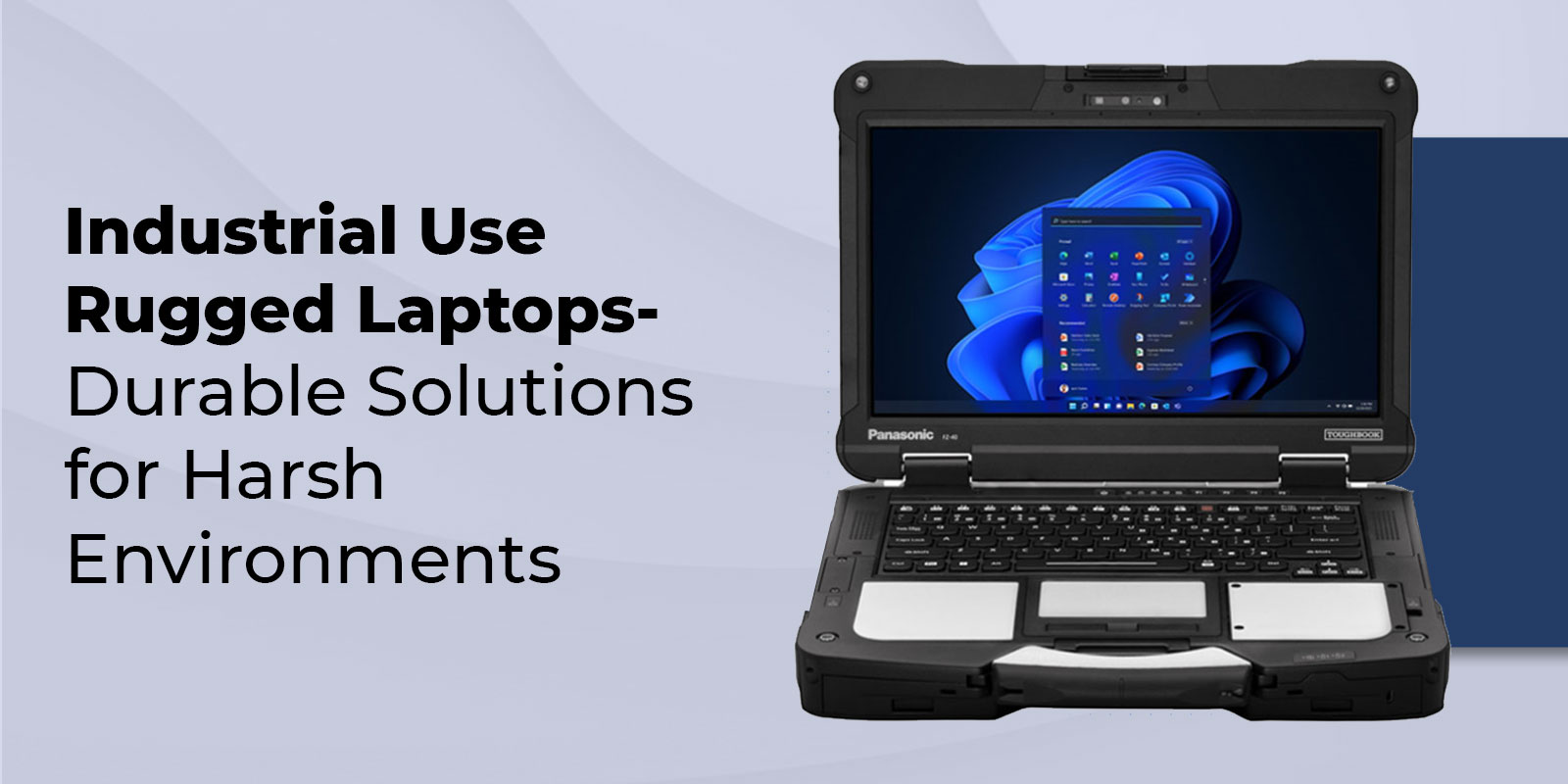
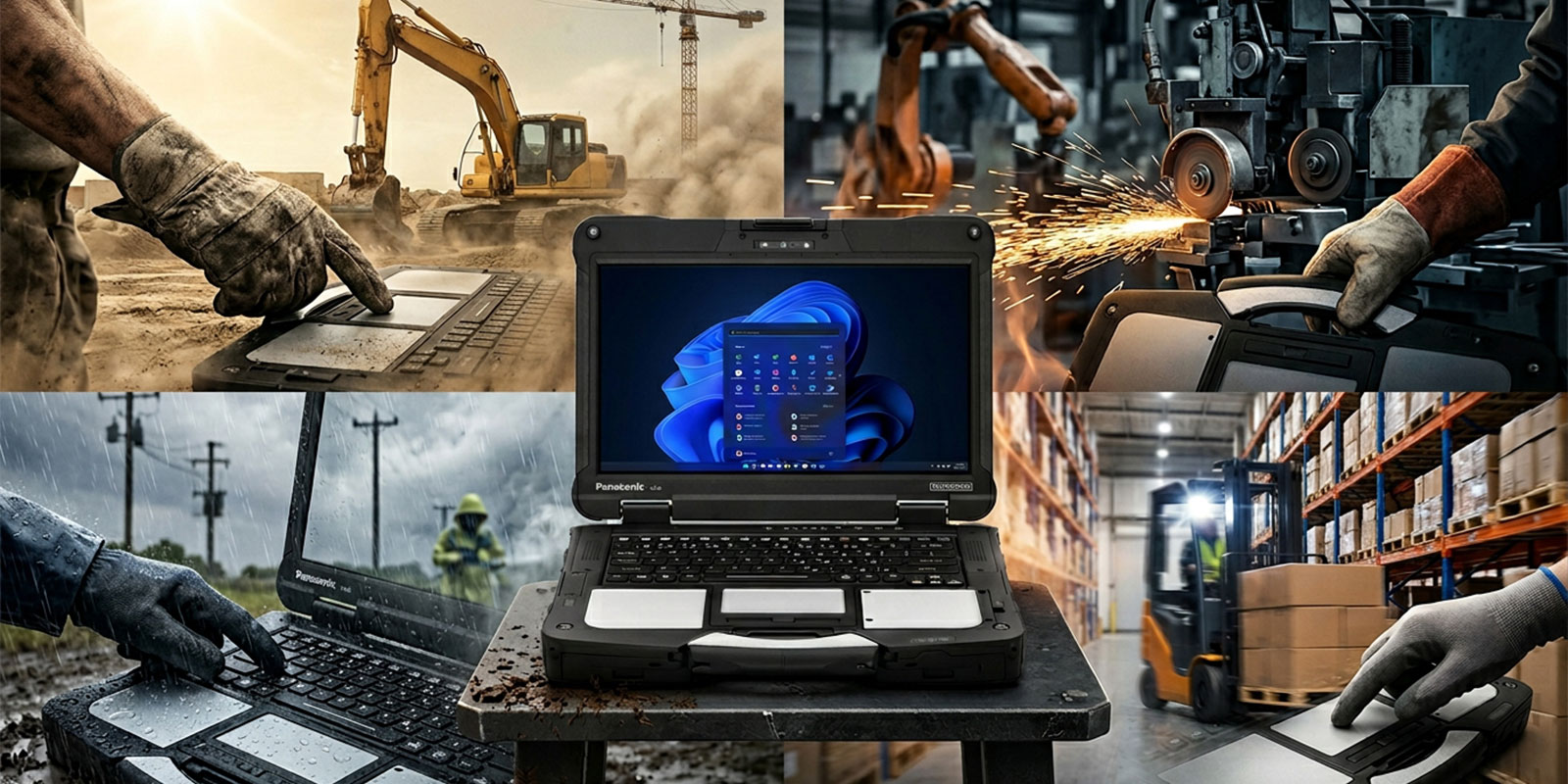
Industrial teams rely on computers that keep working when the job site does not. Industrial use rugged laptops are built for dust, rain, vibration, temperature swings, and constant handling, so crews can capture data, run diagnostics, and stay connected without babying the device. Unlike typical office notebooks, rugged systems use reinforced frames, sealed ports, brighter screens for outdoor visibility, and service-friendly parts that reduce downtime. This guide explains what rugged laptops are, why they matter in factories and field work, how durability testing and ingress protection ratings help you compare models, and which Panasonic Toughbook options fit typical industrial roles. You will also learn what to look for in performance, battery design, connectivity, and security so you can choose a machine that matches your environment, workload, and support requirements.
Introduction to Rugged Laptops for Industrial Use
Rugged laptops are purpose-built computers designed for harsh environments where impacts, moisture, airborne debris, and unpredictable conditions are normal. In industrial computing, rugged systems focus on three goals. First, keep operating through physical stress such as drops, vibration, and temperature shifts. Second, resist environmental hazards with sealed designs that support dustproof laptop and waterproof laptop use cases. Third, reduce interruptions by making everyday service tasks easier, including modular storage, hot-swap power, and field-replaceable components. When a laptop is tied to production throughput, safety reporting, or dispatch timing, reliability becomes a business requirement rather than a preference.
Why Choose Rugged Laptops for Industrial Environments?
Cost Benefits and Total Cost of Ownership
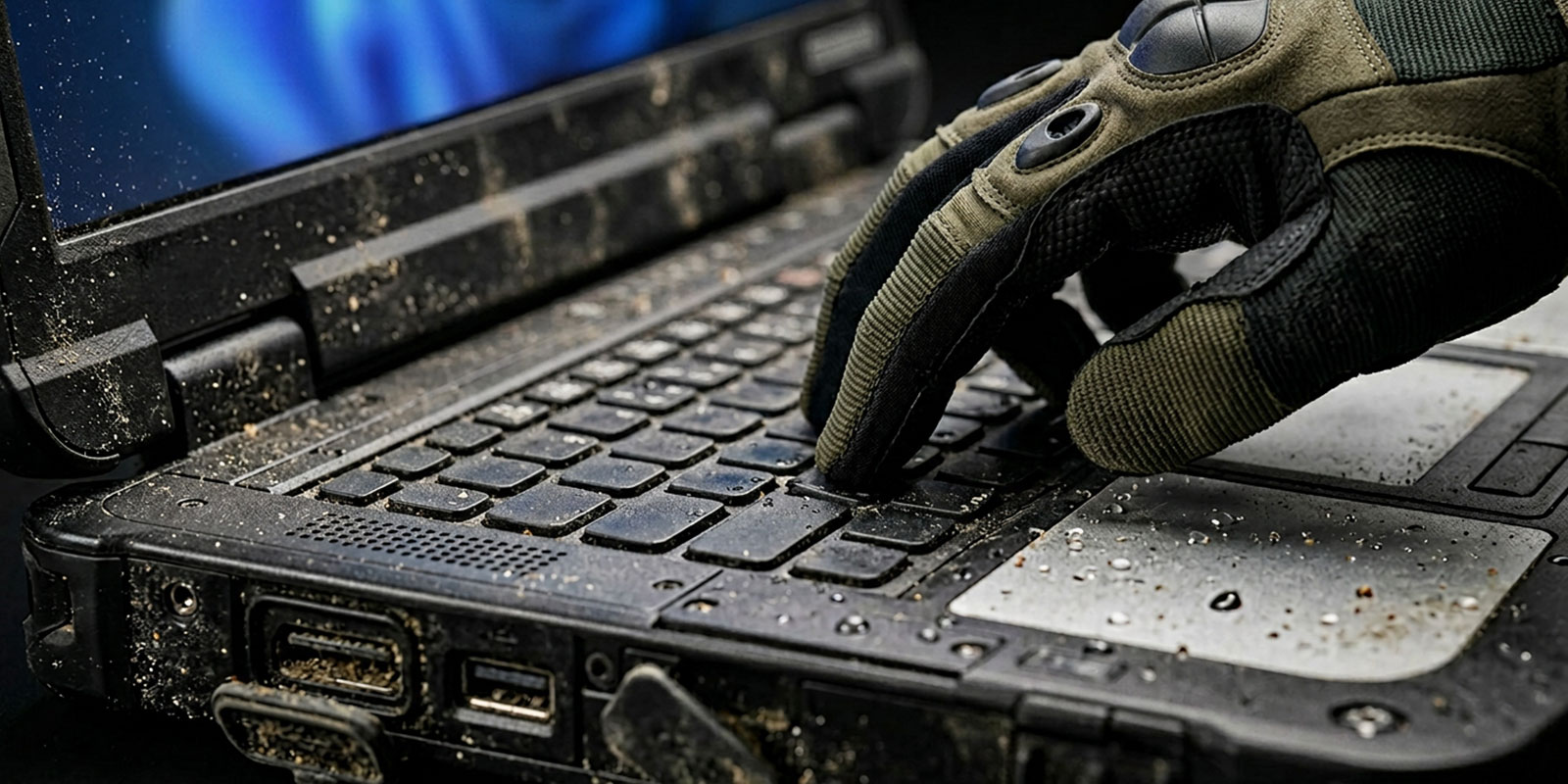
Sticker price can be higher, but industrial buyers focus on TCO rather than purchase cost. A rugged laptop can reduce expenses that never appear on a quote, such as downtime caused by broken screens, failed ports, or battery problems during a shift. Fewer repairs mean fewer spares, fewer emergency shipments, and less time spent re-imaging replacements.
From a productivity angle, rugged features can prevent “soft downtime.” A reliable keyboard in a gritty environment, a brighter screen that stays readable in bright sunlight, and stable connectivity in a moving vehicle let workers finish tasks quicker and with fewer errors.
Durability Standards (MIL-STD-810H)
Many rugged laptops are tested against military-style methods such as MIL-STD-810H. This is not a single pass-fail badge for “indestructible,” but a framework of test methods that can include drop, shock, vibration, humidity, altitude, sand and dust, and temperature extremes. What matters is how the manufacturer reports the test profile and what it means for your environment.
Industrial buyers should use the standard as a comparison tool, not marketing shorthand. A system that is designed around different stresses will typically include reinforcement points and internal protection like shock-mounting that guards storage and boards from repeated impacts.
Ingress Protection (IP) Ratings
Ingress protection ratings describe resistance to solids and liquids. The first digit generally addresses dust and particulate intrusion, and the second digit addresses water. For industrial use, you often see ratings such as IP65, where the “6” indicates strong dust protection and the “5” indicates resistance to water jets. This matters on construction sites, in washdown areas, and around heavy airborne debris.
An IP rating does not mean every port is always sealed in every scenario. Many rugged laptops use port doors and gaskets, so the rating assumes those covers are properly closed. It also does not guarantee resistance to all chemicals, oils, or corrosive agents, so you still need to match the device to cleaning and exposure realities. For many organizations, an IP-rated system becomes the difference between a laptop that survives routine wipe-downs and one that fails after repeated exposure.
Types of Rugged Laptops
Fully-Rugged Laptops
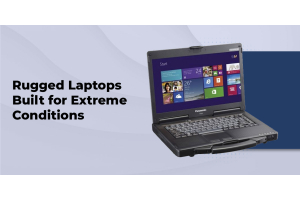
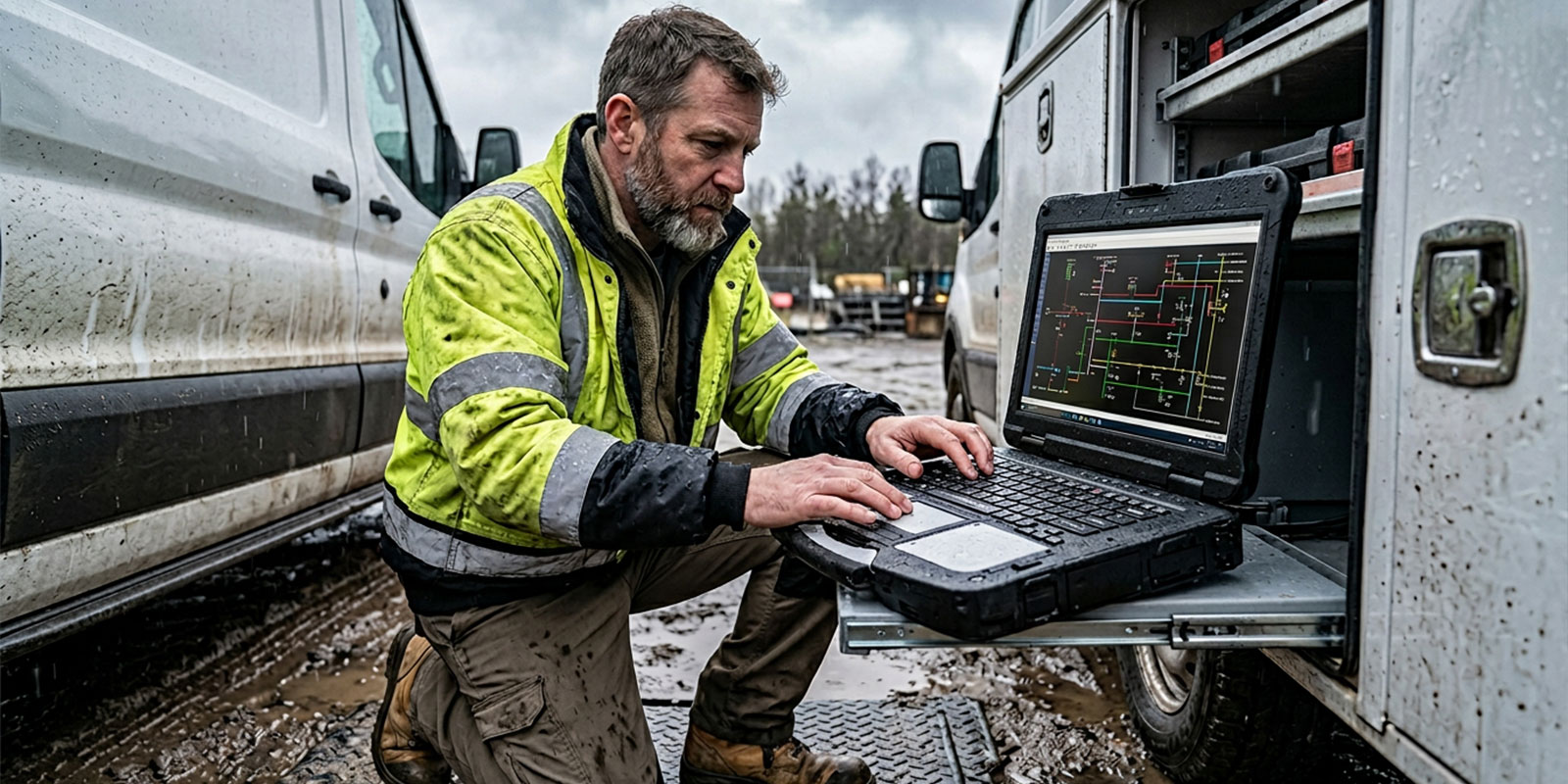
A fully rugged laptop is designed for the harshest environments. It typically has a reinforced frame, sealed doors over ports, stronger hinges, and higher resistance to dust and water. These devices are common in field utilities, emergency response, military-adjacent use, and heavy construction, where drops, rain, and dirt are expected. Many also support a sunlight-readable display for outdoor work and glove-friendly inputs for teams wearing PPE.
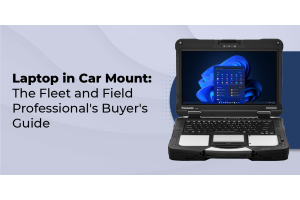
Fully rugged platforms often include modular expansion bays for extra storage, I/O modules, or additional batteries. They also frequently support vehicle docking and external antenna pass-through options for specialized connectivity setups.
Semi-Rugged Laptops
A semi-rugged laptop balances durability and weight. It is suited to factories, warehouses, fleet service, and field teams who need better protection than an office notebook but do not need the highest sealing or drop tolerance of fully rugged systems. Semi-rugged devices often include stronger cases, spill resistance, better vibration tolerance, and reinforced corners, while staying easier to carry during long shifts.
This category works well when the laptop spends part of the day on a cart or bench and part in a vehicle or on the move. It is also a common choice for mixed indoor-outdoor workflows where rain exposure is occasional, not constant.
Business-Rugged Laptops
A business rugged laptop sits closer to premium office devices but with added reinforcement, better spill resistance, and improved durability around hinges and ports. This type can be a fit for light-duty industrial roles such as supervisors, quality auditors, or inventory managers who stay mostly indoors but work around bumps, carts, and frequent handling.
The key is to be realistic. Business-rugged devices are not a substitute for true IP-rated systems when dust, water jets, or frequent drops are part of daily life. They can still be a smart choice when the environment is controlled, and the goal is fewer repairs than a standard notebook.
Top Rugged Laptops for Industrial Use Cases
The outline below references several non-Panasonic models. Here, each role is matched to an equivalent Panasonic Toughbook option, so your short list stays within one rugged family.
Best for Extreme Field Use
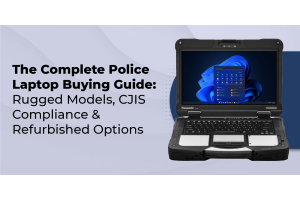
For demanding environments, the Toughbook 40 Mk2 is positioned as a flagship platform for harsh field work. It is built for tough handling, supports modular expansion, and is commonly configured to meet high durability expectations for outdoor and vehicle-based deployments. Organizations that need a dependable field service laptop often prioritize modularity, serviceability, and strong sealing, and this model is frequently chosen when downtime is costly and conditions are unpredictable.
Best Compact Fully-Rugged
When teams need a smaller footprint while staying in the fully rugged class, Panasonic’s compact fully rugged options are often the best match for mobile crews. A compact, fully rugged Toughbook configuration can serve various requirements, especially for technicians moving through tight spaces, climbing equipment, or working from smaller vehicle setups. In these jobs, weight and portability matter almost as much as durability.
Best Semi-Rugged Ultrabook
For a semi-rugged approach that still feels mobile, the Toughbook 55 Mk3 is a common fit. The Toughbook line is designed around industrial expectations like modular bays and field-friendly servicing. In mixed indoor and outdoor work, a semi-rugged setup helps teams keep mobility while still improving resistance to bumps, vibration, and routine handling.
Best Big-Screen Rugged Workstation
Some industrial workflows need workstation-style performance for diagnostics, mapping, CAD viewing, or running heavier applications on-site. If your team needs more screen real estate, a vehicle dock or desk dock with external monitors can give a workbench feel while keeping the rugged laptop as the core system of record.
Best for Customization and Flexibility
The Toughbook 55 Mk3 stands out for modular configuration options that help organizations build one platform for multiple roles. You can tailor storage, I/O, and power configurations to match different teams without managing completely different hardware families. For IT, this can simplify imaging, accessories, and repairs. For operations, it means the same laptop line can cover different job profiles with the right modules and support plan.
Key Features to Consider When Buying
Processing Power and Memory
Industrial workloads vary widely. Some teams only need browser-based apps and light forms. Others run diagnostics, mapping, image review, or specialized vendor software that stresses CPU and memory. Choose a configuration aligned to the heaviest day-to-day workload, not the lightest. If you run multiple apps at once, handle large files, or rely on virtual sessions, prioritize modern processors, enough RAM, and storage that can tolerate vibration and repeated movement.
Also consider the lifecycle. Industrial fleets often run devices longer than consumer refresh cycles. A slightly stronger configuration now can extend useful life and reduce the pressure to replace units early.
Battery Life and Hot-Swappable Options
A major rugged advantage is a shift-friendly power design. A hot-swappable battery lets a worker replace a depleted battery without shutting down, which is useful for long shifts, cold-weather drain, and mobile deployments where charging is not reliable. For roles like incident response, maintenance callouts, or all-day inventory, hot swap reduces interruptions and protects data capture workflows.
Battery design should be matched to how devices are used. Vehicle docks can keep laptops topped up, but the moment a device leaves the vehicle, the battery becomes the lifeline. For outdoor and cold environments, plan for extra capacity and spares, and confirm how swaps work in practice.
Connectivity (5G, Wi-Fi, Ports)
Industrial laptops are often data collection and communication hubs. That means you should match connectivity to where the work happens. For a 5G rugged laptop use case, cellular connectivity can support remote access, dispatch updates, and real-time reporting without relying on jobsite Wi-Fi. Inside facilities, strong Wi-Fi and reliable roaming can matter more than raw speed.
Ports still matter because industrial work is full of peripherals. Barcode scanners, diagnostic cables, serial adapters, external displays, and specialized sensors are common. The right port mix reduces dongles, which reduces failure points. If you rely on legacy gear, confirm support for the interfaces you need and how they are protected from dust and impacts.
Security Features
Industrial laptops often contain sensitive operational data, asset logs, maintenance records, and sometimes public safety or regulated information. Look for hardware-backed security such as TPM 2.0, plus strong authentication options like biometric security and device-level encryption support. The goal is to reduce risk if a device is lost, stolen, or accessed by unauthorized users in the field.
Also consider practical security. Rugged devices are frequently used in shared environments, vehicles, and temporary workstations. Policies for user sign-in, secure boot, remote management, and device tracking should align with how the equipment is deployed.
Industry Use Cases
Manufacturing
In manufacturing, rugged laptops are used for maintenance diagnostics, line-side troubleshooting, quality checks, and supervisor workflows. Dust, vibration, and occasional impacts from carts or tools can break consumer devices quickly. A rugged platform helps keep production moving when equipment needs service, and it supports consistent data entry even on the factory floor. In this environment, a durable chassis, reliable ports, and strong keyboard performance can matter as much as raw CPU power.
Public Safety
A public safety laptop must perform when conditions are chaotic. That may mean operation in rain, exposure to dirt, vehicle vibration, and sudden handling during response. Reliability is central because reporting, mapping, and communication often depend on the device. Security is also a priority due to the sensitivity of data, so features like TPM 2.0 and biometric security can play a big role in procurement decisions. For public safety fleets, docking compatibility and connectivity planning often decide whether a platform works smoothly day to day.
Construction and Field Service
A construction laptop and a true field service laptop face many of the same realities- dust, water exposure, drops, and constant movement between vehicles and job sites. A sealed design with an IP rating, strong hinges, and a sunlight-readable display makes outdoor tasks easier. Modular expansion and hot-swap power reduce the chance that a team loses time due to a dead battery or a missing adapter. If teams work around flammable environments or regulated zones, requirements like ATEX certification may apply depending on the exact site and role.
Logistics and Warehousing
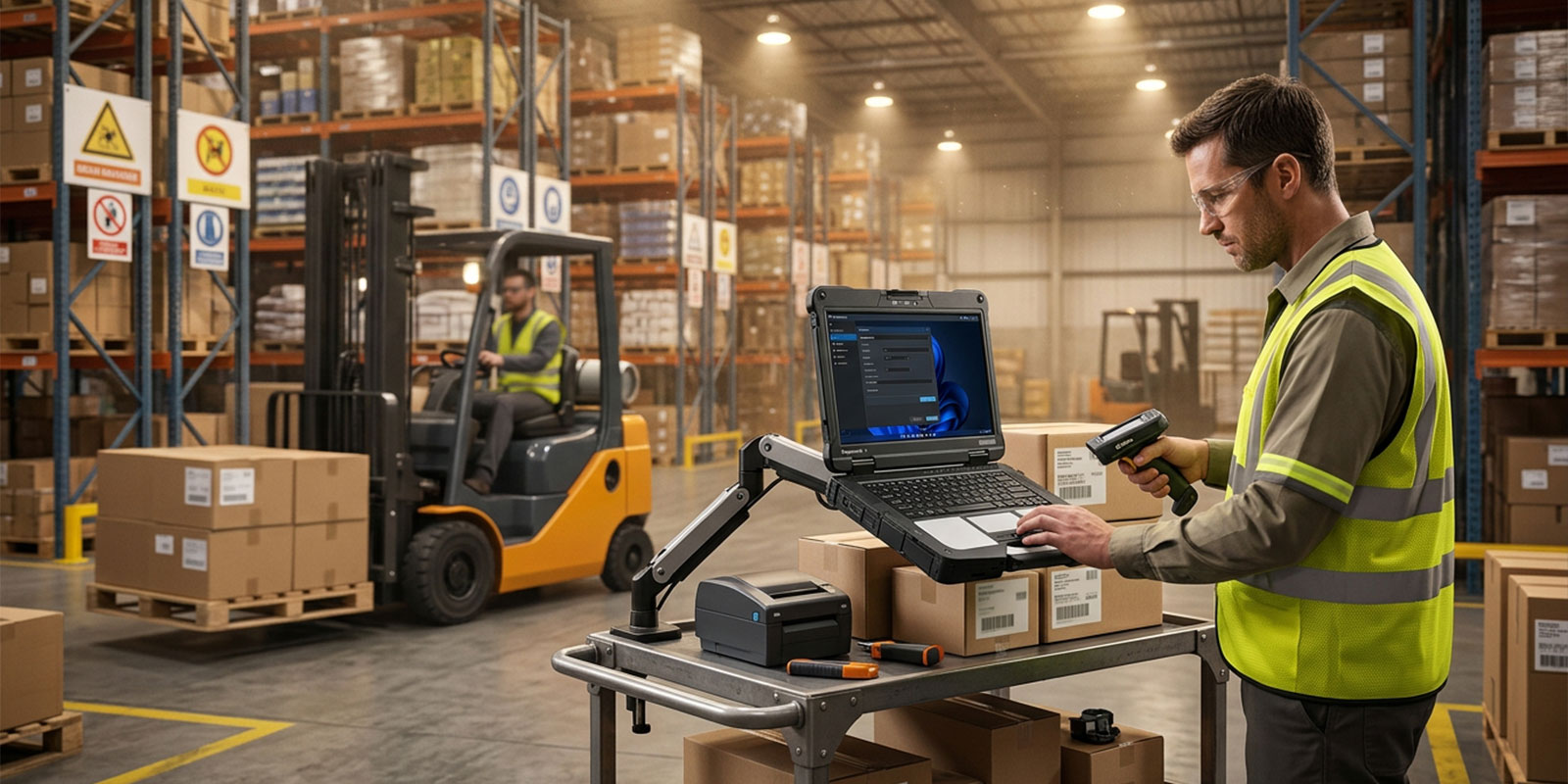
A logistics laptop is often used for inventory management, shipping verification, route updates, and barcode scanning workflows. Warehouses combine airborne debris, impacts from carts, and frequent handling. A rugged laptop reduces breakage and helps support consistent scanning, labeling, and reporting. Connectivity matters because the work depends on real-time data. The right Wi-Fi behavior and port support can remove friction from daily operations.
Oil and Gas
Oil and gas environments can involve extreme weather, dust, vibration, and strict safety requirements. Device selection often includes environmental resistance, glove-friendly inputs, and careful planning around certifications. Some roles may require ATEX certification, and many teams prioritize sealing and durability because repairs in remote sites can be slow and expensive. In these deployments, rugged laptops are part of operational continuity, not a convenience.
Frequently Asked Questions
1. What makes a laptop industrial or rugged?
A rugged laptop is designed for harsh handling and environmental exposure. It is built to resist impacts, vibration, and temperature swings, and it often carries durability testing claims such as MIL-STD-810H. Many rugged models also include ingress protection features and ratings like IP65 to help resist dust and water. Industrial-ready laptops usually add field-friendly service design, modular options, and brighter screens that support outdoor work, including a sunlight-readable display.
2. What is the difference between fully rugged, semi-rugged, and business rugged?
A fully rugged laptop is built for the harshest conditions with stronger sealing, higher drop tolerance, and heavier reinforcement. A semi-rugged laptop offers meaningful durability improvements, but with lighter weight and typically less sealing than fully rugged designs. A business rugged laptop adds reinforcement over consumer notebooks for light-duty environments, but is not intended for routine exposure to heavy dust, water jets, or frequent drops.
3. Are rugged laptops worth the high cost?
They can be, especially when downtime is expensive. The value often shows up in TCO through fewer repairs, fewer replacements, and fewer work interruptions. If a team loses hours due to broken devices, missing scans, or failed uploads, the cost of disruption can exceed the difference in purchase price. Rugged laptops also support long lifecycle programs where consistent platforms and accessories reduce IT burden over time.
4. Who are the best manufacturers of rugged laptops?
Many organizations start with established rugged lines and then compare service networks, lifecycle planning, and accessories. When you shortlist vendors, prioritize field repair options, parts availability, dock ecosystem, and how well configurations map to your specific environment and workflows.
Wrapping up
Choosing the right industrial use rugged laptops setup comes down to matching the device to your reality. Start with environmental factors like dust, water exposure, vibration, and drop risk, then confirm durability claims such as MIL-STD-810H and sealing targets such as IP65 where needed. Next, match performance, ports, and connectivity to your workload, especially if your teams rely on real-time reporting, vehicle docks, or a 5G rugged laptop deployment. Finally, consider operational continuity features like a hot-swappable battery, field serviceability, and security tools like TPM 2.0 and biometric security.
If you want help choosing the best Panasonic Toughbook configuration for your crews, shop Rugged Computing Inc. for Toughbook systems, docks, batteries, and accessories built for industrial work, and get a setup that fits your job site, not a generic spec sheet.
References
For further reading and comparison research, review durability test method details for MIL-STD-810H, IP code definitions for ingress protection, and industrial deployment guidance for topics like ATEX certification, magnesium alloy chassis construction, and internal shock-mounting design. You may also compare form factors, such as a rugged tablet for certain workflows, and evaluate how a waterproof laptop and dustproof laptop rating align with your cleaning, washdown, and exposure needs.