Field Service Laptop Guide- Choose the Best Rugged Notebook for Field Work
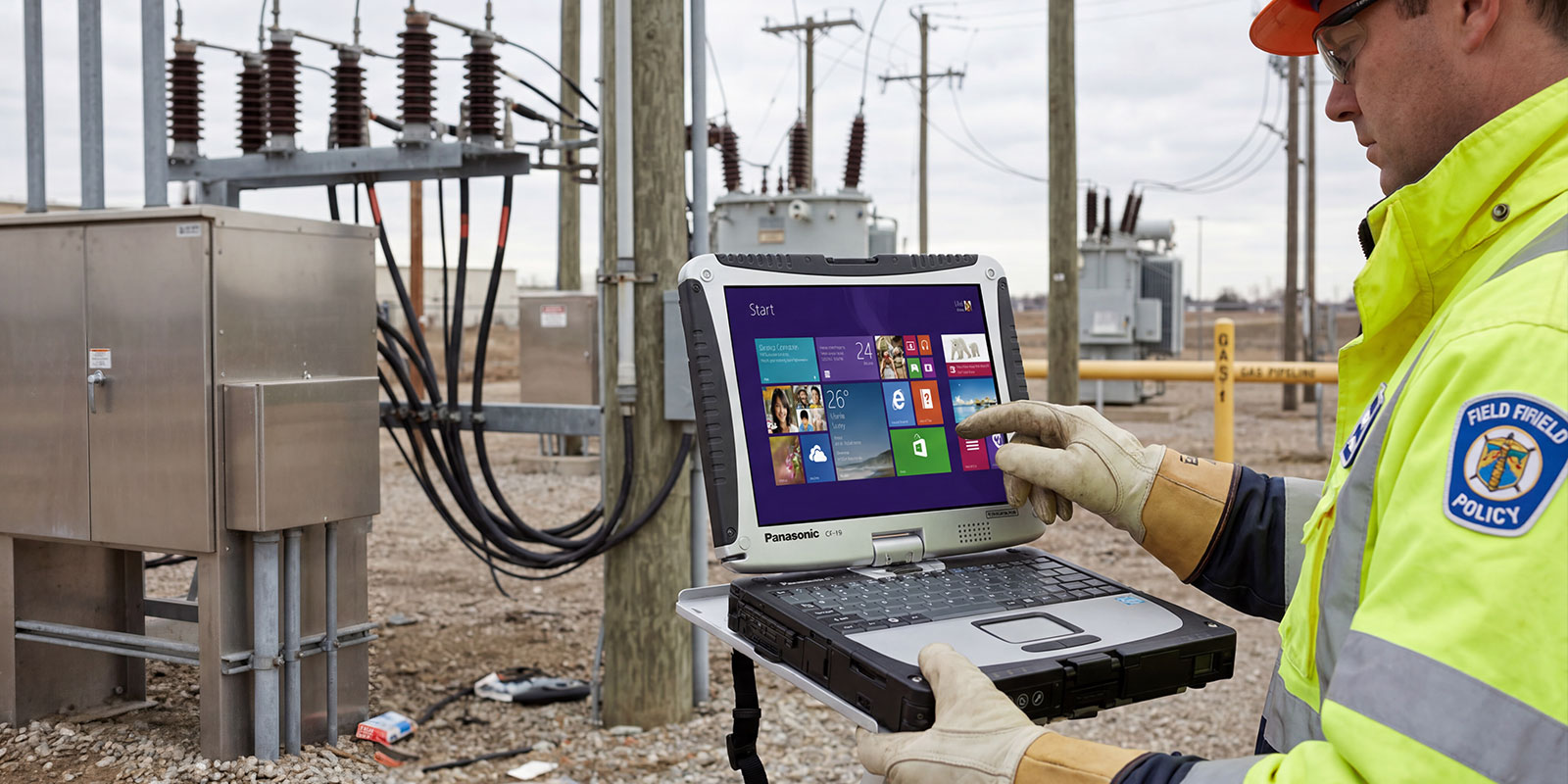
Field technicians rarely work in ideal environments. Their equipment must operate on construction sites, utility grids, emergency vehicles, and agricultural fields where dust, moisture, vibration, and temperature extremes are routine. In these environments, ordinary laptops often fail quickly, leading to lost productivity and costly delays. This is where a rugged laptop becomes essential.
A modern field service notebook is designed specifically for demanding environments where reliability matters more than aesthetics. These devices support mobile teams by enabling secure access to applications, digital work orders, technical manuals, and real-time diagnostics. As organizations adopt mobile-first workflows, durable computing tools have become critical to maintaining operational continuity.
Reliable hardware also protects organizations from downtime risks. Field technicians rely on digital systems to complete repairs, document work, and communicate with headquarters. A device failure during critical operations can delay service delivery and affect customer satisfaction. With the right rugged hardware, technicians can maintain productivity and access the information they need wherever work takes them.
What Is a Field Service Laptop?
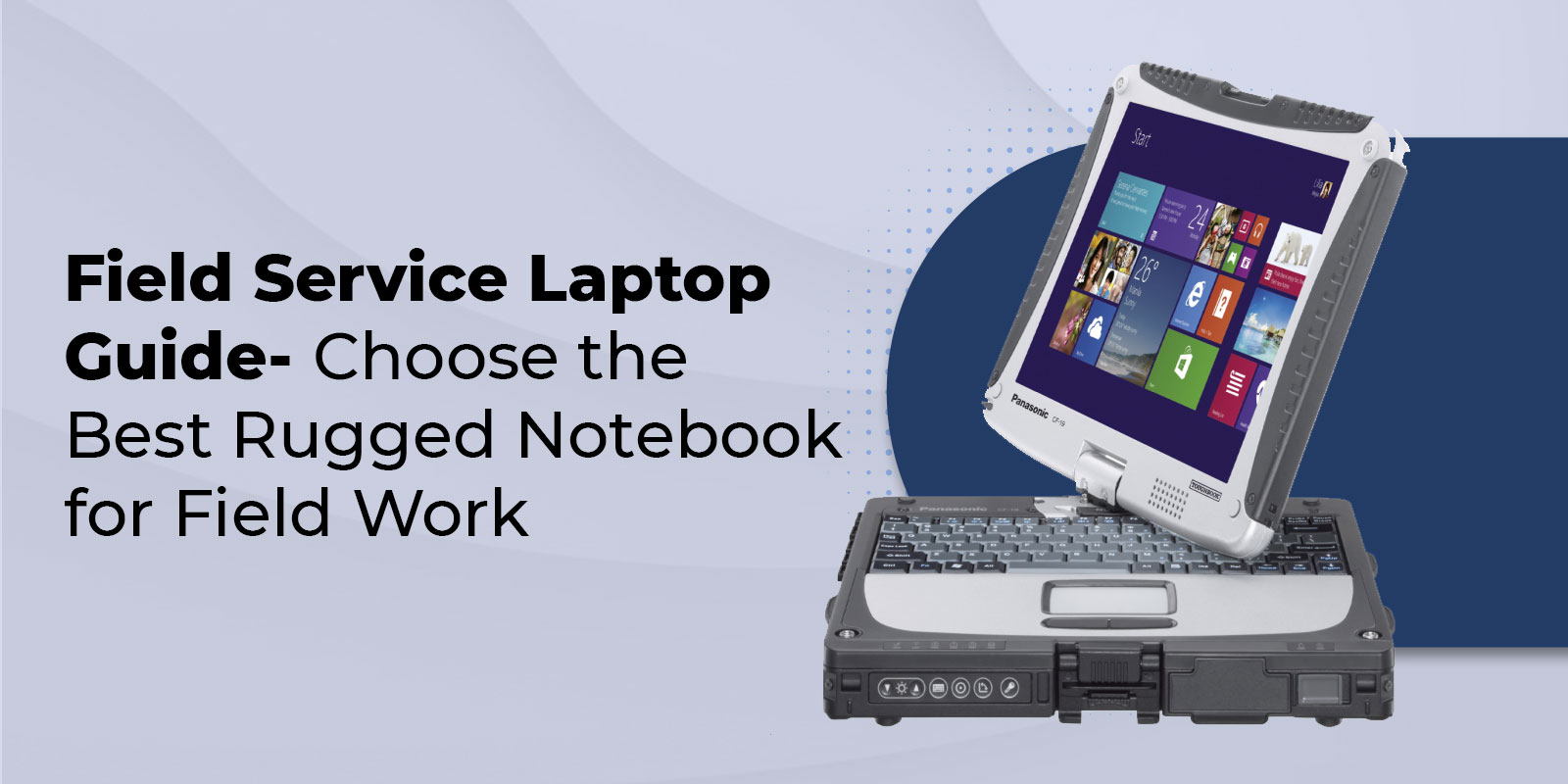
A rugged laptop designed for field work is a specialized computer built to withstand conditions that would damage a typical consumer notebook. These systems are often referred to as field service notebook devices because they support technicians who work outside traditional office environments.
The defining characteristic of these systems is durability. A rugged laptop typically uses reinforced materials such as a magnesium alloy chassis, which provides structural strength while keeping the device relatively lightweight. These laptops are engineered to withstand drops, vibration, and environmental hazards encountered during everyday fieldwork.
Many rugged systems also meet strict military testing standards, such as MIL-STD-810H, which evaluates performance under stress conditions, including extreme temperatures, shock, and humidity. This certification ensures that the device can continue functioning in environments where conventional laptops would fail.
Environmental sealing is another key feature. Many rugged laptops meet ingress protection standards such as IP65, which means the device is dust-tight and resistant to water jets. These characteristics allow technicians to operate devices in rainy, dusty environments, and industrial facilities.
Storage reliability also matters in the field. Rugged laptops rely on solid-state drives because SSDs are more durable and better able to withstand vibration and physical movement than traditional mechanical drives.
Field usability is also a priority. A sunlight-readable screen allows technicians to view data outdoors, while touch-enabled laptops with glove compatibility make it easier to interact with the device in demanding conditions.
These design features allow a rugged laptop to support enterprise mobile computing and keep technicians connected to critical systems wherever their work takes them.
Why You Need a Rugged Laptop for Field Work
Device reliability is essential for organizations that rely on mobile technicians. A single hardware failure can disrupt operations, delay service calls, and negatively impact customers.
Research shows that downtime in many industries can be expensive. When a technician’s laptop fails during a job, the inability to access diagnostics software, repair manuals, or service records can immediately halt productivity.
A shockproof notebook built for field environments significantly reduces these risks. Reinforced hardware ensures that accidental drops, vehicle vibration, and environmental exposure do not compromise device performance.
Field technicians also depend on reliable access to digital tools. Many service teams rely on mobile applications to perform field diagnostics, update repair logs, and coordinate with headquarters. If a device fails, technicians may lose access to essential information needed to complete the job.
Customer satisfaction is another major consideration. Many organizations rely on strict service level agreement monitoring to ensure that response times and repair deadlines are met. When technicians cannot access data due to hardware failure, meeting these commitments becomes more difficult.
Reliable, rugged hardware also addresses one of the biggest mobile challenges organizations face- accessing information when it is needed. With durable field-operation hardware, technicians can retrieve manuals, update records, and communicate with teams in real time.
Ultimately, rugged laptops protect both productivity and revenue by ensuring that mobile workers remain connected and operational in challenging environments.
Types of Rugged Laptops Explained
Not every field environment requires the same level of durability. Rugged devices are typically classified into three categories depending on protection levels and intended use.
Fully Rugged
Fully rugged systems provide the highest level of durability. These devices are engineered for extremely harsh environments where equipment must withstand frequent drops, severe weather, and significant exposure to the elements.
Fully rugged laptops typically meet advanced certifications, including MIL-STD-810H and electromagnetic compliance standards such as MIL-STD-461G. They often carry ingress protection ratings such as IP65 or IP66, indicating strong resistance to dust and water.
These devices are often used in industries where extreme conditions are common. Emergency services, defense operations, heavy construction, and offshore energy environments frequently rely on fully rugged devices.
A fully rugged system may also be classified as a waterproof laptop or extreme temperature laptop, capable of functioning in freezing conditions or intense heat. These devices can operate as cold-weather laptops in winter climates or withstand high heat on industrial sites.
Many fully rugged devices are also designed as a dockable rugged laptop, allowing technicians to connect quickly to vehicle docks or workstation mounts.
Semi-Rugged
Semi-rugged devices offer a balance between durability and portability. These systems are often ideal for technicians who work both in indoor and outdoor environments.
A typical semi-rugged system includes reinforced frames and spill-resistant notebook keyboards that protect against everyday hazards such as accidental spills or minor drops. The device may also include a durable keyboard that withstand repeated use in industrial settings.
Panasonic offers several models in this category, often referred to as semi-rugged toughbooks, that combine durability with a lighter weight than fully rugged systems.
Semi-rugged systems may also support battery hot-swap and modular components, enabling quick upgrades or repairs. These systems often serve as a practical compromise between portability and durability.
Business-Rugged
A business-rugged laptop represents the lightest level of durability reinforcement. These devices resemble standard enterprise laptops but include features designed to survive the occasional accident encountered during travel.
They may include reinforced hinges, spill-resistant notebook keyboards, and limited drop protection. While these devices are not intended for harsh industrial environments, they provide additional resilience for mobile professionals who work outside the office.
Business-rugged devices are often suitable for service managers or supervisors who occasionally visit field sites but do not require full environmental protection.
Key Features to Consider Before You Buy
Selecting the right rugged device requires evaluating several technical and operational factors.
Durability and Certifications
Durability certifications are the foundation of rugged computing. Military testing standards such as MIL-STD-810H ensure that a device can withstand shock, vibration, humidity, and extreme temperature variations.
Ingress protection ratings also indicate resistance to environmental hazards. Devices rated IP65 are dust-tight and resistant to water jets, making them suitable for many outdoor work environments. Devices rated IP66 provide even stronger water resistance.
Chassis construction also contributes to durability. A magnesium alloy chassis provides structural strength while maintaining manageable weight.
Performance and Components
Performance requirements vary depending on the applications technicians use. A modern enterprise-grade laptop should include a current-generation processor, adequate memory, and reliable storage.
Solid-state drives remain the preferred storage option because SSD durability allows them to withstand vibration and impact better than traditional hard drives.
Some technicians may also require dedicated graphics capabilities for advanced mapping or engineering applications.
Connectivity Options
Connectivity is essential for mobile operations. Modern rugged laptops often include wireless technologies such as Wi-Fi 6E and Bluetooth 5 for local communication.
Many rugged systems also offer integrated cellular connectivity, allowing technicians to operate a 4G LTE laptop or a 5G LTE laptop that maintains internet access in remote environments.
Integrated GPS capability can transform a rugged laptop into a GPS field unit, supporting navigation and asset-tracking applications.
Physical connectivity remains important as well. Many rugged systems support USB-C rugged connectors alongside legacy ports, enabling connection to industrial equipment.
Display and Usability
Outdoor environments demand specialized displays. Rugged devices often feature screens exceeding 1,000 nits of brightness, ensuring high outdoor visibility.
Manufacturers perform a sunlight readability test to confirm that the display is easily visible even in direct sunlight.
Modern rugged systems also feature touch-enabled laptops that are glove-compatible. Many models support pen input, allowing technicians to annotate documents or complete digital forms directly on the screen.
Some devices also function as convertible rugged laptops or tablet-convertibles, allowing technicians to switch between laptop and tablet modes depending on their workflow.
Battery Life and Hot-Swap
Field technicians may spend long hours away from power sources. Rugged systems often include extended battery configurations and hot-swappable battery systems.
A battery hot-swap capability allows technicians to replace batteries without shutting down the device. This feature ensures uninterrupted productivity during long workdays.
Security Features
Security remains a critical consideration for field devices. Many rugged laptops include enterprise security tools such as security TPM 2.0 modules that protect encryption keys and system integrity.
Additional authentication options may include a fingerprint reader, a smart card reader, and an infrared camera for facial recognition.
These tools help ensure secure access to enterprise systems while protecting sensitive operational data.
Top Rugged Laptops for Field Service in 2024
Panasonic’s Toughbook series remains one of the most recognized product lines in rugged computing. These systems are widely used across industries because of their durability and modular design.
Panasonic TOUGHBOOK 40
The Panasonic TOUGHBOOK 40 represents one of the most advanced rugged laptops available. Designed for extreme environments, this system meets MIL-STD-810H standards and is IP66-rated for protection against dust and water.
The device includes a modular design that allows technicians to customize components such as storage, ports, and batteries. A high-brightness display ensures excellent sunlight readability, making it ideal for outdoor operations.
Panasonic TOUGHBOOK 55
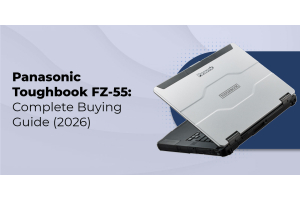
The Panasonic TOUGHBOOK 55 is a modular semi-rugged toughbook designed for technicians who require durability without the bulk of a fully rugged system.
The system features configurable expansion bays and supports battery hot-swap, enabling technicians to maintain continuous productivity during long shifts.
Panasonic TOUGHBOOK Convertible Models
Panasonic also offers convertible rugged laptop models designed for technicians who require flexibility. These devices are versatile and works as both laptops and tablets, allowing technicians to switch between modes as needed.
These systems often support pen input, making them useful for drawing diagrams, completing digital inspection forms, or annotating technical documentation.
How We Chose- Selection Criteria and Testing Methodology
Selecting the best rugged laptops involved evaluating multiple factors, including durability certifications, hardware performance, connectivity options, and user experience.
Testing also considered display performance, ergonomics field use, and battery endurance during typical field workflows.
User feedback from technicians was also reviewed to know how devices perform during real-world field repair tech operations.
Emerging Trends in Field Service Technology
The future of field service technology continues to evolve rapidly. Connectivity improvements, such as 5G network,s are enabling real-time collaboration between technicians and headquarters.
One emerging capability is AR field service, which allows technicians to receive visual guidance during complex repairs.
Remote collaboration tools are also becoming more common. Through remote assistance, experts can guide technicians through complex procedures without being physically present.
Manufacturers are also focusing on sustainability. Concepts such as right-to-repair design and sustainability in electronics are becoming more important as organizations seek longer device lifecycles.
These developments reflect broader rugged-computing trends shaping the next generation of field technology.
Industries That Benefit from Rugged Laptops
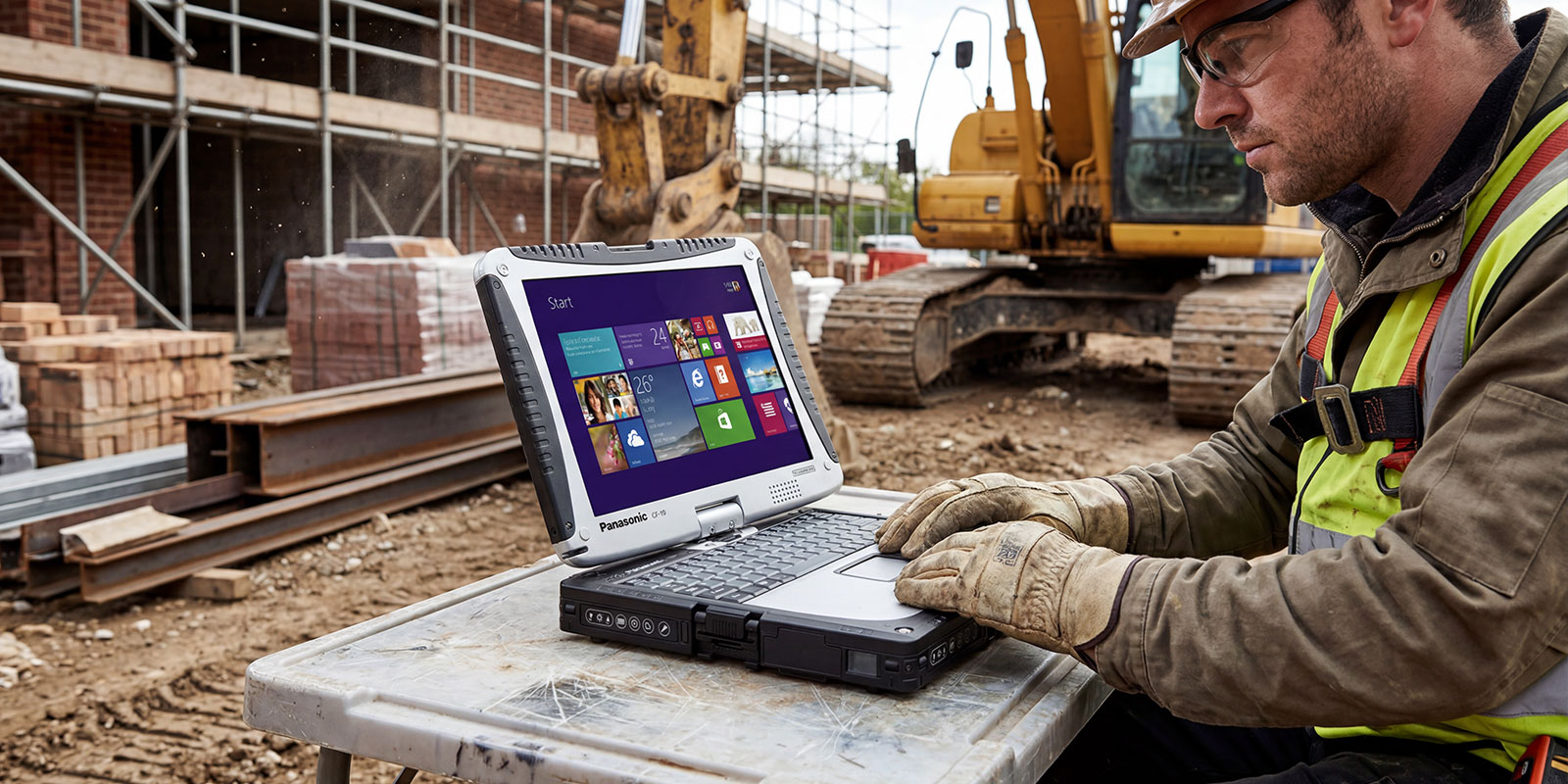
Rugged laptops are used across many industries where mobility and durability are essential.
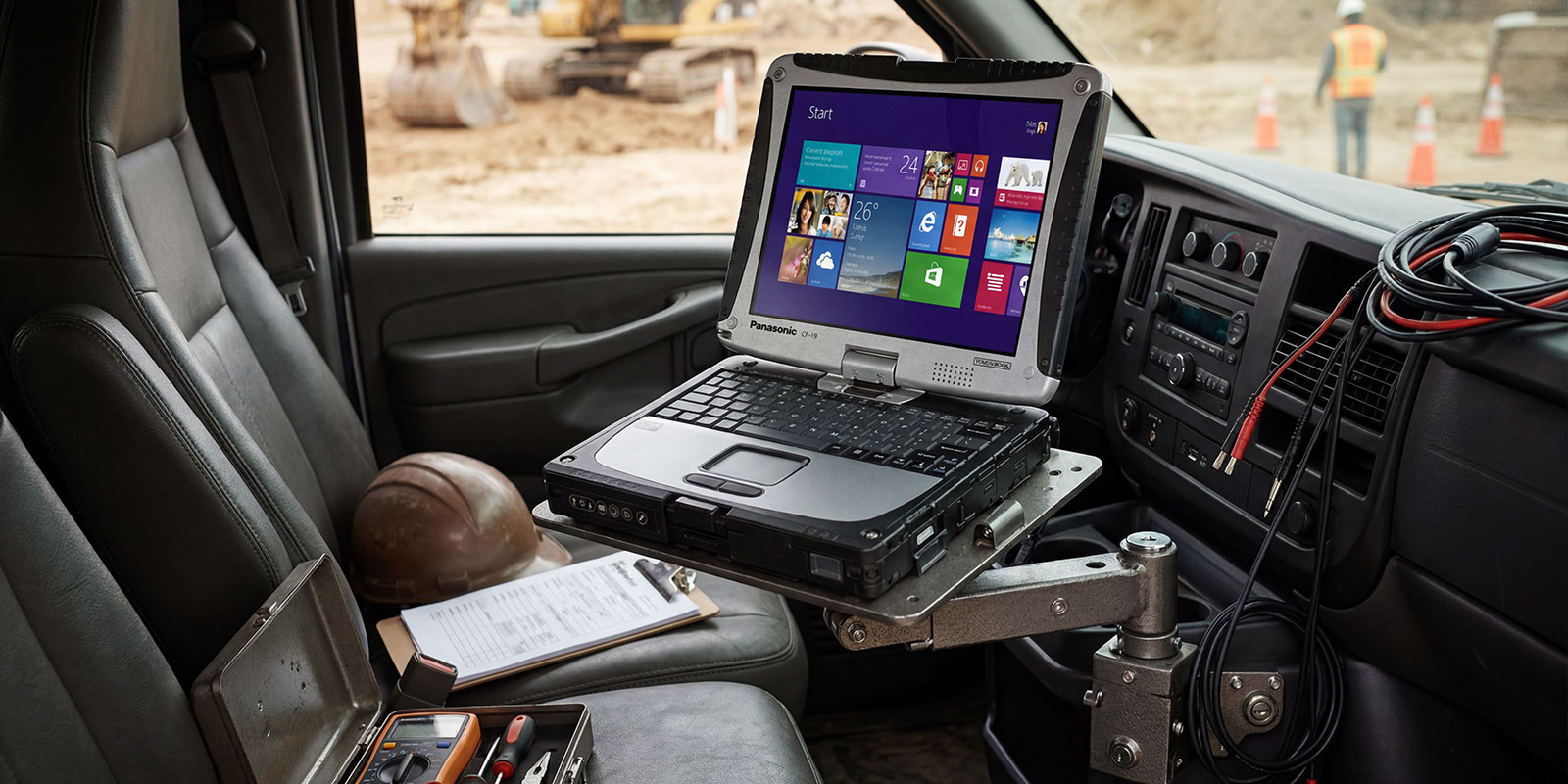
Construction companies rely on rugged devices for blueprint access, equipment monitoring, and project documentation. Public safety agencies use rugged laptops in emergency vehicles and command centers.
Utility companies deploy rugged systems to inspect infrastructure and manage service networks. Agriculture operations rely on mobile computing tools for equipment diagnostics and crop monitoring.
Maritime operations also benefit from rugged laptops that withstand moisture, vibration, and temperature extremes.
Across these industries, rugged laptops function as critical tools that support field operations, hardwar,e and enable mobile workforces to remain productive.
Frequently Asked Questions
1. What makes a laptop rugged for field service?
A rugged device uses reinforced materials, such as a magnesium alloy chassis and sealed ports, and meets certifications like MIL-STD-810H. Many include IP65 or IP66 protection against dust and water. Features such as sunlight-readable screen, solid-state storage for SSD durability, and durable input components allow the device to function reliably in demanding environments.
2. What is the difference between fully rugged, semi-rugged, and business-rugged laptops?
Fully rugged systems provide maximum protection and environmental resistance. Semi-rugged systems balance durability with portability. A business-rugged laptop offers lighter reinforcement designed for moderate conditions rather than extreme environments.
3. What specs are most important for a field service laptop?
Technicians should prioritize processor performance, sufficient memory, reliable solid-state storage, long battery life, and hot-swappable battery capabilities. Connectivity features such as Wi-Fi 6E, cellular options (4G LTE or 5G LTE), bright displays, and strong security features are also essential.
Wrapping Up
Selecting the right rugged laptop is a strategic decision for organizations that rely on mobile technicians. The ideal device must combine durability, performance, connectivity, and usability while supporting the unique demands of field environments.
Panasonic’s Toughbook series demonstrates how rugged engineering can protect devices from environmental hazards while maintaining productivity in demanding conditions. With certifications such as MIL-STD-810H, high ingress protection ratings, and features like a sunlight-readable screen and battery hot-swap, these systems are designed to keep technicians operational wherever work takes them.
Organizations investing in rugged computing should evaluate durability certifications, connectivity requirements, battery capabilities, and security features before making a decision.
If your team depends on reliable field technology, browse the rugged device solutions from Rugged Computing Inc. Their specialized hardware lineup is designed for demanding field environments and helps organizations equip technicians with dependable tools built for real-world operations.