




- Category
-
- Panasonic CF-18 (0)
- Panasonic CF-19 (2)
- Panasonic CF-20 (36)
- Panasonic CF-29 (55)
- Panasonic CF-30 (72)
- Panasonic CF-31 (106)
- Panasonic CF-33 (51)
- Panasonic CF-52 (56)
- Panasonic CF-53 (76)
- Panasonic CF-54 (57)
- Panasonic FZ-40 (6)
- Panasonic FZ-56 (0)
- Panasonic FZ-55 (20)
- Panasonic CF-74 (24)
- Panasonic CF-C2 (39)
- Panasonic FZ-G1 (156)
- Panasonic FZ-G2 (19)
- Getac Accessories (159)
- MS Win10, Win7, XP and Office (4)
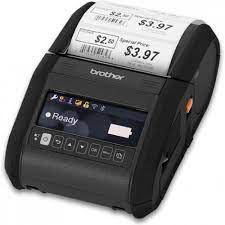
- Mobile Printers (16)
- Barcode Scanners (4)
- Absolute Computrace Software (1)
- Test (72)
- iKey Rugged Keyboards (16)
Accessories
We have an extensive inventory of Panasonic and Getac Accessories that may not be listed. If you can't locate, Please contact us @ 800-441-9165 or through the chat box below.

Please select the Model below to view Accessories
Legacy Models
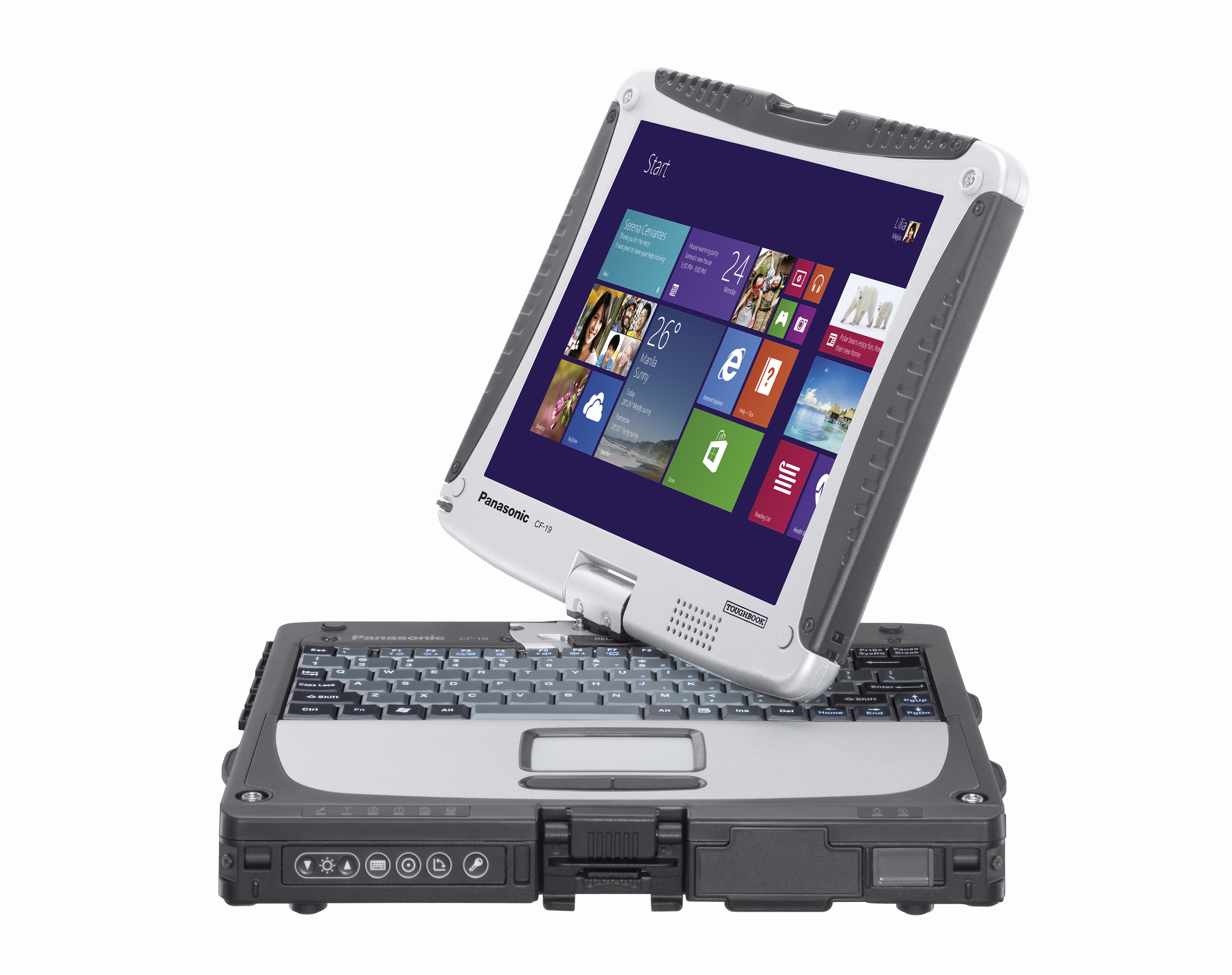
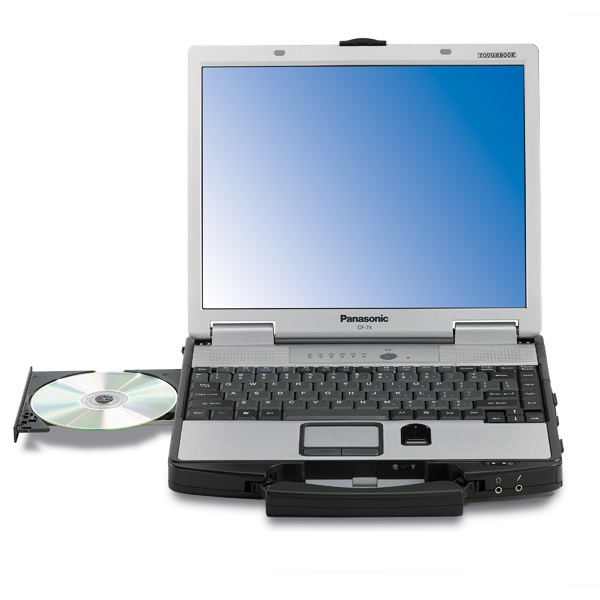
CF-19
|
CF-20 |
CF-30 |
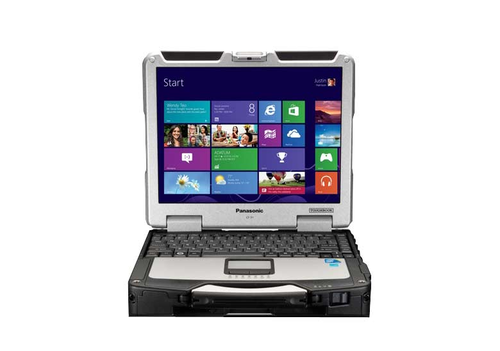
CF-31 |
CF-74
|
Legacy Models ( Continued )
CF-52 |
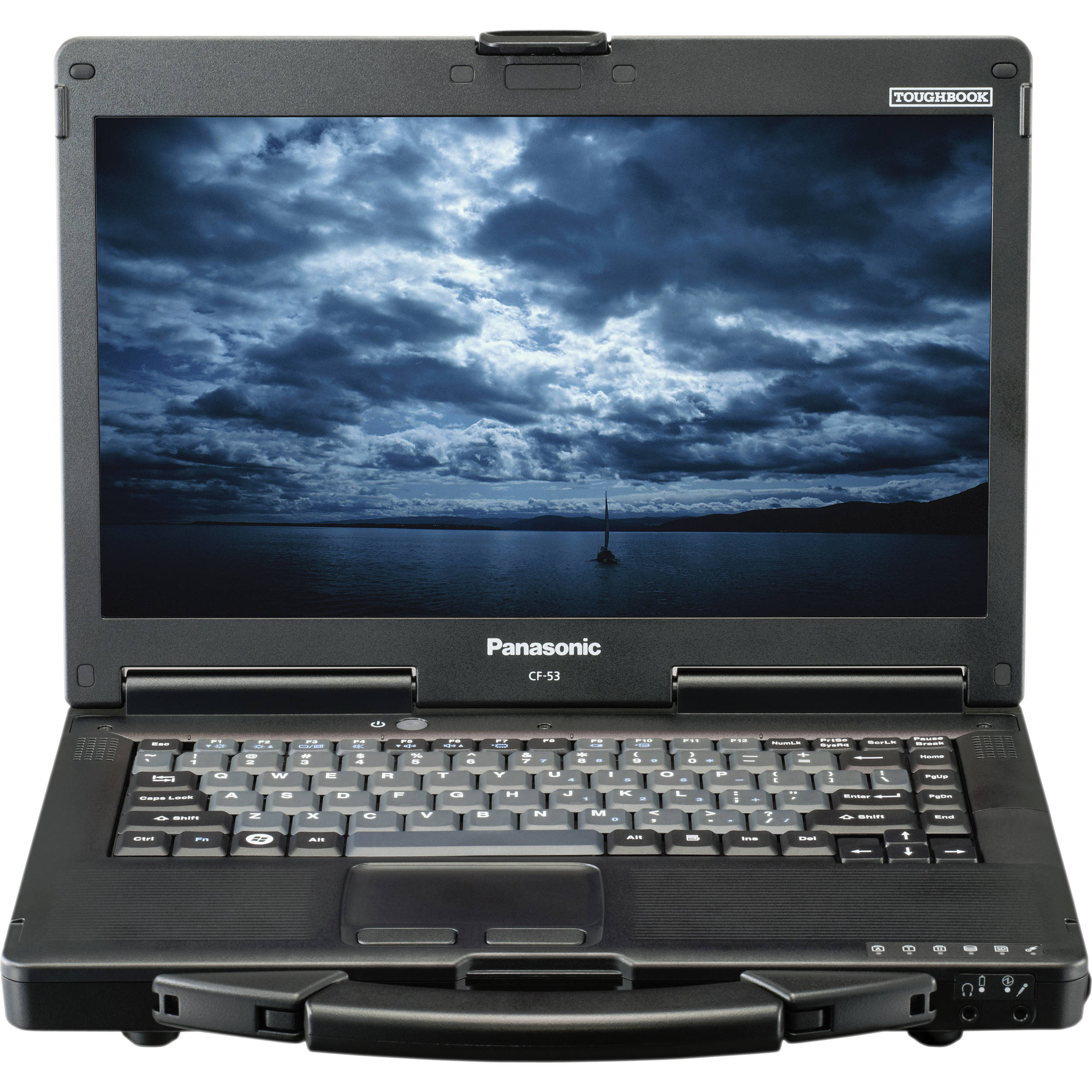
CF-53
|
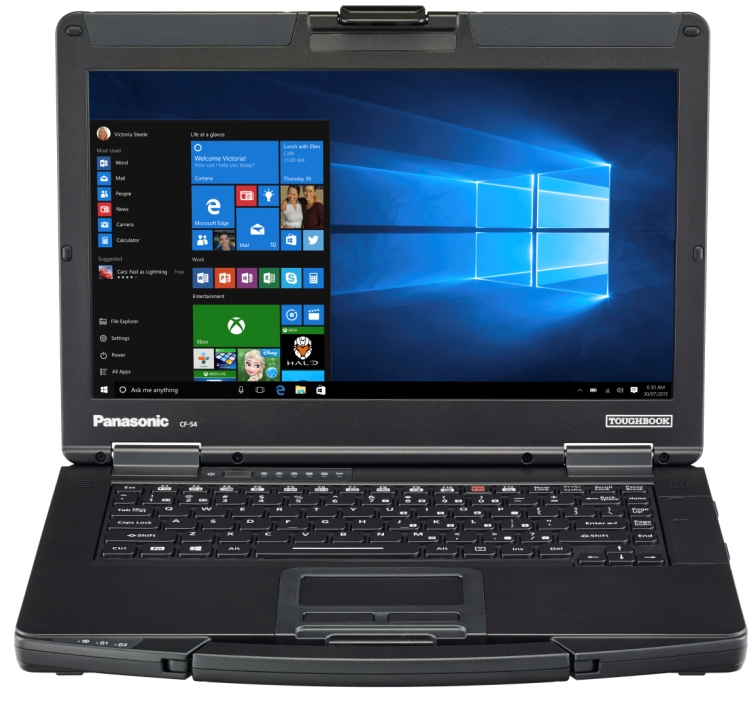
CF-54
|
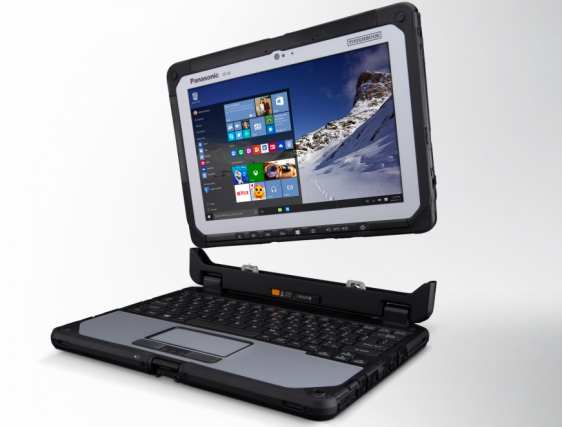
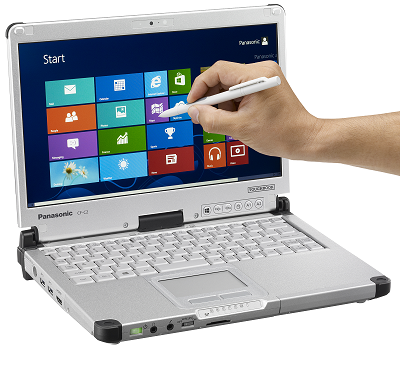
CF-C2
|
FZ-G1
|
Current Models
FZ-55
|
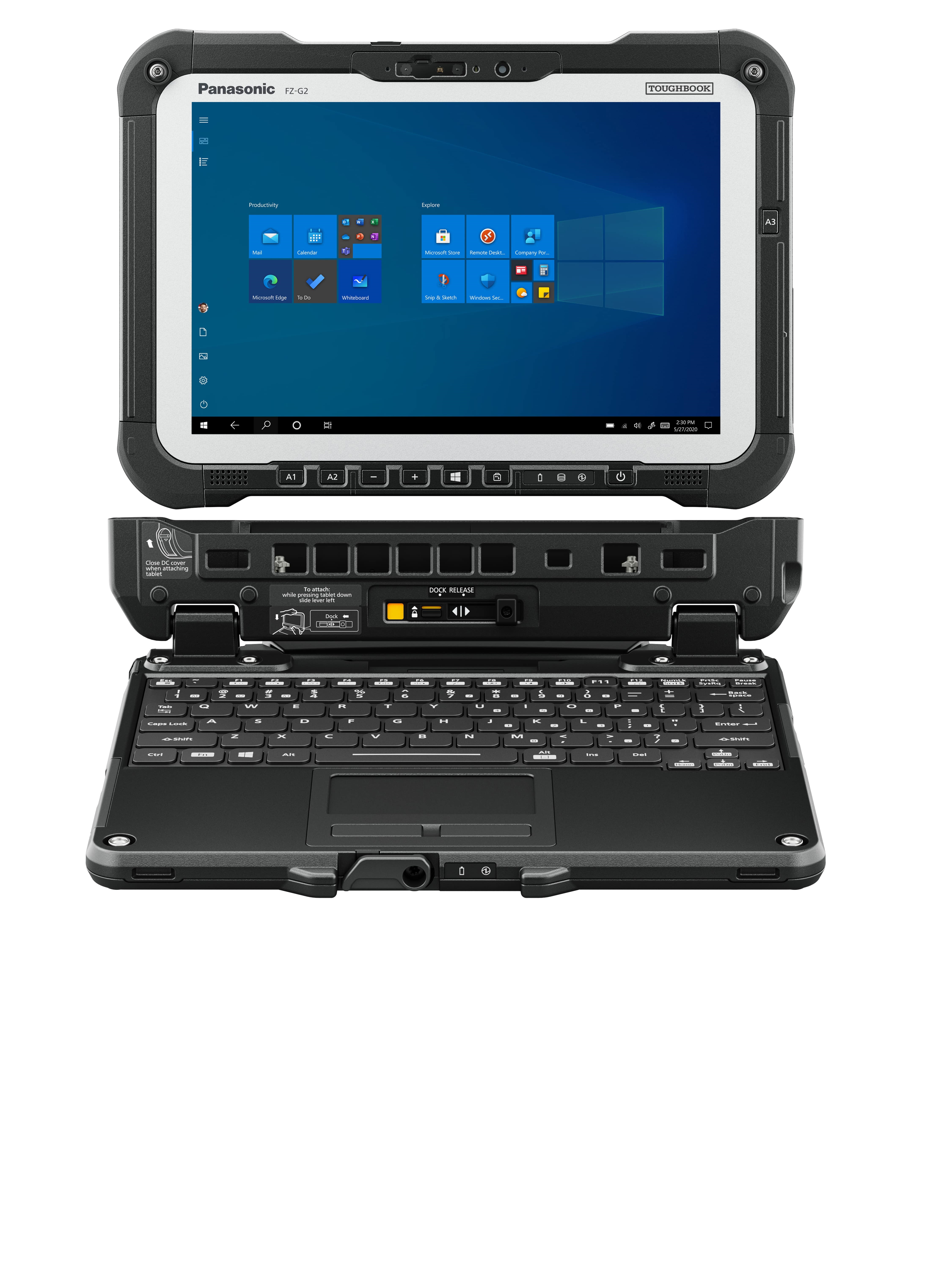
FZ-G2
|
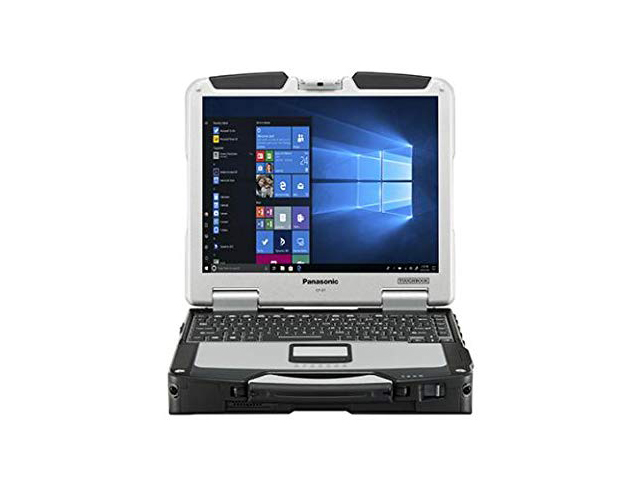
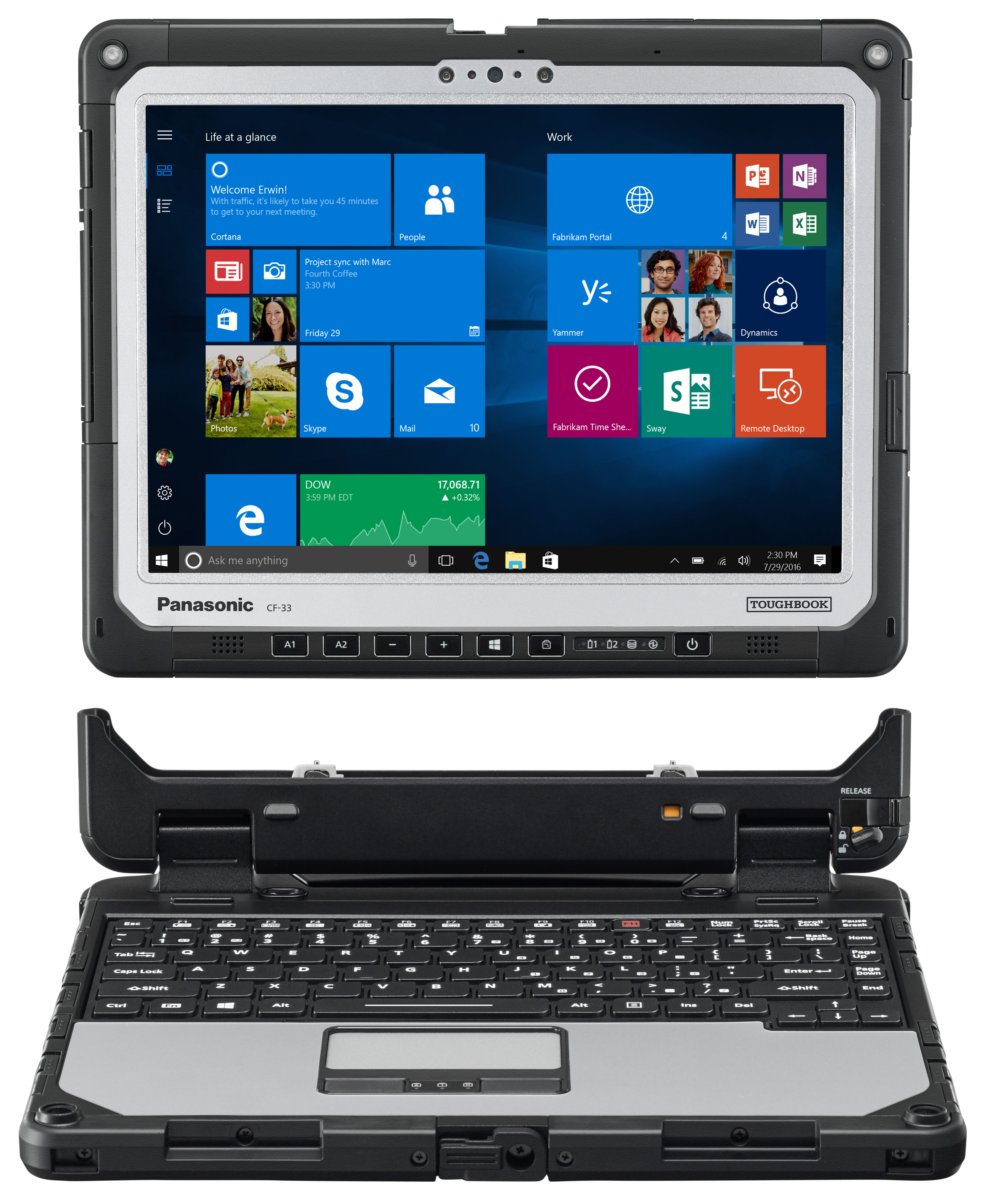
CF-33
|
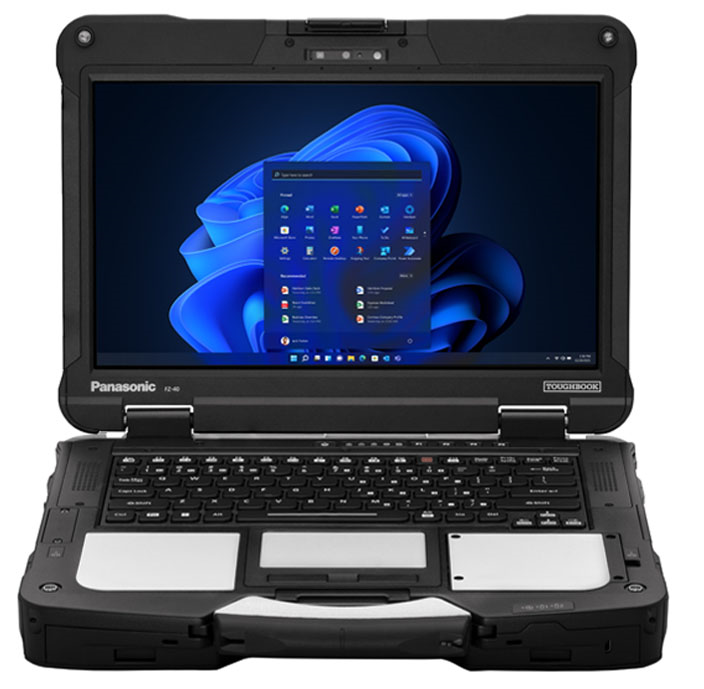
FZ-40
|
|
Other Accessories
MS Win11, Win10, Win7, XP and Office |
Mobile Printers
|
Barcode Scanners
|
Absolute Computrace Software
|
iKey Rugged Keyboards
|
Panasonic Toughbook Accessories: The Complete Field Professional's Guide
Panasonic Toughbook accessories fall into four essential categories: batteries, vehicle mounts, docking stations, and power adapters. Each extends the operational capability of the Toughbook beyond what the laptop alone can deliver — keeping it powered, secured in a vehicle, connected to peripheral systems, and operational through a full shift in the field.
This guide covers every accessory category with model-specific guidance, an OEM vs third-party battery comparison, and profession-specific recommendations for law enforcement, construction, EMS, and government fleet deployments. Browse TRL's full Toughbook accessories inventory or call 800-441-9165 for model-specific advice.
Panasonic Toughbook Accessories: Quick Reference
Use this table to identify priority accessories for your deployment before reading the detailed breakdowns below:
|
Accessory |
Priority |
What to Buy |
Best For |
|---|---|---|---|
|
Vehicle Mount |
Essential |
RAM No-Drill / Drill-Down |
All vehicle-deployed professionals |
|
Docking Station |
Recommended |
Gamber-Johnson / Havis (model-specific) |
Law enforcement, EMS, daily shift use |
|
Spare Battery (OEM) |
Essential |
Panasonic OEM — by model number |
Any deployment 6+ hours from power |
|
Long-Life Battery |
Recommended |
Panasonic OEM extended capacity |
Remote ops, extended shifts |
|
Hot-Swap Battery |
Recommended |
OEM — fully rugged models only |
Zero-downtime shift operations |
|
Vehicle Power Adapter |
Essential |
Lind 120W / OEM DC adapter |
All in-vehicle Toughbook deployments |
|
Carrying Case / Strap |
Recommended |
Panasonic OEM by model |
Field carry, healthcare, EMS |
|
Screen Protector |
Recommended |
Model-specific anti-glare film |
Construction, outdoor, utilities |
|
RAM USB Tough-Hub |
Optional |
RAM-234-HUB1U |
Multi-peripheral field setups |
|
Screen Support Arm |
Optional |
RAM-234-S2U |
Rough terrain vehicle deployments |
|
Stylus / Digitizer Pen |
Model-specific |
Panasonic OEM by model |
Touchscreen Toughbooks (CF-33, FZ-G2) |
Panasonic Toughbook Batteries: OEM, Long-Life, and Hot-Swap
Battery selection is the highest-impact accessory decision for any field Toughbook deployment. The right battery configuration determines whether your team operates continuously through a full shift — or faces downtime at the worst possible moment.
Standard vs Long-Life OEM Batteries
Every Toughbook ships with an OEM standard battery. For most fully rugged models, Panasonic also offers a long-life battery that extends runtime to 18 hours or more. The long-life battery uses the same OEM chemistry as the standard but with higher cell capacity — it fits the same bay and operates identically from the user's perspective.
For deployments where the Toughbook is connected to vehicle power during in-vehicle operation and only runs on battery when outside the vehicle, a standard battery is often sufficient. For remote deployments, extended shifts, or environments without reliable vehicle power access, specify the long-life option from the outset — retrofitting later requires an accessory order that takes the device offline.
Hot-Swap Battery — The Critical Feature for Zero-Downtime Operations
Hot-swap allows an officer, technician, or field worker to remove a depleted battery and insert a fully charged one while the Toughbook continues operating — no shutdown, no data loss, no interruption. This is not a premium feature on Toughbooks: it is standard engineering on all current fully rugged models and a fundamental reason why law enforcement, EMS, and utilities specify fully rugged devices over semi-rugged alternatives.
The Toughbook 40 takes this furthest — with a dual hot-swap battery bay supporting up to 36 hours of continuous runtime, it can operate through multiple full shifts without ever connecting to a power source. The CF-31, FZ-G2, and CF-33 all include hot-swap capability. The FZ-55's modular expansion bay provides a second battery slot as an add-on module.
Battery Specifications by Current Toughbook Model
|
Model |
Category |
OEM Battery (Panasonic Part) |
Hot-Swap |
Runtime |
|---|---|---|---|---|
|
CF-31 |
Fully Rugged |
Standard + Long-Life (CF-VZSU0BW) |
Yes |
~8 hrs standard / ~18 hrs long-life |
|
Toughbook 40 |
Fully Rugged |
Standard + Long-Life (dual bay) |
Yes |
Up to 36 hrs with dual hot-swap |
|
FZ-G2 |
Fully Rugged |
Standard (FZ-VZSU1VU) + Long-Life |
Yes |
~11–14 hrs |
|
CF-33 |
Fully Rugged |
Standard + dual-bay option |
Yes |
Up to 20 hrs with dual |
|
FZ-55 |
Semi-Rugged |
Standard (FZ-VZSU1HU) + 2nd bay |
Via modular bay |
~13–17 hrs with 2nd battery |
|
CF-54 |
Semi-Rugged |
Standard only |
No |
~8–10 hrs |
OEM vs Third-Party Toughbook Batteries: Why It Matters for Field Devices
Search for 'Panasonic Toughbook battery replacement' and you'll find dozens of results from BatteryClerk, Battery Universe, eBay, and Amazon — third-party replacement batteries at $15 to $40 versus OEM Panasonic batteries at $150 to $300. For a non-critical consumer device, the trade-off may be acceptable. For a field-deployed Toughbook in law enforcement, utilities, or emergency response, it is not.
|
Factor |
OEM Panasonic Battery |
Third-Party Replacement |
|---|---|---|
|
Price |
Higher — investment in certified quality |
Low — $15–$40 on Amazon/eBay |
|
Warranty |
1-year OEM warranty |
Typically 30–90 days, if any |
|
Device Warranty |
Preserves Toughbook warranty |
May void device warranty if damage occurs |
|
Battery Mgmt Sys |
Calibrated for OEM chemistry |
May not communicate correctly with BMS |
|
Runtime Accuracy |
Matches rated spec |
Often 60–80% of claimed capacity |
|
Hot-Swap Safety |
Tested for hot-swap voltage stability |
Untested — risk of voltage spike |
|
Cold-Start |
Rated for -20°C to -29°C per model spec |
Not rated for extreme temp operation |
|
Recommendation |
Always use OEM for field-deployed devices |
Acceptable only for non-critical office use |
The most significant risk of third-party batteries in professional deployments is warranty voiding. If a third-party battery delivers a voltage spike during hot-swap — an untested condition for non-OEM batteries — and damages the device's power management circuitry, Panasonic's warranty does not cover that damage. For a Toughbook that costs $3,000 to $7,000+, saving $100 on a battery is not a rational trade-off.
TRL stocks OEM Panasonic batteries for current Toughbook models. Call 800-441-9165 with your model number for the correct part number, or browse the accessories page.
|
Need the correct OEM battery for your Toughbook model? ToughRuggedLaptops.com stocks genuine Panasonic batteries for current and recent Toughbook models. Call 800-441-9165 with your model number — we'll confirm the right part number and check availability for same-day shipping. |
Panasonic Toughbook Vehicle Mounts
A Toughbook deployed in a fleet vehicle without a purpose-built mount is a safety hazard and a source of cumulative vibration damage. Consumer laptop stands — steering wheel trays, cup holder mounts, backseat headrest mounts — are not appropriate for professional Toughbook deployments. They are rated for 5 to 9 pounds and do not provide the vibration isolation that protects Toughbook internal components in vehicles operating over sustained rough terrain.
RAM No-Drill Mounts — The Standard
RAM No-Drill mounts attach to the existing passenger-side seat rail bolts of virtually any car, SUV, or pickup truck — no drilling, no permanent vehicle modification. The steel telescoping pole (12 to 18 inches), dual aluminum swing arms (12 inches of reach), and patented rubber ball-and-socket joints provide vibration isolation at each connection point. The RAM Tough-Tray fits all Toughbook laptop models and adjusts to the device's exact width and thickness with four rubber-grip retaining arms.
Vehicle-specific bases are available for the most common law enforcement and fleet vehicles: Ford Police Interceptor Utility, Chevy Tahoe PPV, Dodge Charger, Ford F-150/F-250, Chevy Silverado, and more. All RAM mounts carry a lifetime warranty. For the full setup guide including airbag safety, installation steps, and compatibility by Toughbook model, read our vehicle laptop mounts guide.
Drill-Down Mounts and Docking Stations
For heavy commercial vehicles — semis, fire engines, utility trucks, ambulances — drill-down mounts bolt to the vehicle floor for maximum stability under sustained vibration. For law enforcement and EMS deployments requiring daily rapid in/out, a Gamber-Johnson or Havis model-specific docking station integrates physical mounting with full port replication and vehicle charging in a single slide-in connection. Browse TRL's full vehicle mounts selection.
For a detailed comparison of mount types by use case, see the vehicle mounts guide. For the laptop and tablet comparison relevant to mounting decisions (particularly for the FZ-G2 tablet), read rugged laptop vs rugged tablet.
Power Adapters and Vehicle Power Management
Vehicle Power Adapters
Any Toughbook deployed in a vehicle should run on vehicle power during in-vehicle operation — preserving battery charge for when the professional exits the vehicle and the device must run on battery alone. The Lind 120W auto power adapter (12V/24V DC input) is the industry standard for Panasonic Toughbooks across most models. OEM Panasonic DC adapters are available for model-specific deployments where the Lind adapter is not specified.
Running on vehicle power during transit and switching to battery only on-site is the most effective way to maximize shift-length uptime without carrying additional battery packs. For vehicles without a convenient 12V outlet near the mount position, the RAM USB Tough-Hub (RAM-234-HUB1U) provides 6-port USB and Ethernet power management with ignition-triggered auto-shutoff — preventing battery drain when the vehicle is parked.
AC Power Adapters
OEM Panasonic AC power adapters are available for office and home charging of Toughbook devices. Always use OEM adapters — the Toughbook's charging circuitry is calibrated for OEM voltage and amperage profiles. Non-OEM adapters may deliver incorrect voltage, charge slowly, or fail to trigger the battery management system correctly. Genuine Panasonic power adapters are available through TRL's accessories catalog.
Carrying Cases, Shoulder Straps, and Screen Protectors
OEM Carrying Solutions by Deployment Type
Panasonic manufactures model-specific carrying cases and adjustable shoulder straps for each Toughbook line. OEM cases are designed around the exact chassis dimensions of each model — port covers remain fully accessible, ventilation is not blocked, and the device fits securely without shifting inside the case during transport.
- Law enforcement: Officers who carry their CF-31 or Toughbook 40 between the cruiser and a scene benefit from a simple shoulder strap that keeps the device close without impeding movement. Most law enforcement deployments use a docking station in the vehicle rather than a carrying case.
- Construction and utilities: Field professionals moving between a truck and a work site on foot benefit from a padded carry case with a handle for the FZ-55 or CF-54, protecting the device from edge impacts during tool-heavy site carry.
- Healthcare and EMS: OEM sanitizable shoulder straps resist disinfectant chemicals used in clinical and EMS environments — standard fabric straps degrade under repeated disinfectant exposure. Panasonic offers sanitizable strap options for the CF-33 and FZ-G2.
Screen Protectors
Despite hardened glass on fully rugged Toughbook displays, screen protectors remain a worthwhile addition for two reasons. First, abrasive field environments — sand, concrete dust, metal particulate — cause gradual scratch accumulation that degrades outdoor display clarity over months of use. Second, anti-glare coating can supplement the display's native sunlight-readability in environments with extreme reflected light. Model-specific screen protectors are a low-cost, high-value addition for construction, oil and gas, and outdoor utility deployments.
Stylus and Digitizer Pens
For Toughbook models with active digitizer screens — the CF-33 and FZ-G2 in particular — OEM Panasonic stylus pens provide precision input that resistive or capacitive touchscreens cannot match. This is especially relevant for EMS personnel entering patient data, GIS surveyors marking coordinates, and law enforcement documenting scene evidence. Replacement and spare stylus pens are available through TRL's accessories catalog.
Recommended Accessory Configurations by Profession
Law Enforcement
Standard loadout for a police Toughbook deployment: vehicle-specific RAM No-Drill base or Gamber-Johnson docking station for the patrol vehicle model, OEM long-life battery or dual hot-swap configuration, Lind 120W vehicle power adapter. Departments running multi-officer shift sharing on the same vehicle should specify a docking station for slide-in/slide-out speed. See why police departments choose Toughbooks for full context on law enforcement rugged device requirements.
Construction and Field Service
Standard loadout for construction deployments: truck-specific RAM No-Drill base, spare OEM battery, screen protector, padded carry case or handle strap for site traversal. The FZ-55 with a modular second battery is the most practical semi-rugged option for field service professionals — the second battery eliminates mid-shift charging dependency without requiring a docking station setup.
Military and Government
Standard loadout for military and government deployments: Toughbook 40 or FZ-G2 with dual hot-swap battery configuration, OEM long-life batteries, TAA-compliant accessories. Forward operating deployments without reliable power require dual batteries as a baseline. Confirm TAA compliance on all accessories before federal procurement — call 800-441-9165.
EMS and Fire
Standard loadout for EMS and fire apparatus: Gamber-Johnson or RAM docking station for quick-release cradle deployment, hot-swap battery (FZ-G2 or CF-33 preferred for quick-detach capability), OEM sanitizable shoulder strap for patient-side carry, Lind vehicle power adapter. The FZ-G2 tablet with a RAM Tab-Lock cradle allows the device to be undocked and carried to a patient in one motion and returned to vehicle charging just as quickly.
|
Configuring a complete Toughbook deployment for your fleet or department? TRL works with B2B and B2G procurement teams to specify the right device, mount, docking station, and battery configuration. Volume pricing available on accessories. Call 800-441-9165 or browse toughruggedlaptops.com/accessories.html. |
Buying Toughbook Accessories: What to Know Before You Order
Always Specify Model and Mark Generation
Toughbook accessories are model-specific. A battery for the FZ-55 MK1 uses a different part number than an FZ-55 MK3 battery. A docking station for the CF-33 MK1 is not compatible with the CF-33 MK2. Before ordering any Toughbook accessory, have your model number and generation (MK1, MK2, MK3) ready. The model and mark generation are printed on the underside label of every Toughbook. TRL's team at 800-441-9165 can confirm the correct part number for any current or recent Toughbook model.
Panasonic Warranty Basics
New Toughbooks purchased from authorized dealers carry a three-year manufacturer warranty. OEM batteries carry a one-year warranty. RAM Mounts carry a lifetime warranty. Gamber-Johnson and Havis docking stations carry a one-to-two year manufacturer warranty. Using non-OEM accessories does not automatically void the device warranty, but if a non-OEM accessory causes device damage, that damage is not covered. The practical implication: always use OEM batteries and power adapters, and certified mount solutions from RAM, Gamber-Johnson, or Havis.
New vs Certified Refurbished Accessories
For organizations managing budget-constrained Toughbook fleets, certified refurbished Toughbooks are a well-established procurement option. The same logic applies to some accessories — refurbished docking stations can represent significant savings for large fleet deployments. For batteries, TRL recommends new OEM only — battery cell capacity degrades with charge cycles, and the runtime difference between a new and used battery is significant in field conditions. Browse TRL's refurbished Toughbook inventory alongside new rugged laptops to find the right fit for your organization's budget and deployment requirements.
Summary
The Panasonic Toughbook accessories ecosystem — OEM batteries, RAM vehicle mounts, Gamber-Johnson docking stations, vehicle power adapters, and carrying solutions — is what converts a rugged laptop into a complete field deployment. Each accessory category addresses a specific operational gap: batteries extend shift coverage, vehicle mounts ensure safe and accessible positioning, docking stations reduce per-shift setup time, and power adapters eliminate battery dependency during in-vehicle operation.
The most common mistake in Toughbook procurement is treating accessories as an afterthought. For a device that costs $3,000 to $7,000 and is expected to operate reliably for five or more years in harsh conditions, the accessory configuration is as important as the device selection itself. Always specify OEM Panasonic batteries and certified mount solutions — and confirm model generation compatibility before ordering.
ToughRuggedLaptops.com has specialized in Panasonic Toughbook devices and accessories since 1999. Browse the complete accessories catalog, explore vehicle mounts, or call 800-441-9165 for a complete deployment recommendation. For the device side of the decision, start with our rugged laptop buying guide or compare the semi-rugged vs fully rugged options.
|
ToughRuggedLaptops.com — Toughbook and Accessories Specialists Since 1999 Same-day shipping on in-stock items. Lifetime technical support included. Certified refurbished Toughbooks with full warranty. Call 800-441-9165 or browse toughruggedlaptops.com/accessories.html. |
Frequently Asked Questions
1. What accessories do I need for a Panasonic Toughbook?
The essential Panasonic Toughbook accessories for field deployment are an OEM battery (standard or long-life), a vehicle power adapter, and a RAM No-Drill vehicle mount. For law enforcement and EMS with daily vehicle use, a model-specific Gamber-Johnson or Havis docking station is strongly recommended. All accessories should be OEM or certified compatible. Browse TRL's accessories inventory or call 800-441-9165 for model-specific guidance.
2. Can I use a third-party replacement battery in my Panasonic Toughbook?
Third-party Toughbook batteries are not recommended for professional field deployments. OEM Panasonic batteries are calibrated for the Toughbook battery management system, rated for extreme temperature operation, and tested for hot-swap voltage stability. Third-party batteries typically deliver 60 to 80 percent of their stated capacity and can void the device warranty if they cause damage. For office-only non-critical use the risk is low — for field-deployed rugged devices, always use OEM Panasonic batteries.
3. Which Panasonic Toughbook models support hot-swap batteries?
Hot-swap is available on all current fully rugged models: CF-31, Toughbook 40, FZ-G2, and CF-33. The FZ-55 supports a second battery via its modular expansion bay. The CF-54 does not support hot-swap.
4. What is the difference between a Toughbook vehicle mount and a docking station?
A vehicle mount holds the Toughbook physically using a tray and arm system — power and peripherals connect separately. A docking station slides the Toughbook into a model-specific cradle that simultaneously mounts and connects the device — providing full port replication, integrated vehicle charging, and antenna pass-throughs in one motion. Docking stations from Gamber-Johnson and Havis are preferred for high-frequency daily use in patrol cars, ambulances, and fleet vehicles.
5. How long does a Panasonic Toughbook battery last?
Runtime by model: CF-31 — 8 hrs standard, 18 hrs long-life; Toughbook 40 — up to 36 hrs dual hot-swap; FZ-G2 — 11 to 14 hrs; FZ-55 — 13 to 17 hrs with second battery module; CF-54 — 8 to 10 hrs. Always use OEM Panasonic batteries — third-party batteries typically deliver 60 to 80 percent of stated capacity.
6. Where can I buy genuine Panasonic Toughbook accessories?
ToughRuggedLaptops.com carries genuine Panasonic Toughbook accessories including OEM batteries, power adapters, carrying solutions, and RAM vehicle mounts. As a Panasonic Toughbook specialist since 1999, TRL can confirm the correct part number for your specific model and generation. Browse toughruggedlaptops.com/accessories.html or call 800-441-9165.
Browse By
Shopping Options